

Videos And Articles

Why I Do NOT Always Use AI Masking Tools
While AI mask technology has its benefits, there are certain instances where other masking tools are faster and give you more control.

Create An Impressionist Look In ON1 Effects
Creating an impressionist look using the filters in ON1 Effects is easy and fun. Use these 3 filters to build your look.

The Mask Control You’re Overlooking In ON1 Effects
Are you using the global filter mask in ON1 Effects? I’ll explain why should know about this control and when best to use it.

Quickly Select Objects With The ON1 Refine Brush
Is SuperSelect AI struggling to find the element you want to mask? Try the Refine Brush and use its encircle mode to select objects.

Compare Different Looks Using Snapshots In ON1 Photo RAW
Snapshots store and save your editing adjustments at a given point-in-time. A great use for Snapshots is to compare different looks while you are editing your photo.

Use LUTs For Black & White Conversions
With just a click, LUTs can transform your photo into a powerful black & white. Don’t overlook LUTs with your monochrome conversions.

Get ON1 Effects FREE In January 2024
Claim your license for ON1 Effects 2023.5 from now through January 31st, 2024.

ON1 Photo RAW Brilliance AI vs. Tone & Color
Understanding how Brilliance AI affects the Tone & Color pane in Develop will help you use Brilliance AI to its fullest potential.

Where Did AI Auto Go??
Don’t panic! The AI Auto method to set tone & color is still part of Photo RAW 2024. It has moved and is one of the options within Brilliance AI.

Make A Landscape Composite With Layers And Masks
Some landscape and travel scenes are dynamic. Capture several images on location and blend them into a composite with layers.
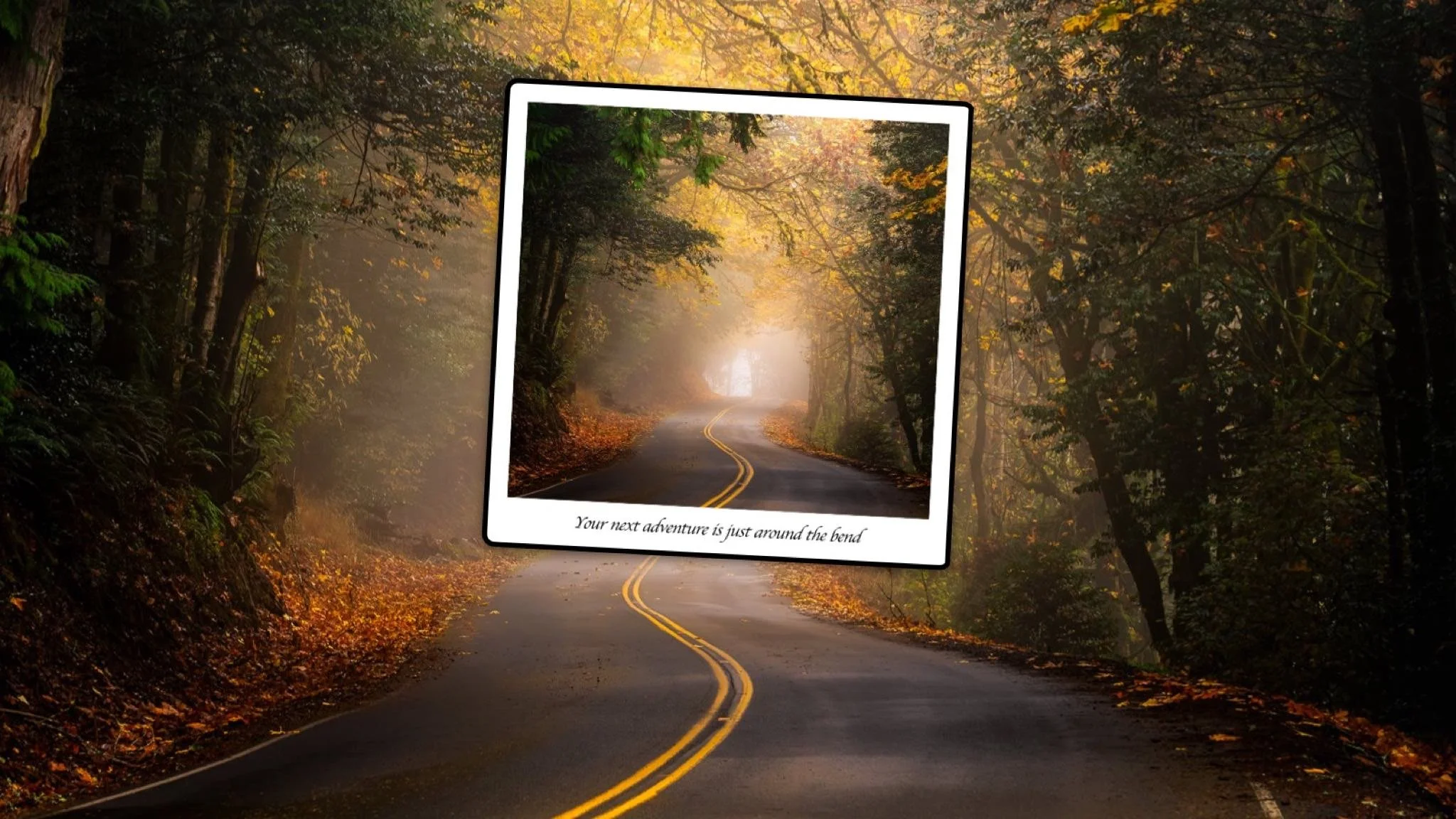
Frame Your Image Like A Polaroid In ON1 Photo RAW
Photo RAW has a lot of features and when you combine them, you have unlimited creative power.

How To Add Text To Your Photos In ON1 Photo RAW
Need a text overlay for your photo? ON1 Photo RAW has you covered. Text Layers make that easy.