There is a simple trick to getting more depth from your landscape photos - view the image in black and white, and then start your basic edits.
Read More
There is a simple trick to getting more depth from your landscape photos - view the image in black and white, and then start your basic edits.
Read MoreDodging and burning is a classic, tried and true editing technique. And you can do it FAST in Lightroom.
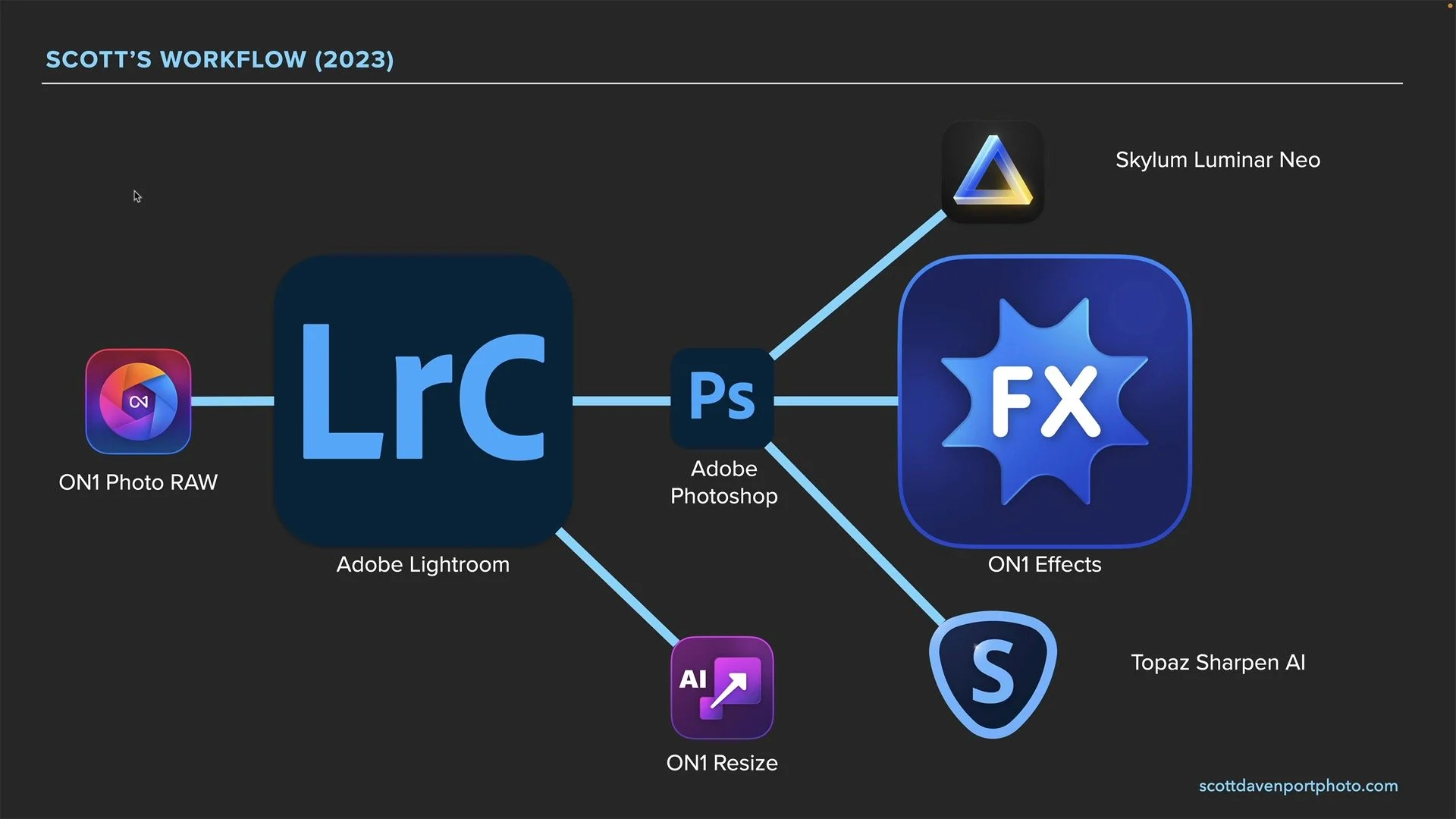
Read MorePhotography is ultimately about the photos. The software used to make them are our tools. I am often what photo software I use. To answer that… I need to give you a brief history of my photo software journey.
Read MoreJoin me for the final segment of The Do-Over Project. What could older photos be if re-processed today? The tools are newer, and I’m a more seasoned photographer. Watch and see.
Read MoreWhat could older photos be if re-processed today? The tools are newer, and I’m a more seasoned photographer. That’s what The Do-Over Project is all about.
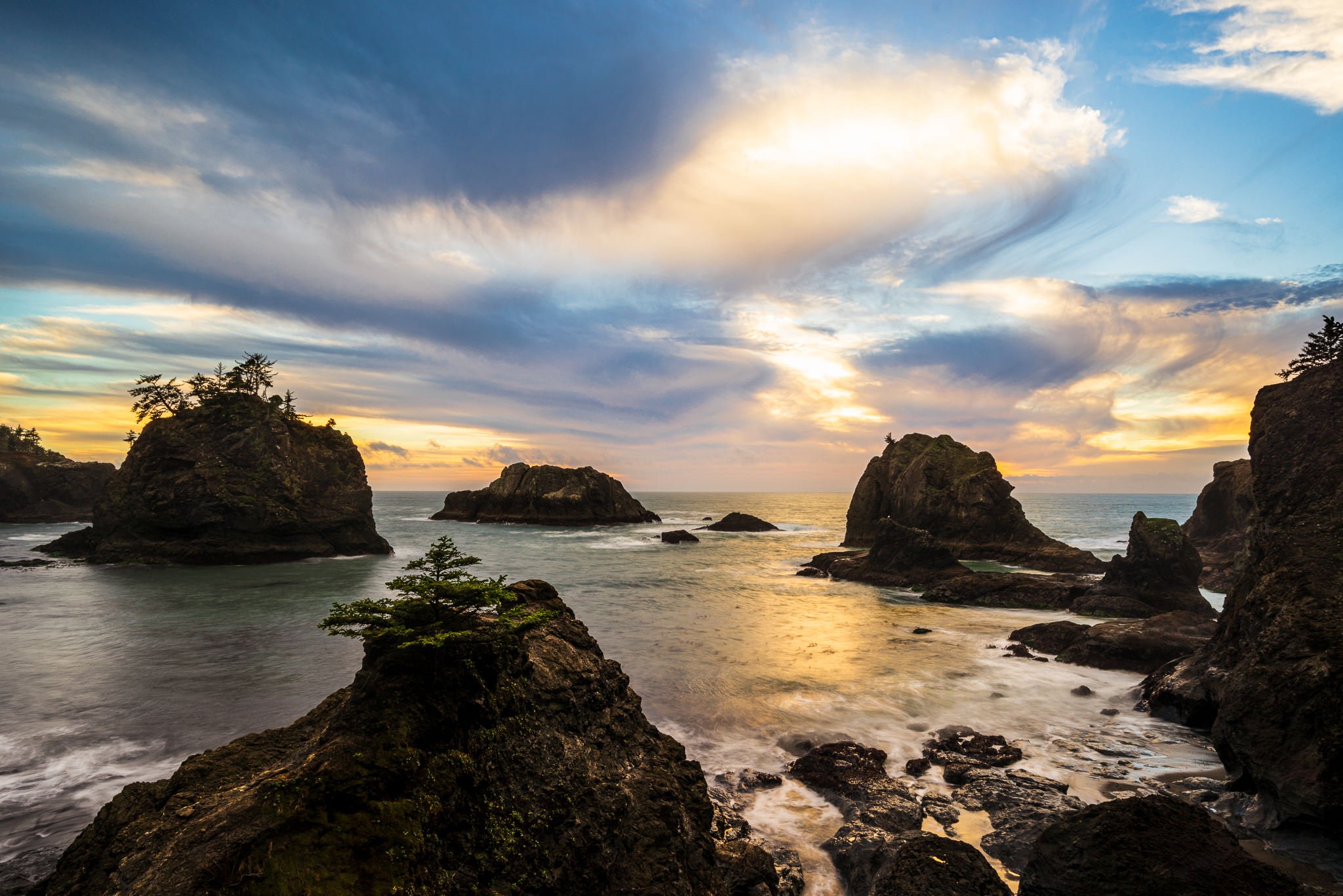
Read MoreSisters Rock, Oregon is the subject for this segment of The Do-Over Project. What could older photos be if re-processed today? Both with newer tools and as a more seasoned photographer and visual storyteller? That’s what The Do-Over Project is all about.
Read MoreWhat would my older photos look like if re-processed with fresh eyes? With newer tools? As a more seasoned photographer and visual storyteller? That’s what The Do-Over Project is all about.
Read MoreI’m a visual person (most photographers are!) and when I use the Color Grading tool in Lightroom, I crank the Saturation to 100 to start. It’s not as crazy as it sounds.
Read MoreLightroom has the HSL panel and has color range masks. When should you use HSL and when do you reach for a color range mask?
Read MoreAdjust color like a pro in Lightroom. Use Color Range masks and have complete control over hue, saturation, and luminance. Adjust only the colors you want where you want.
Read MoreAdobe finally added Curves to the set of adjustments available with masks. And it’s great. I’ll show you a magic recipe to add a finishing pop to your photos - with a single click.
Read MoreAs powerful as AI masking tools are, you the photographer still need to bring your smarts to your editing to shape light and depth in a natural way.
Read More