

Videos And Articles

Embracing High Contrast - In Post #514
Landscape photography and mid-day don’t typically mix. The light is harsh. But when you’re at a location and won’t be returning anytime soon … you take the photos anyway.

All About The Crop - In Post #512
The humble crop tool continues to pack a punch for improving the story of a photo. And it reminds us to look deeper in our images.

A Punchy, Desaturated Look With ON1 Effects - In Post #510
Create a punchy, muted look for your photos with just two filters in ON1 Effects.

I Break My Glow Look Rule - In Post #508
I have this “rule” I follow when I apply glow looks to my landscape photos. I just broke it.

Using Contrast To Create Depth In Your Black & White Photos - In Post #506
Make compelling black and white landscape photos with effective use of contrast.

Live Edit! Unscripted & Uncut - In Post #504
In my Live Edit videos, I share my entire start-to-finish workflow using a photo that I’ve never worked on before.

A Happy Mistake In Processing - In Post #502
It’s true that making mistakes is how we learn things. A misclick in Lightroom led to good fortune.
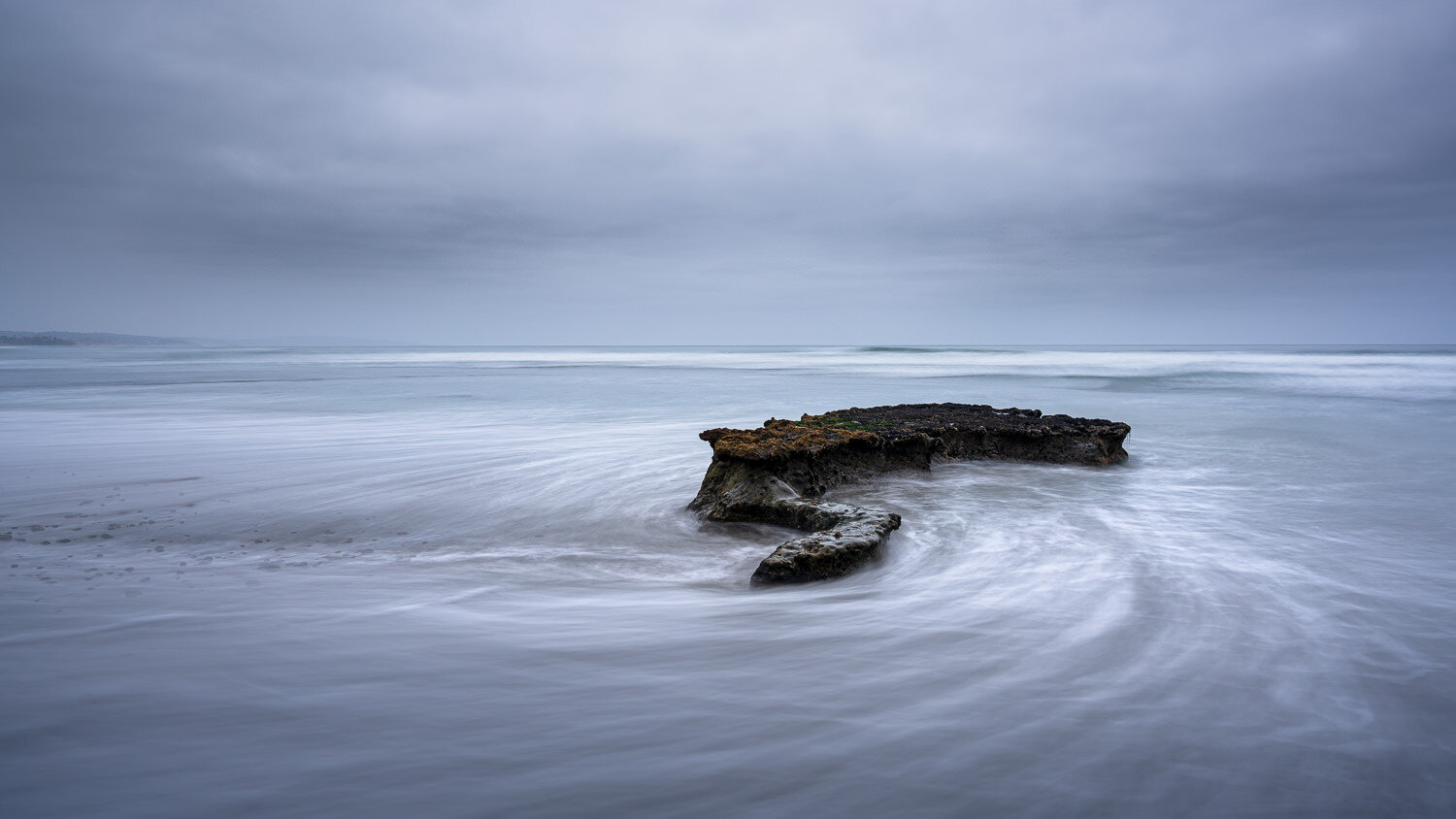
Subtle Saturation - In Post #500
I think the small, subtle adjustments made to images are very important - equally if not more important than the basic development.

Retouching And Dealing With Repeating Pattern Artifacts - In Post #498
Removing distracting objects from a photo can leave behind artifacts or repeating patterns. There are a few techniques I use to clean those up.

Live Edit! Unscripted & Uncut - In Post #496
Join me for an unscripted start-to-finish edit of a image from my library I’ve never worked on before.

Dodging and Burning With Luminosity Masks - In Post #494
Dodging & burning are tried and true techniques to finish an image. Pair them with luminosity masks and you’ve got a powerful set of tools to shape your images.

Quick & Easy Seascape Composites - In Post #492
Create seascape composites quickly and easily using layers and the Lighten blending mode.