
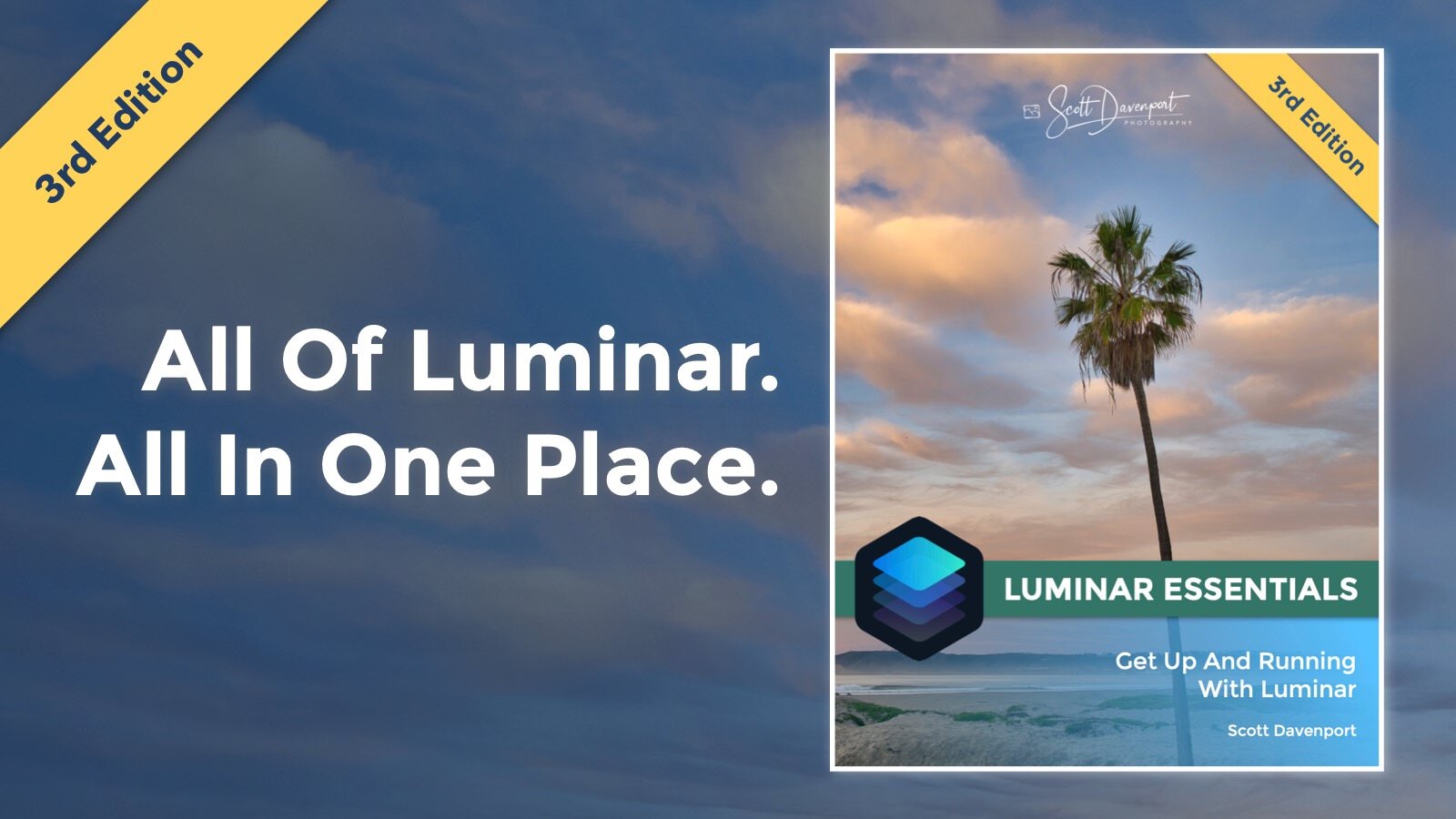
Luminar Essentials enters its 3rd Edition. Updated for Luminar 4, this well-illustrated, no-nonsense book explains everything you need to get up and running with Luminar. It is the most comprehensive book on Luminar. Among the topics covered:
Creating and organizing your photo library and catalog
Tagging your photos with ratings, flags, and color labels
Using Luminar Looks for one-click photo styling
Fast editing with Luminar’s AI-powered tools
Advanced editing using the 30+ tools and filters in Luminar
Masking, blending, and layered workflows
Exporting and sharing your photos
The book is available as both a digital eBook and a print book. Get all the details here.


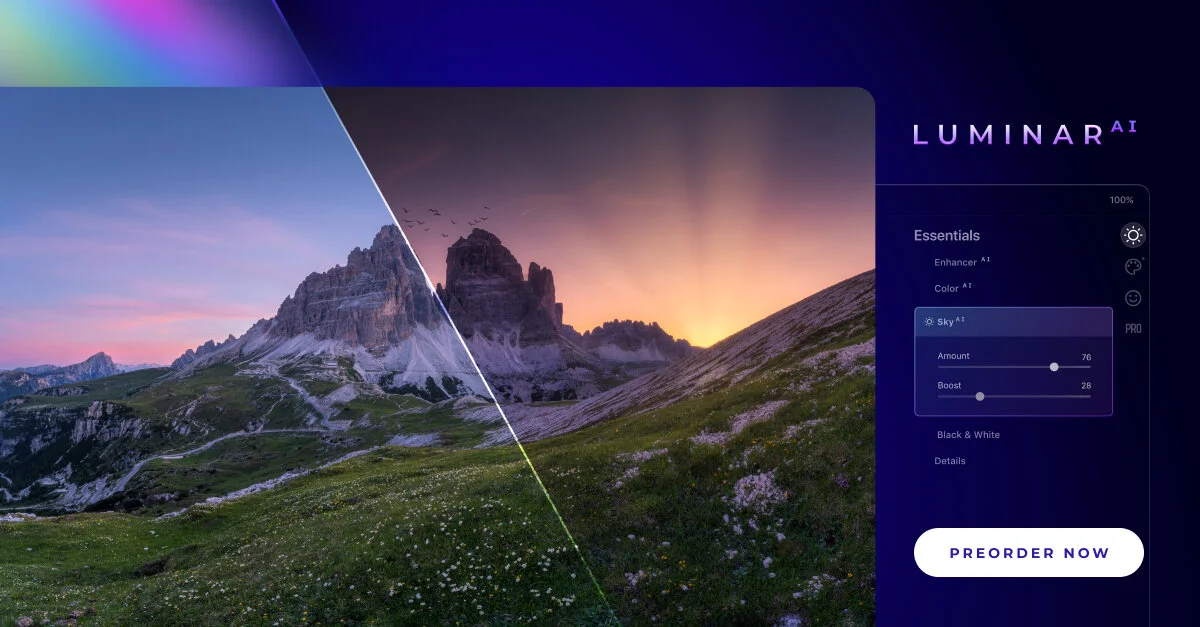
Skylum announced Luminar AI yesterday. What is this new tool? I’ve got some details and thoughts for you.

There is a quirky thing with Single Image Edits in Luminar. Once you’ve opened an image for a single edit, you can’t open it a second time for a separate session.




The Smart Contrast slider in Luminar is too-often overlooked. You should be using this in your workflow.

If you’re not diving into the Advanced Settings area of the Vignette tool you are missing out.

The Local Masking tools in Luminar AI are for finishing touches to your photos.