

A photograph is a two dimensional object representing a three dimensional world. A sense and feeling of depth in our photos makes them stronger. Sometimes we create depth with our choice of aperture. We might use light and shadow to have “layers” in our scene. Sometimes we can use our post processing tools to help things along. Join me In Post for a chat about using our digital tools to add depth to our photos.
Check out the corresponding In The Field video.
Become an Insider! Subscribe to my mailing list using the button on my main blog page. Get immediate access to exclusive content, be the first to know about new workshops and products, and get discount codes throughout the year.
Don't miss a video! Subscribe to my YouTube channel. Got a photography question? Ask me!

Can’t capture at golden hour? Use Lightroom’s Calibration tool or ON1 Photo RAW’s Channel Mixer to boost vibrance in your mid-day landscape images.


Stuck with harsh, unflattering mid day light? There are some steps you can take in post-processing to draw out color and depth.

Even when the preview on your camera or the unprocessed RAW looks terrible, don’t dismiss the image!
Watch over my shoulder as I work on a new image. In my Live Edit videos, I share my entire start-to-finish workflow using a photo that I’ve never worked on before.

I have a little recipe I’ve used for years with Curves to add a twilight color to my sunset and sunrise photos. It’s simple to do and targeting just the sky in a photo has never been easier.

Many of the photos I captured in Bryce Canyon needed color tweaks and corrections. I put Lightroom’s new Color Mixer through its paces to fix color issues.

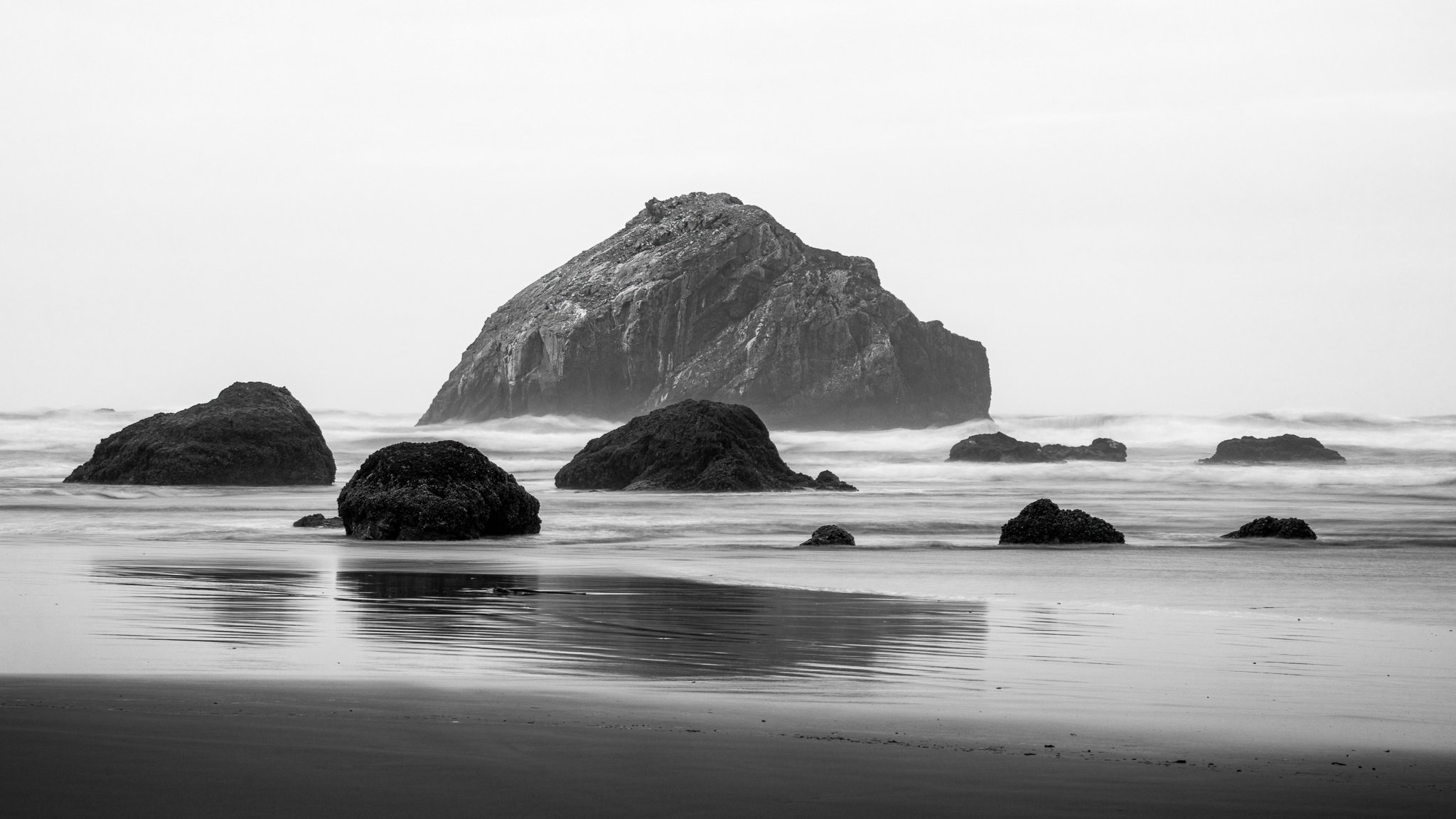
Sometimes the ocean doesn’t cooperate with photographers. In one shot, the waves on the left look great. In another, it’s the right side that looks great. The solution? Composite! I’ll share my approach.

In my Live Edit videos, I process an image I’ve never worked on from start to finish, sharing my thought process and reasons behind choices along the way.

Supercharge your dodging and burning by intersecting a luminance range mask with a brush. Get professional-grade results with minimal effort.