
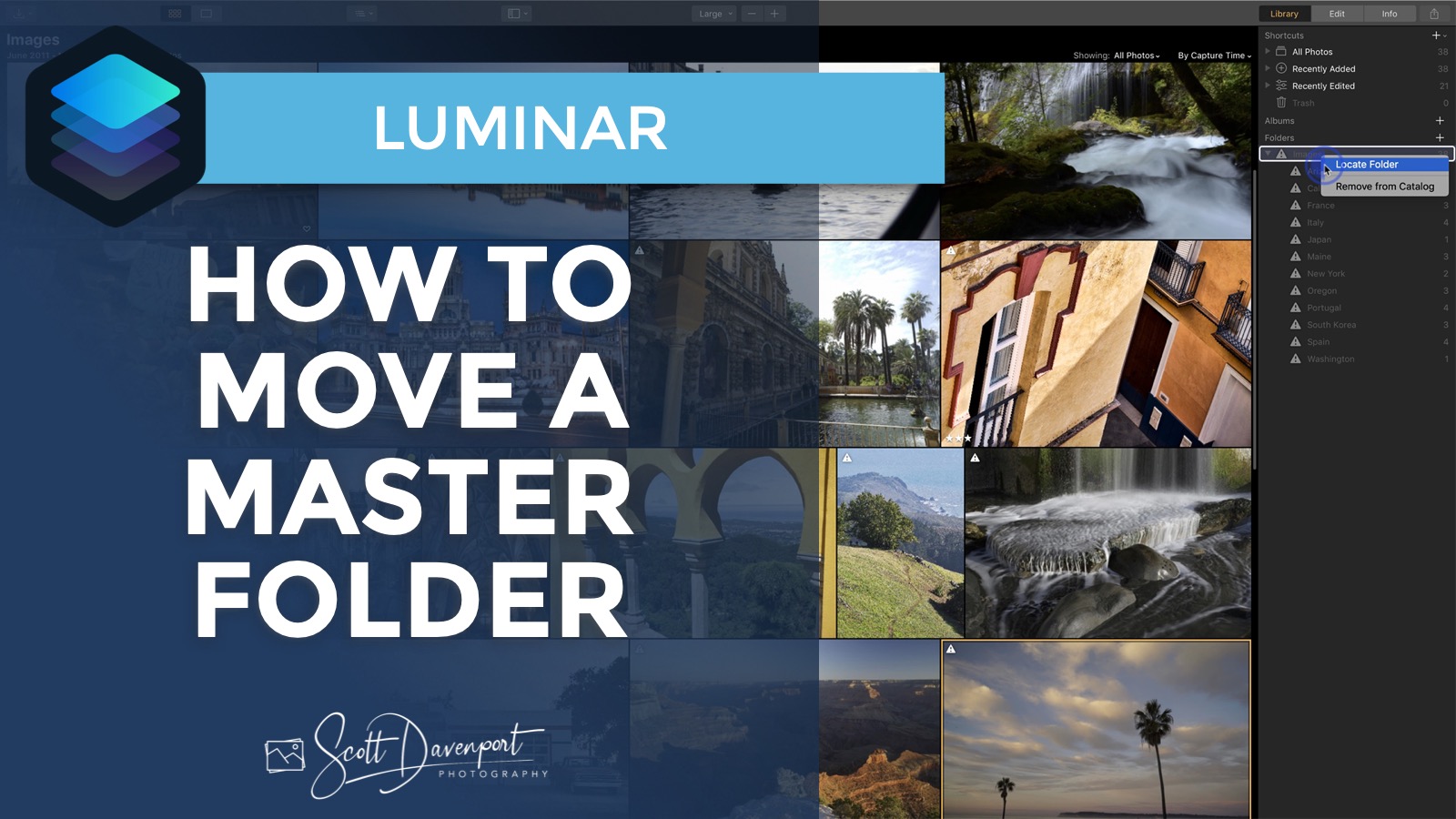
You may outgrow your hard disk as your photo library grows. Or maybe you’re upgrading a computer and need to move your photos to a new machine. Keep your Luminar catalog intact with the Locate Folder feature. In this video, I’ll show you how you can move your Master Folders and reconnect your Luminar catalog to them.
The Locate Folder feature is introduced in Luminar 3.0.2.

Ever want to edit a photo in Luminar but not have to add it your catalog? Single Image Edit is made just for this specific workflow.

I have gotten many questions about Photo RAW and Luminar. Which one should I use? Which one is “better”? I have some food for thought to help you make a choice that’s right for you.

Skylum released Luminar 4 today, upping the ante for AI-powered photo editing. The interface got an overhaul as well.


One click in Lightroom completely changed my thinking for this photo. From there, I had fun exploring and experimenting with color.

Skylum announced another Luminar 4 AI feature - AI Structure. They shared an early build of Luminar with the AI Structure filter with me, so let’s check it out!

I’ve been thinking more about the AI Sky Replacement coming in Luminar 4. Time to share a few thoughts.

Skylum announced the upcoming release of Luminar 4 today. The big, new feature - AI Sky Replacement. And it’s much more than auto-masking.

Got 3 minutes? I have 2 tips about the Sunrays filter in Luminar and Luminar Flex for you.

It’s not about which photo editor you use—it’s about how well you know its masking tools. Learn how to select exactly what you want, no matter the software.