
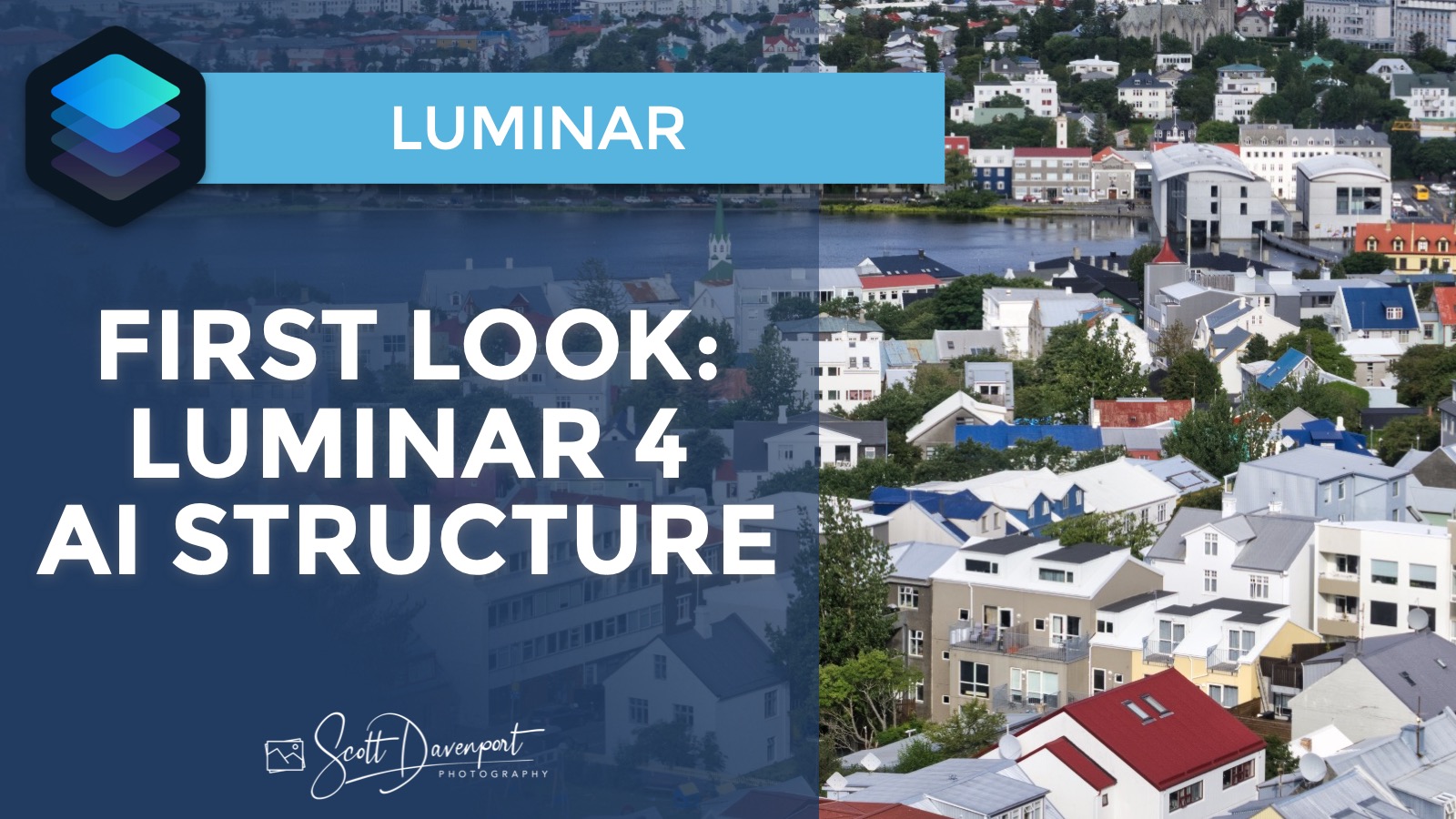
The AI Structure filter coming in Luminar 4 intelligently enhances details in your photo. How well does it work? Quite nicely. Check out the video.
What’s going on under the hood? AI Structure in Luminar 4 automatically identifies objects like faces skin, skies, and buildings, improving them intelligently, instead of globally enhancing structure throughout the photograph. It adds detail and clarify to areas that otherwise wouldn’t have much, boosting the structure and making for a much more pleasing image. What this means is photographers no longer have to mask or brush out the effect in areas that traditionally got treated too strongly.
In the example below, notice how AI Structure cleanly enhances the trees among the buildings and the edges of the buildings themselves. The sky and water areas are more subtly treated. Contrast that against the traditional Structure filter - the sky and ocean in the background get a bit “crunchy” because the traditional filter is applied globally.
Subscribe & share!




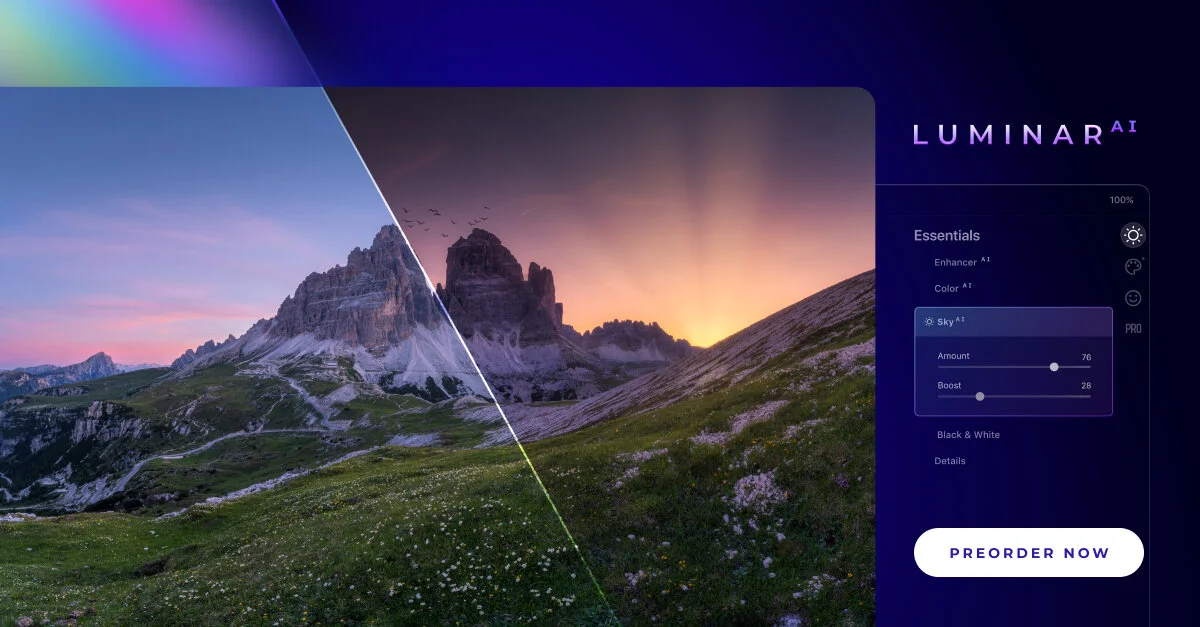




The Local Masking tools in Luminar AI are for finishing touches to your photos.