
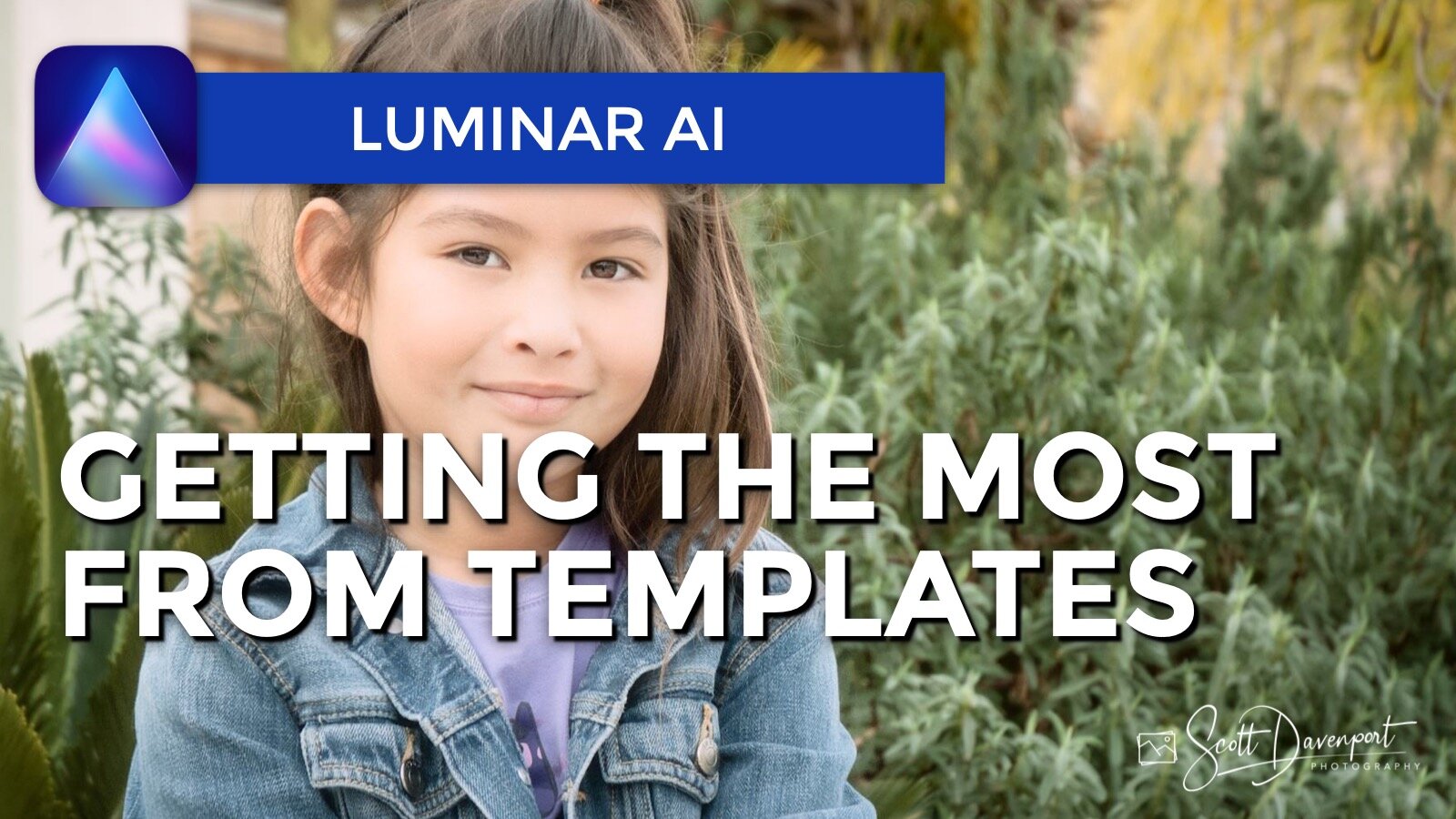
Templates in Luminar AI jumpstart your processing. The more a template leverages the AI tools, the more intelligent and versatile it becomes. Most templates leverage the AI tools and apply a level of color correction or color grading. Choose a template that gets your photo most of the way there, and finish it up with your own signature look in the Edit module.
Note: The video shows pre-release software. My friends at Skylum kindly shared a pre-release version of Luminar AI with me … so I can share some first looks and thoughts with you! The look and feel may change in the final release.
Subscribe and share!


Add a two-toned look to your images with the Toning Tool. It’s a great finishing touch for many photos.
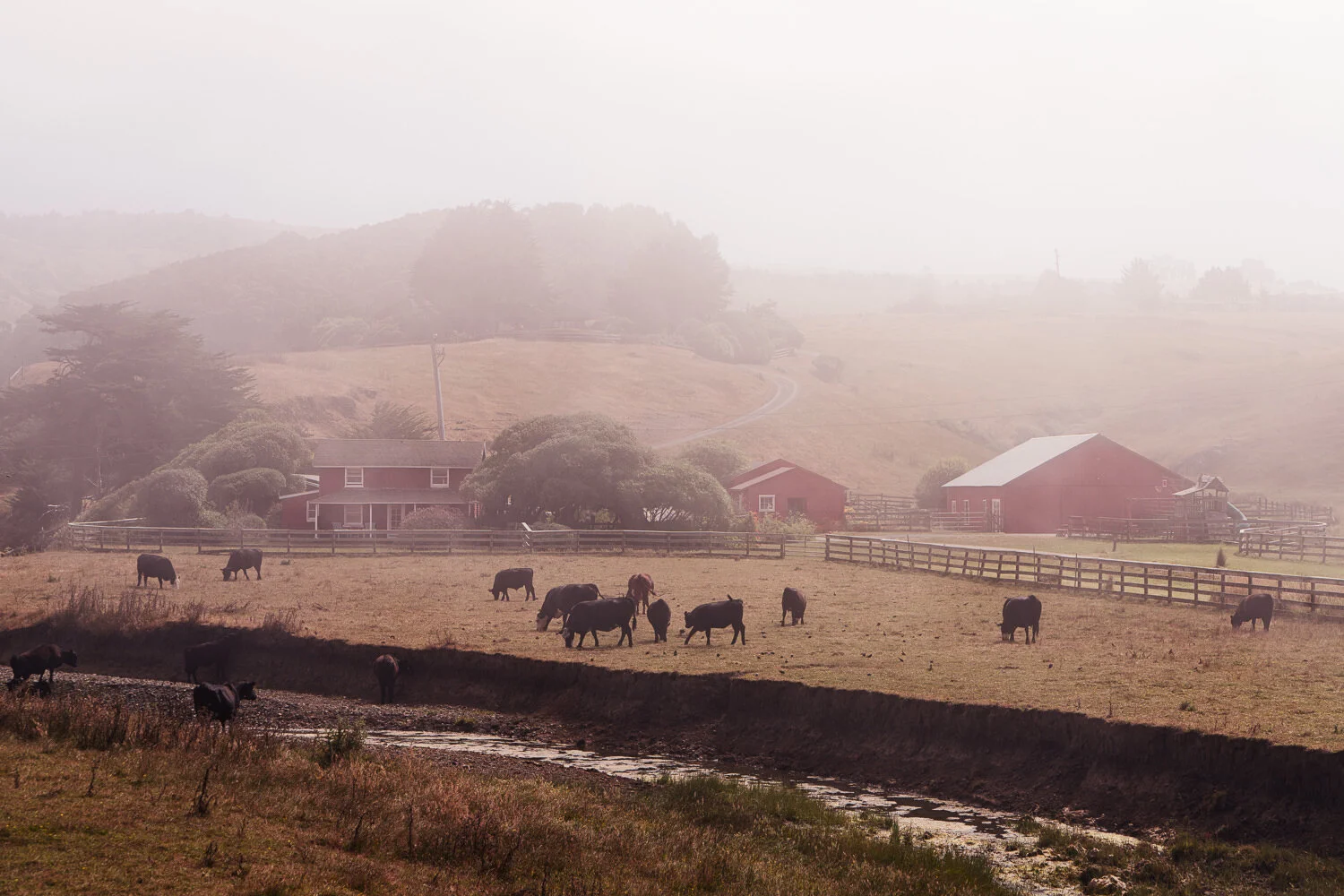

The Dramatic Tool in Luminar AI adds a cinematic feel to your images. Great for urban landscapes!

Skylum made several enhancements to the sky replacement engine and Sky AI controls in Luminar AI Update 3.

Sky replacement improvements, Windows supports HEIC, and a few more features are in Luminar AI Update 3.

Skylum unveiled Luminar Neo, a new creative editor for your photos. Some things we know, some things we don’t. I have a video for you that shares what I know about Luminar Neo and how I’m thinking about it for my photography.