

In case you missed it, I wrote an article for ON1 about texture blending. If you're looking for a fun way to express yourself, check out the article.
Texture blending in ON1 Layers is a simple yet powerful technique to give your photos an artistic flair. It’s a fun way to experiment and get creative with your photos. Ordinary photos can take on an entirely new look after blending a texture or two.
Read the full Get Creative With Texture Blending article over at the ON1 website.

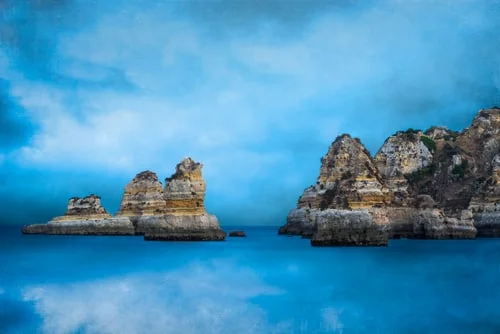
A textured treatment for a mostly cloudy day at the beach. Click through for a sneak peek at my Texture Blending in ON1 Layers video course.
A faded painterly look works well for a mostly cloudy day at the beach. I chose muted greens and blues during stylization as well as a matte curve to create the vintage look.


New Cloud Textures Pack, and on sale for Memorial Day Weekend. Clouds as textures? You betcha!
I take photos of clouds a lot. Even on gray days. Whenever there's a sky that has character.
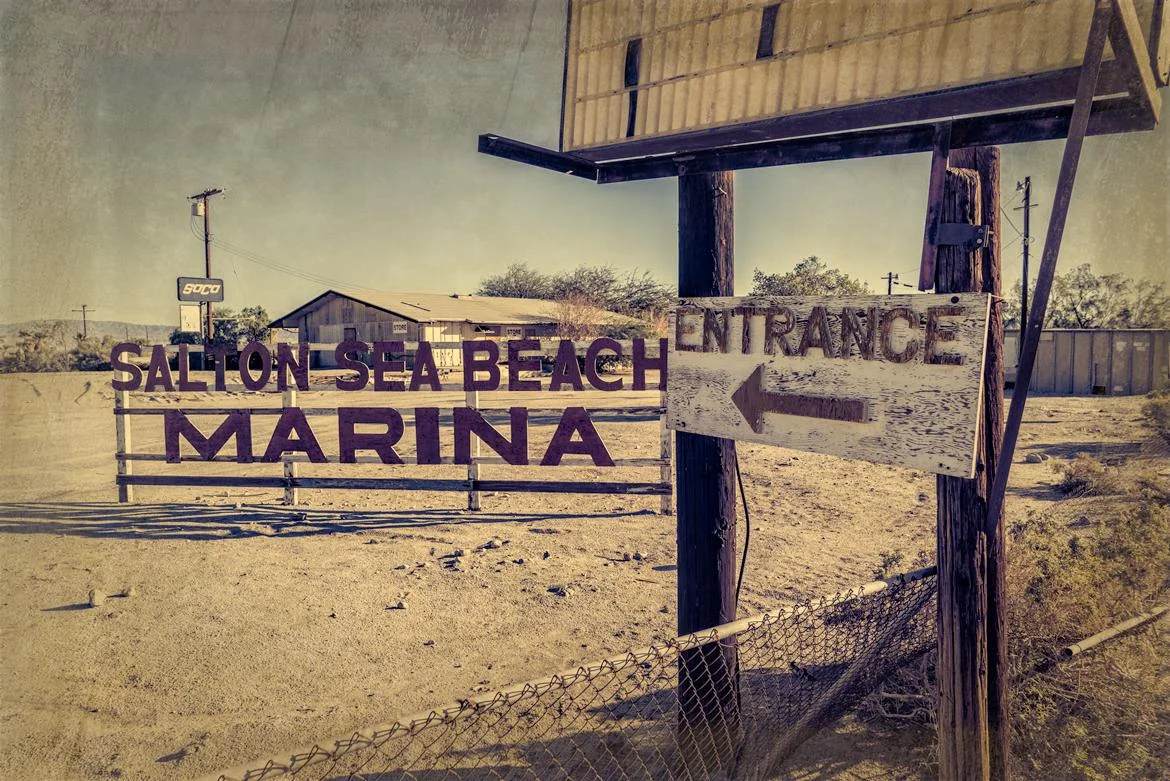
Textures add both grain and color casts to create a weathered, vintage look for this photo of Salton Beach.
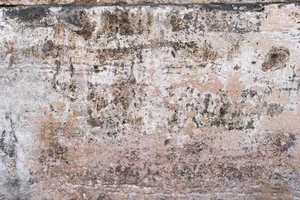
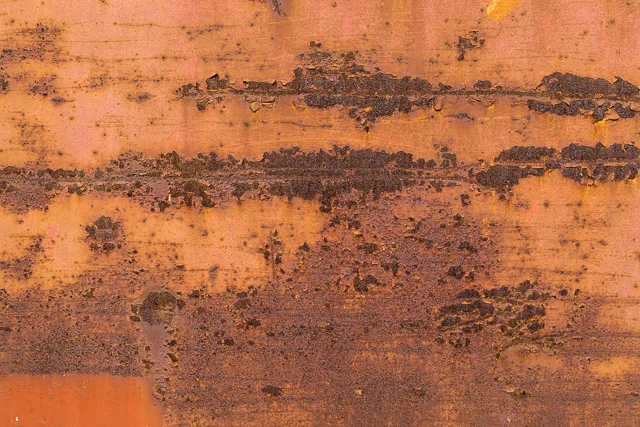
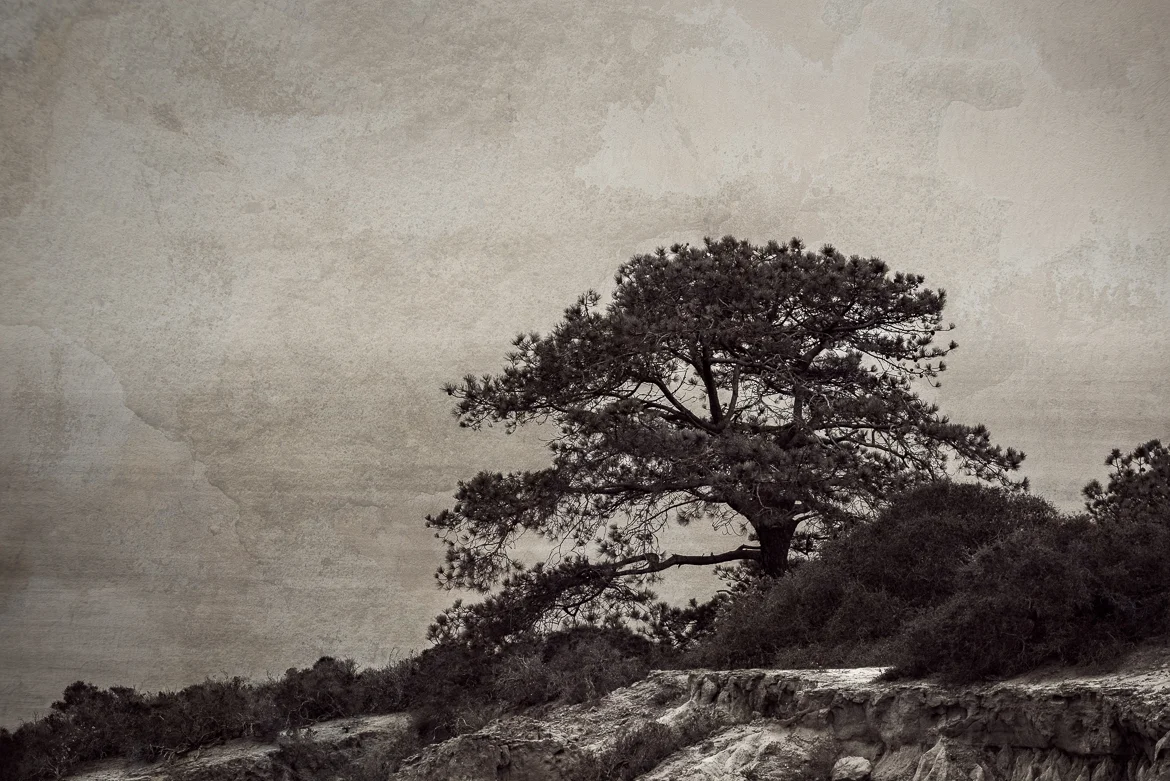
You asked to see before and after images of some of the textures I shot recently. Here they are.

Are you confused when to use Layers vs. the Develop & Effects modules in ON1 Photo RAW? Read on... I'll break it down for you.