

Videos And Articles

4 Amazing Features In ON1 Photo RAW 2023
WOW! Has ON1 been busy! ON1 Photo RAW 2023 is coming and is packed with amazing features. Here are the 4 new features I think are the most exciting.

Using Masks In ON1 Presets
Presets are great because they speed up workflow. And yes! You can incorporate masks into your presets - though there are some guidelines to follow.
Refining Masks In ON1 Photo RAW And ON1 Effects
Masks usually need a little refinement to finish them off. ON1's Refine Group has you covered.

Combining Masking Tools In ON1 Photo RAW And ON1 Effects
Yes, you can combine the ON1 masking tools and create amazing, intricate masks with ease. However, the order in which you use the masking tools matters.
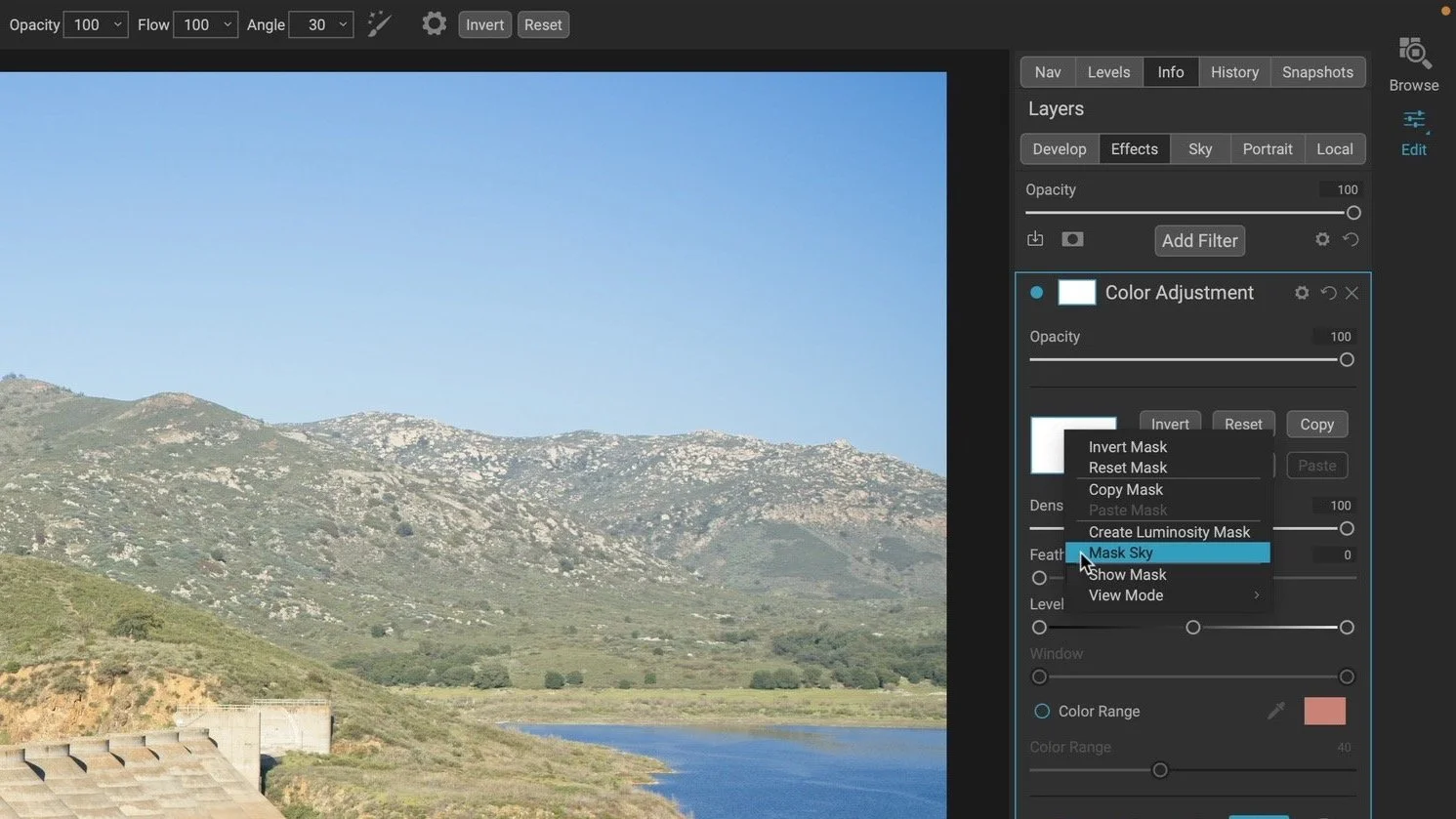
Masking Skies In ON1 Photo RAW
The Sky Swap AI for sky replacement arrived in Photo RAW 2022. Did you know those AI smarts can be used to quickly create masks for skies, too?

Luminosity Masks In ON1 Photo RAW And ON1 Effects
Luminosity masks kick the doors wide open for expertly-nuanced and creative edits. I want to help you understand them.

Color Range Masks In ON1 Photo RAW And ON1 Effects
Use the Color Range mask option in any filter or adjustment to quickly make a mask that matches a color in your photo.

The Line Mask Tool In ON1 Photo RAW And ON1 Effects
The Line Mask is the perfect masking tool for straight-edged subjects like architecture. But don’t let the Line Mask fool you! It has uses beyond cookie cutter shapes.

Custom Brushes In ON1 Photo RAW And ON1 Effects
Creatively blend layers, stamp silhouettes, and watermark your photos using Custom Brushes in ON1.

The Haida Filter Bag Vs. The MindShift Filter Hive
I have added the Haida Filter Bag to my kit in the last couple of months. How does it compare to the MindShift Filter Hive I’ve used and loved for years?

The Perfect Brush In ON1 Photo RAW And ON1 Effects
For precision brush strokes, turn on the Perfect Brush in the ON1 Masking Tool for edge detection.

The ON1 Masking Brush - Opacity Vs Flow
Confused about opacity and flow in the ON1 Masking Brush? Give me 6 minutes, I’ll explain.