

Videos And Articles

5 Top New Features In ON1 Photo RAW 2021
ON1 Photo RAW 2021 is here! This release is packed with new features.

Pop Greens With A Range Mask In ON1 Photo RAW
Target a pop of color using a Color Range mask in ON1.

3 Common Mistakes In ON1 Photo RAW
Gotten yourself into a jam in ON1 Photo RAW? You might have hit one of the common mistakes I see photographers make using ON1.
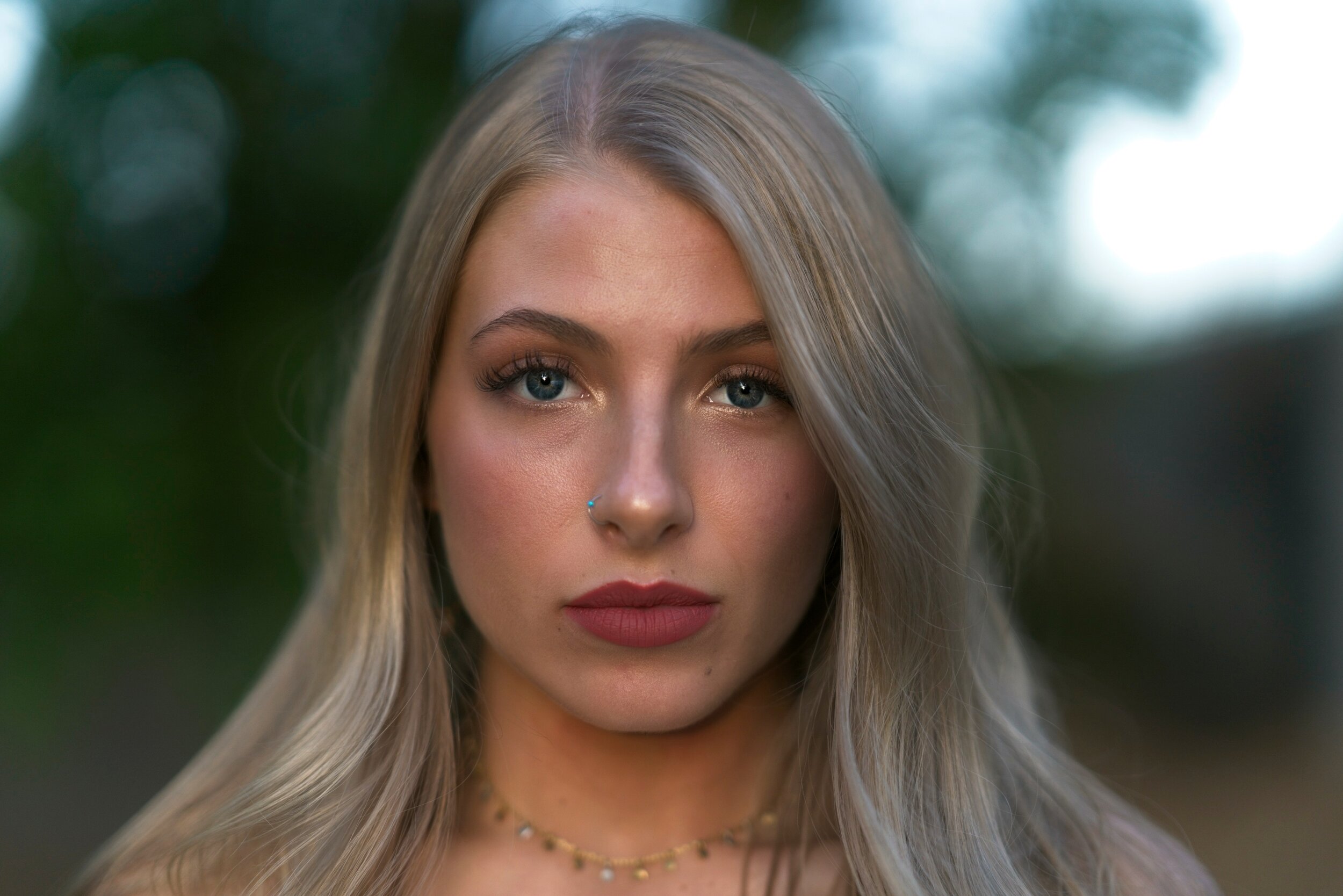
A First Look At ON1 Portrait AI
Supercharge your portrait workflow! ON1 Portrait AI is a new AI-powered editing tool that adjusts eyes, skin, teeth, and lips is mere seconds.

ON1 Portrait AI, ON1 Photo RAW 2021 and ON1 Mobile... Oh My!
ON1 announced a whole lot of stuff today. If ON1 were a television station, this announcement is the prime time fall lineup!

The Difference Between AI Match And AI Auto In ON1 Photo RAW
The Develop module in ON1 Photo RAW has two buttons to jump-start your processing: AI Match and AI Auto. What’s the difference?
How To Customize Photo Order In ON1 Photo RAW Albums
Need an exact order of your photos in an album? No problem. You can customize the order in any album in ON1 Photo RAW.

How To Setup Google Image Search Metadata In ON1 Photo RAW
Do you license your photos? Some changes are coming to Google Image Search to help you. Prepare your metadata now and be ready for the change.

Visualize Shadows, Midtones, And Highlights In ON1 Photo RAW
Thanks to Steve Bastiman (https://photostudio5.com) for a very helpful ON1 preset to visualize shadows, midtones, and highlights.
What Is ON1 360°?
ON1 360° is a super-flexible photo synchronization service for the ON1 editing ecosystem. Let me give you an overview.

Sky Replacement With Textures In ON1 Photo RAW
Sky replacement using Textures filters makes a great blend at tree lines. There are a couple of limitations though. Watch the video for more.
Importing Photos And ON1 Sidecar Files
ON1 sidecar files are usually created when you make a change to a photo. Unless you are using the import process, when they are created right away.