

Videos And Articles
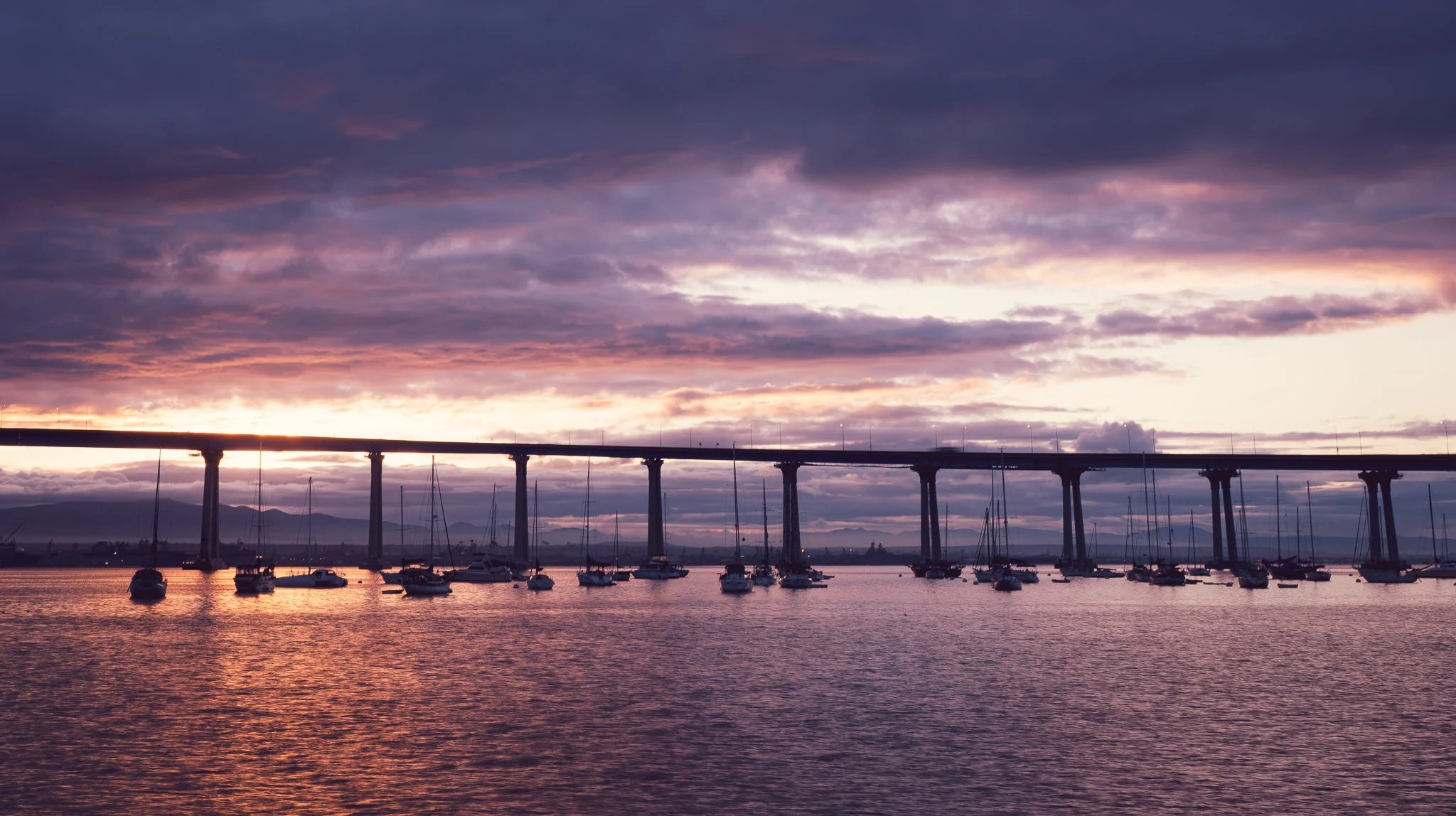
Change Mood With Artistic Profiles In Lightroom - In Post #490
Profiles interpret our initial RAW data in very different ways. Explore them.
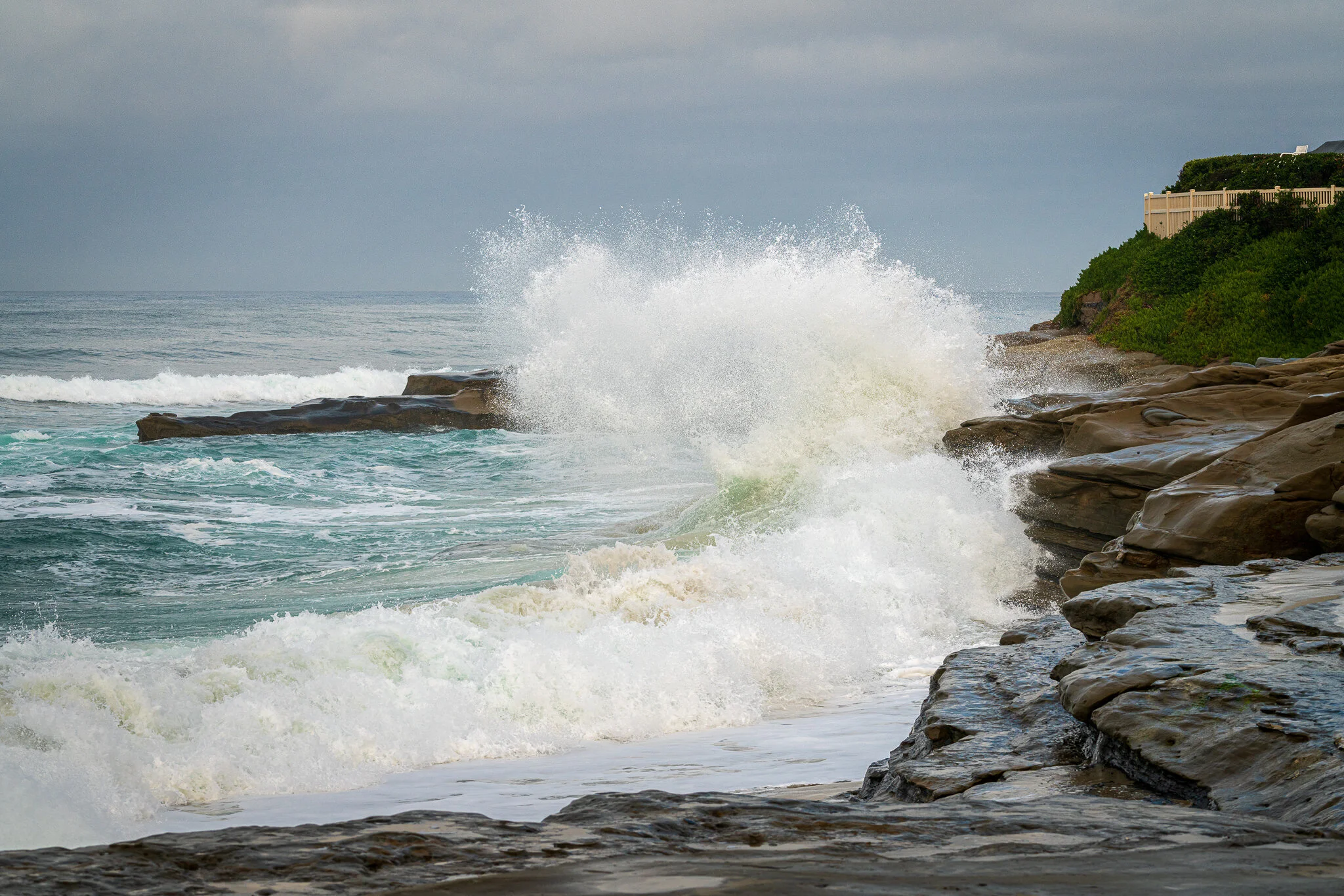
Make Water & Waves Pop! - In Post #488
Make whitewash jump off the page with ON1’s Dynamic Contrast filter and its blending options.

Let The Shadows Be Shadows - In Post #486
Don’t open the shadows too much if they are not important to the story of your photo.

Live Edit! Unscripted & Uncut - In Post #484
Grab a coffee and a comfy seat! This Live Edit clocks in over 20 minutes.
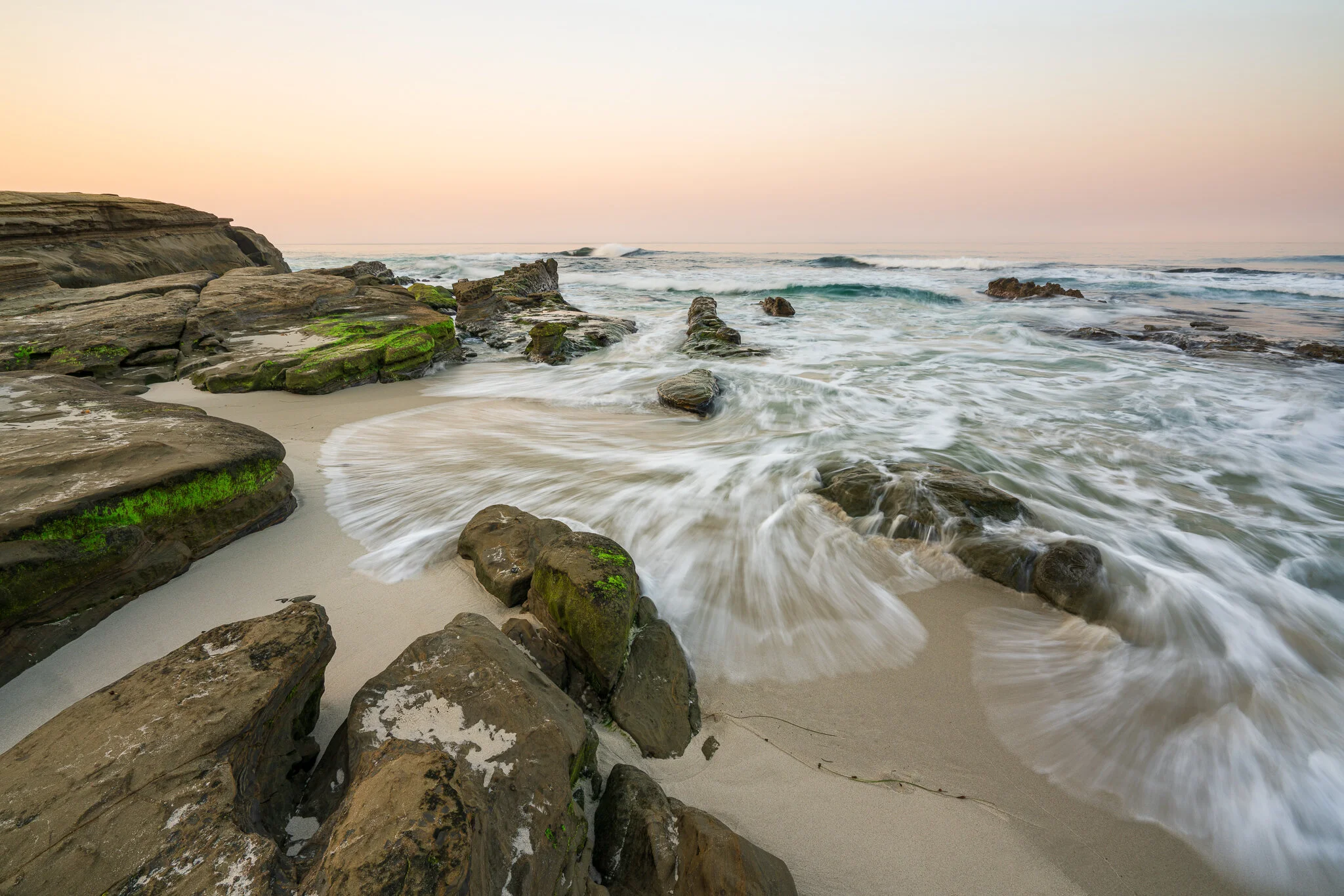
Add A Pop To White Wash - In Post #482
Pop the whitewash in your seascapes and water photos with a few sliders and a range mask.
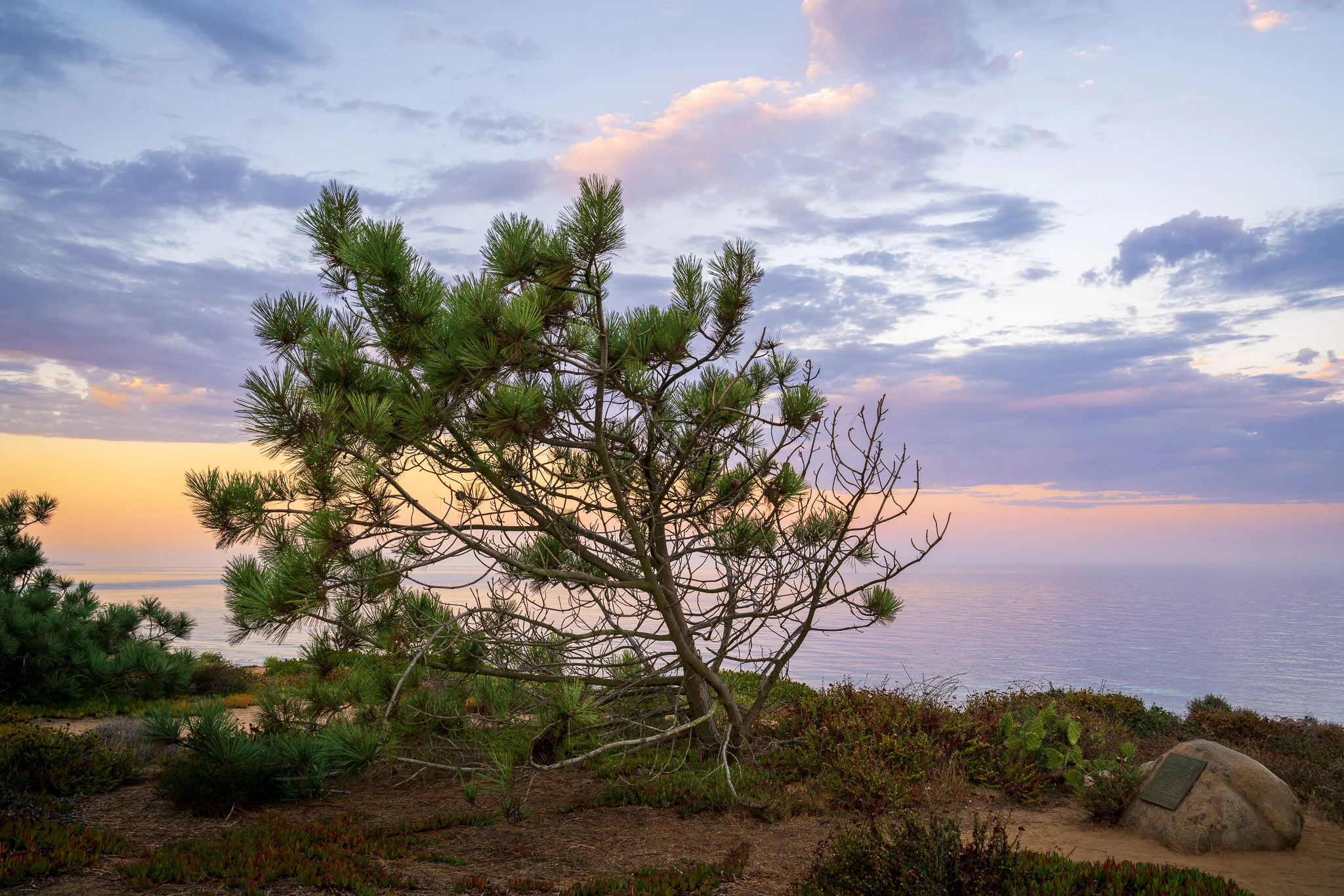
Giving Life To A Scene With Color - In Post #480
Three gradient adjustments transform this image from dull and lifeless to colorful and inviting.

Live Edit! Unscripted & Uncut - In Post #478
In my Live Edit videos, I process a photo I’ve never worked on from start to finish. There may be mistakes - and that’s where the learning happens.

Add A Tasteful Softness To The Sky - In Post #476
Adding a touch of softness to the sky is fast and easy. And effective, too!

Doubling Down On Graduated Filters - In Post #474
A pair of graduated filters helped me downplay the foreground and accentuate some natural patterns in the sand, leading my viewer into the scene.

Post Can’t Fix Everything - In Post #472
Post-processing is a lot of fun. I sure enjoy it. However, it’s not a cure-all.
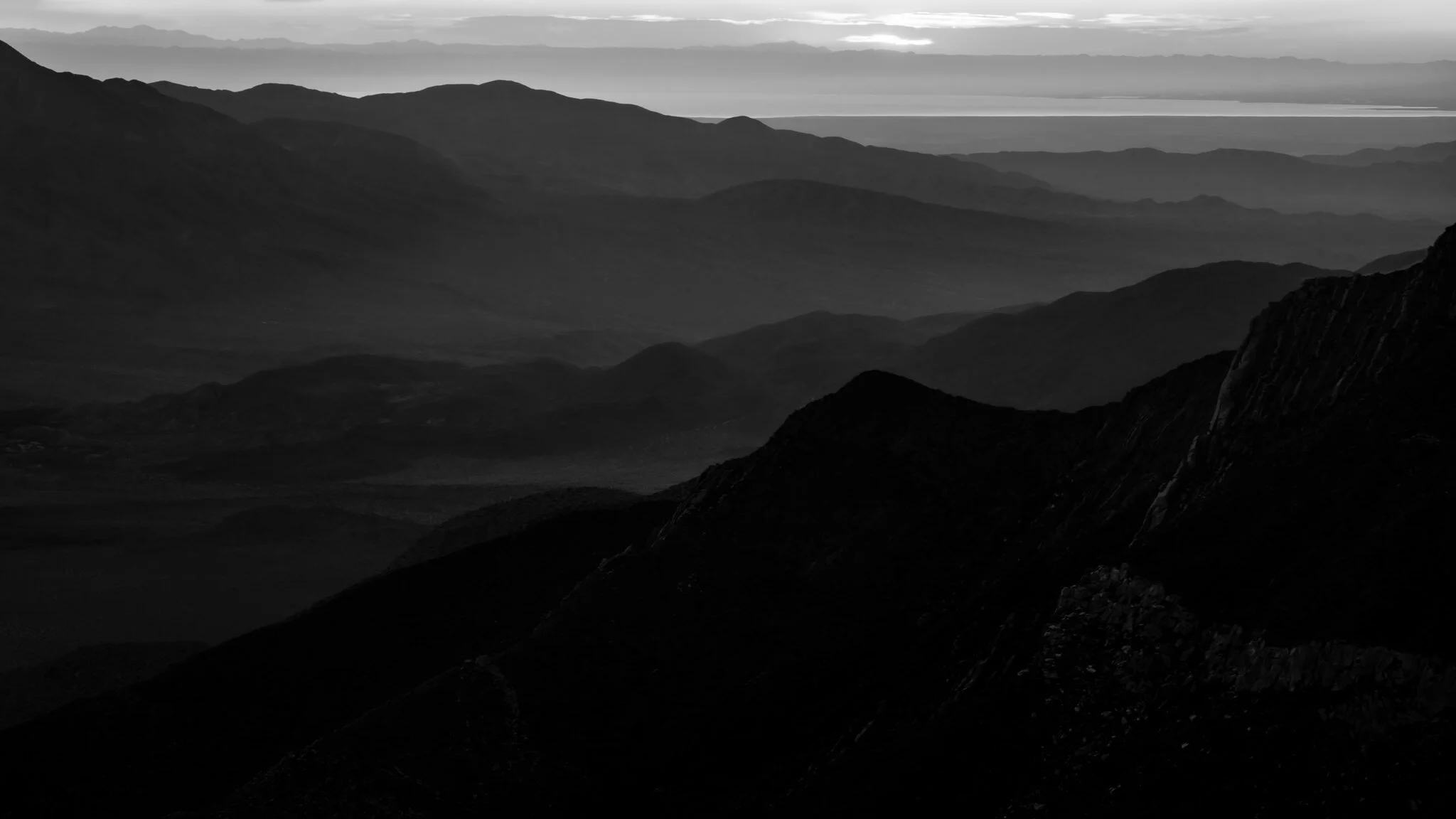
The Story In The Shadows - In Post #470
The nuanced differences in shadow tones can tell a story of their own.

Guide Your Viewer With Texture & Clarity - In Post #468
A pair of elliptical masks, texture, and clarity adjustments will help guide your viewer to the subject of your photo.