
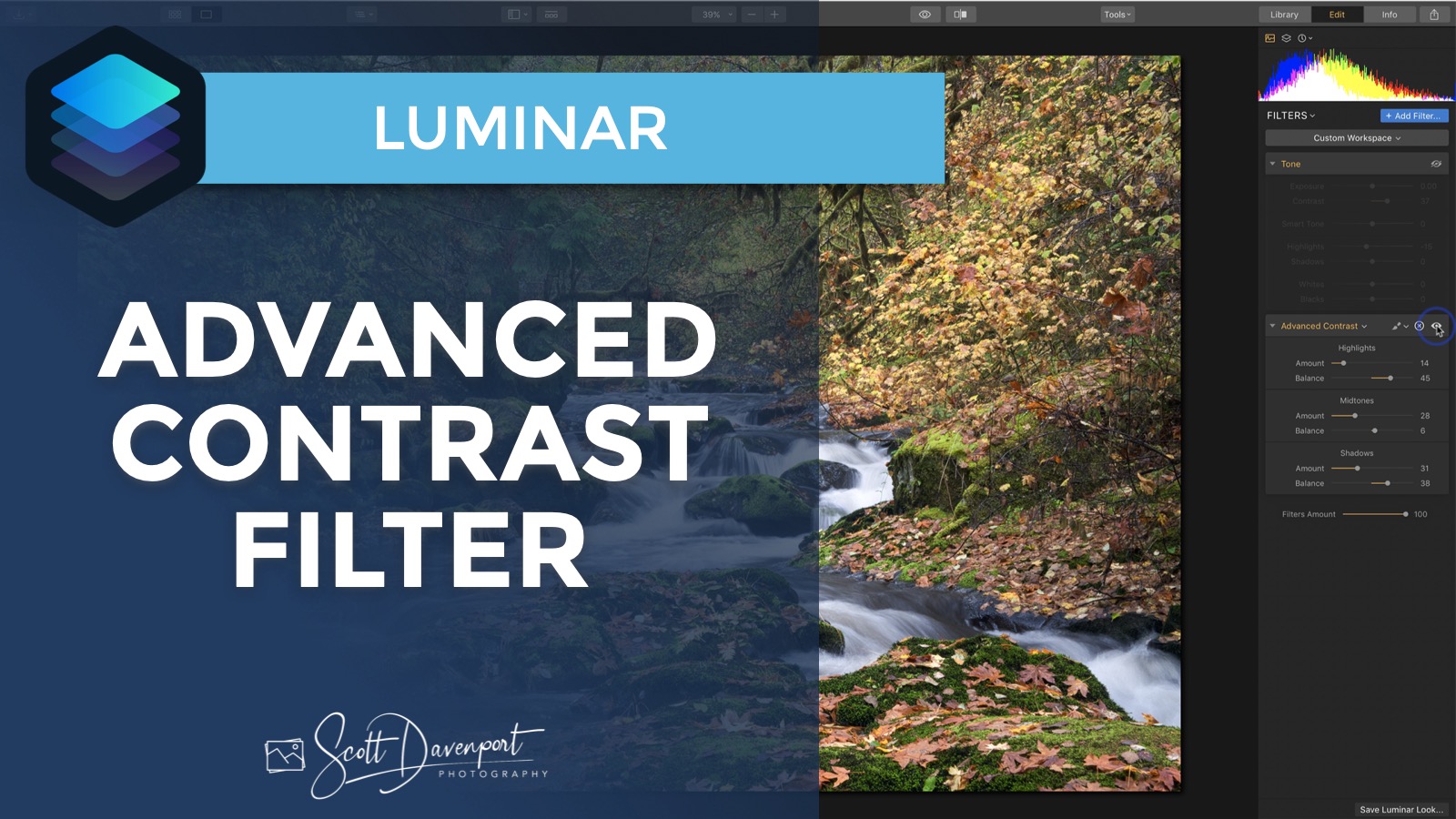
The Advanced Contrast filter in Luminar lets you adjust contrast individually in the shadows, midtones, and highlights in a scene. The sliders also let you dial in the tonal regions that are affected. The Midtone slider is fantastic for adding contrast to a photo while protecting the highlight and shadow regions.
Subscribe and share!
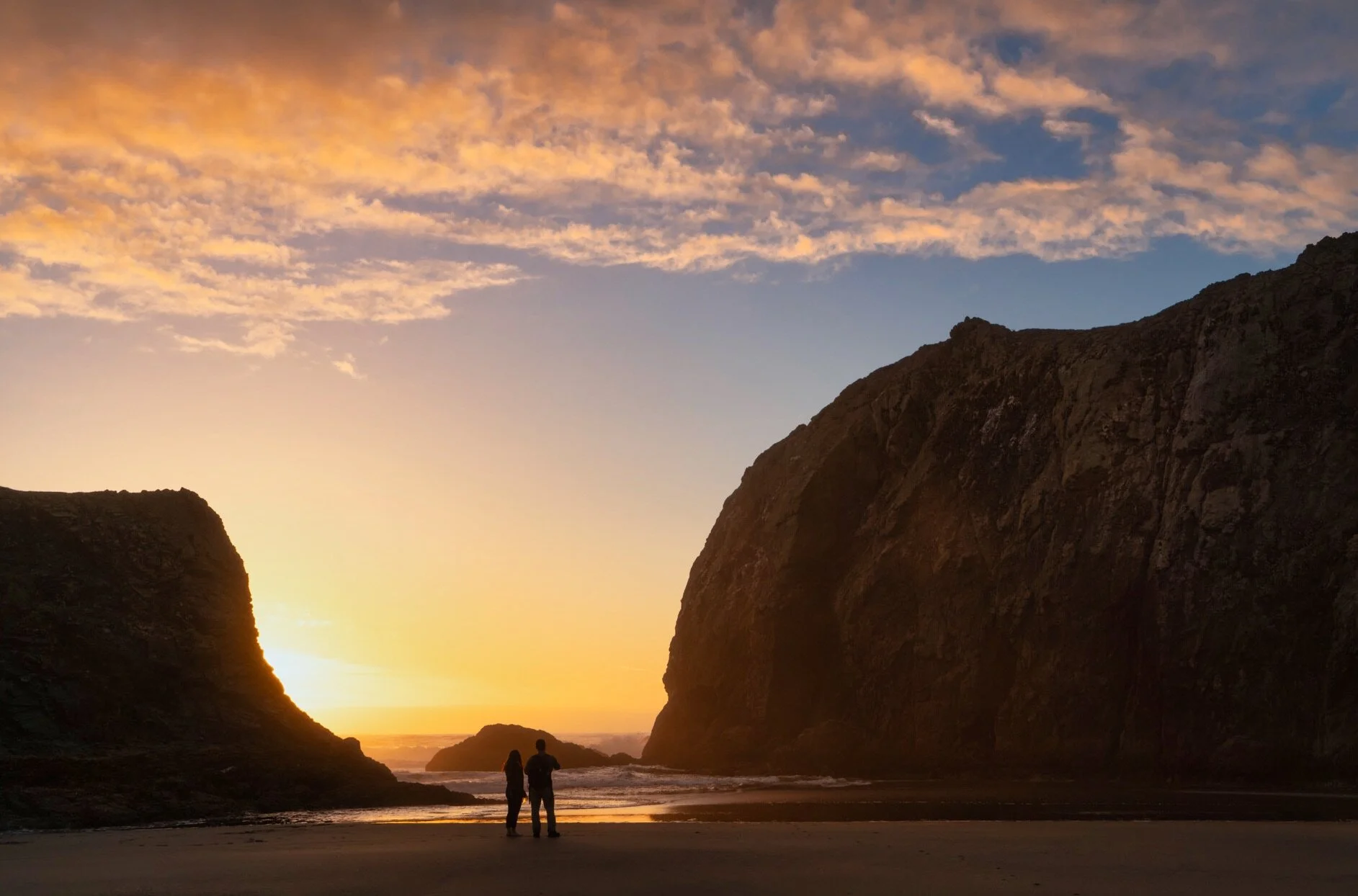
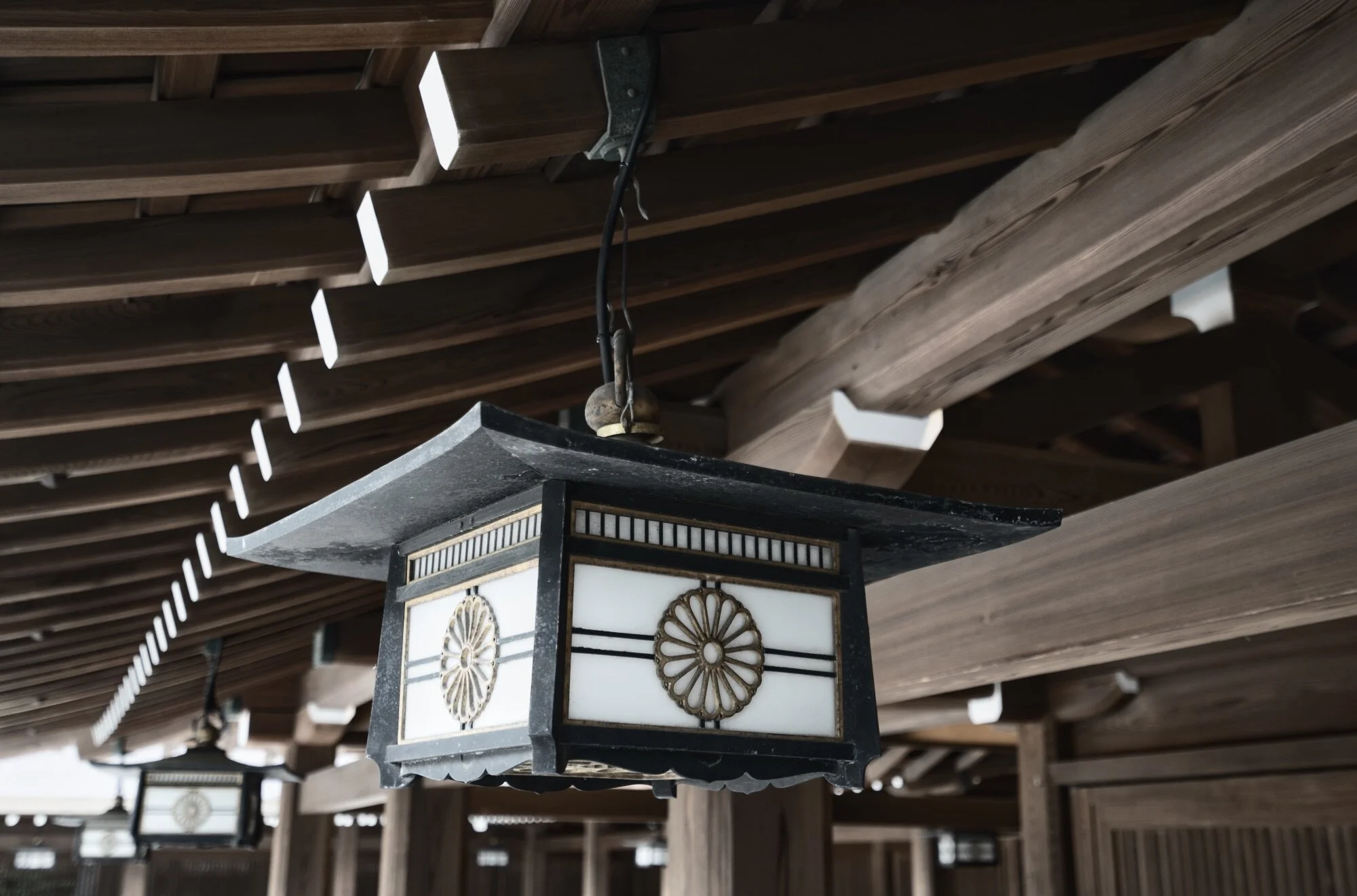

There is a quirky thing with Single Image Edits in Luminar. Once you’ve opened an image for a single edit, you can’t open it a second time for a separate session.
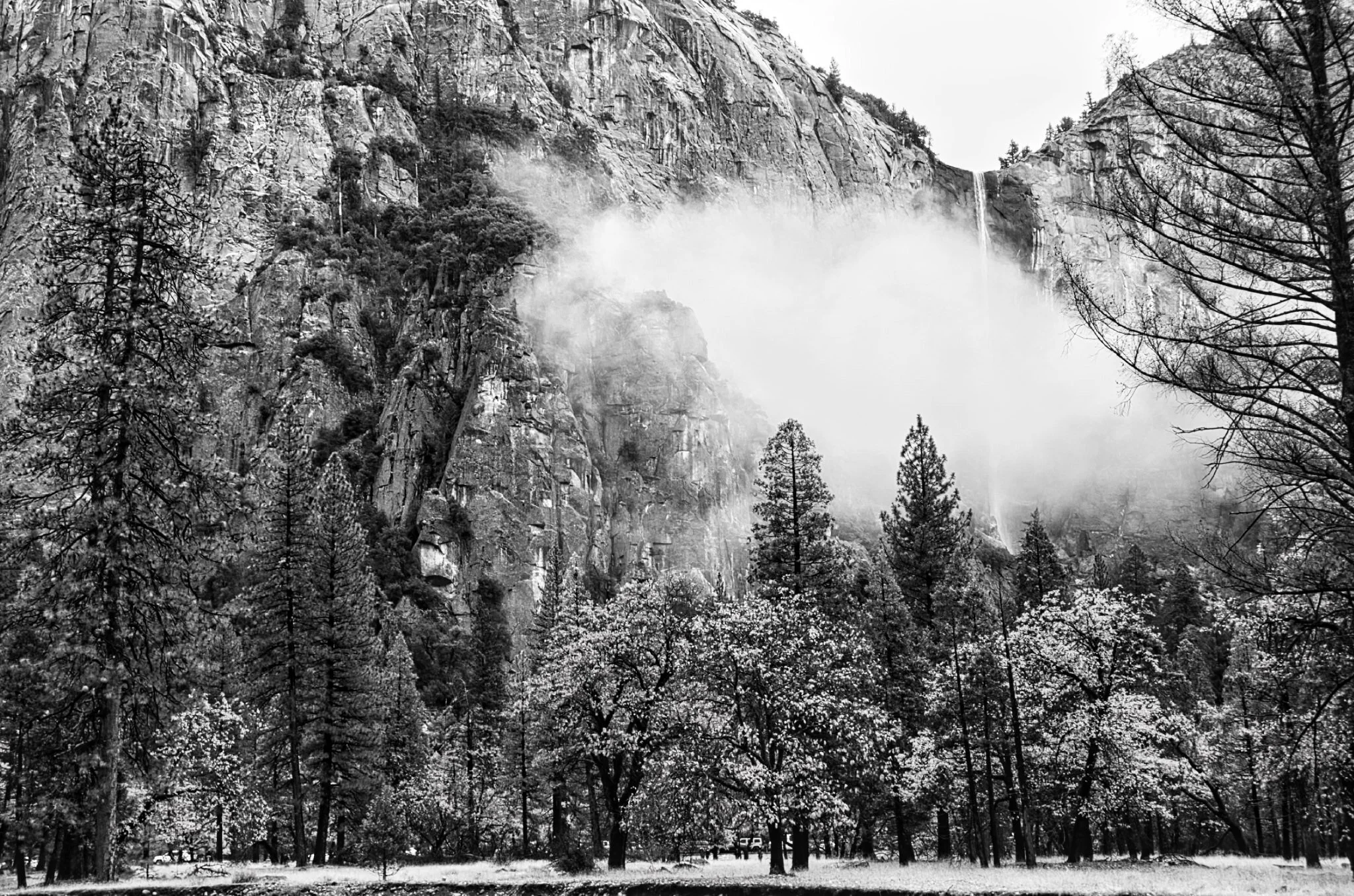
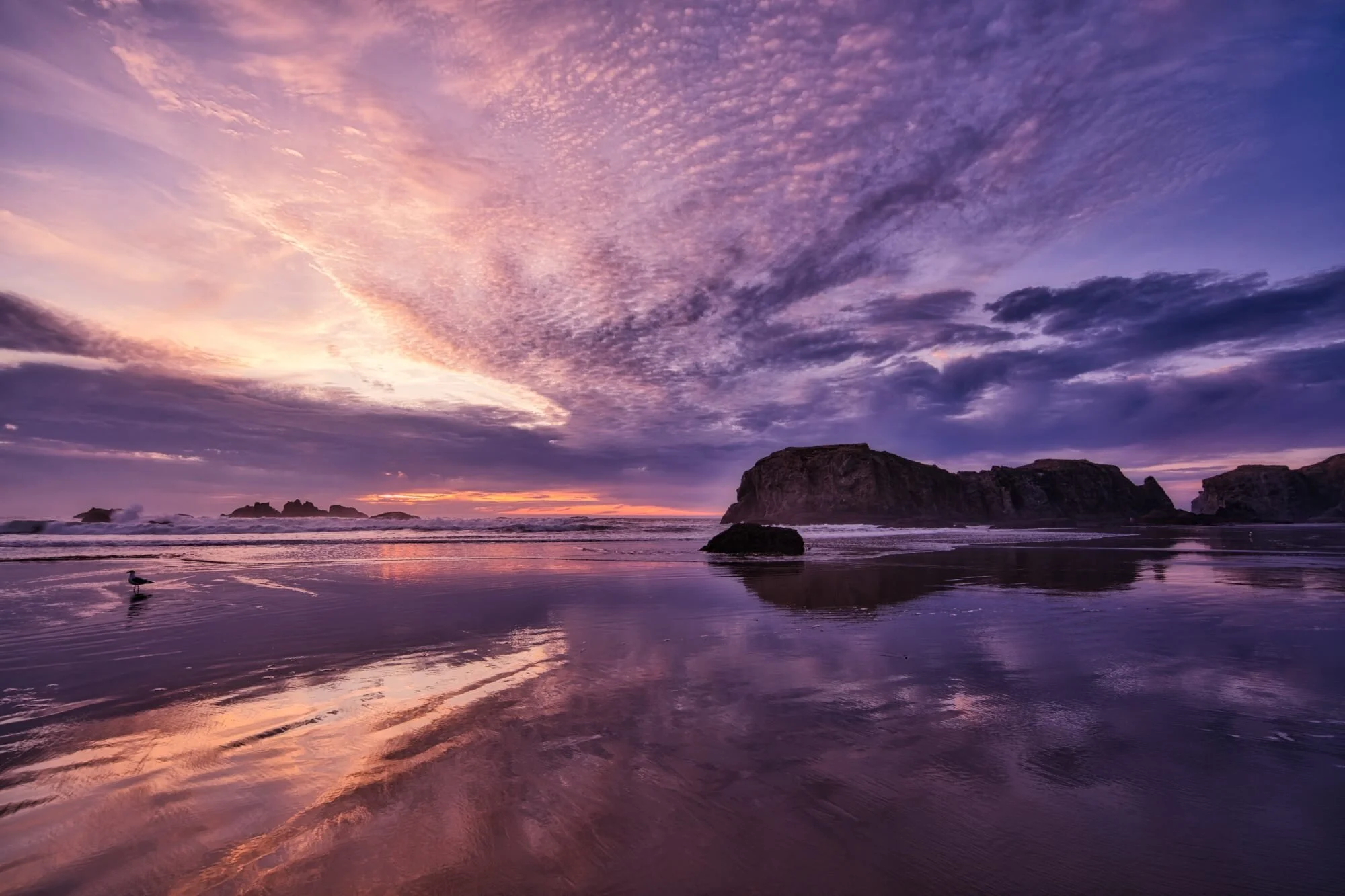


The Smart Contrast slider in Luminar is too-often overlooked. You should be using this in your workflow.
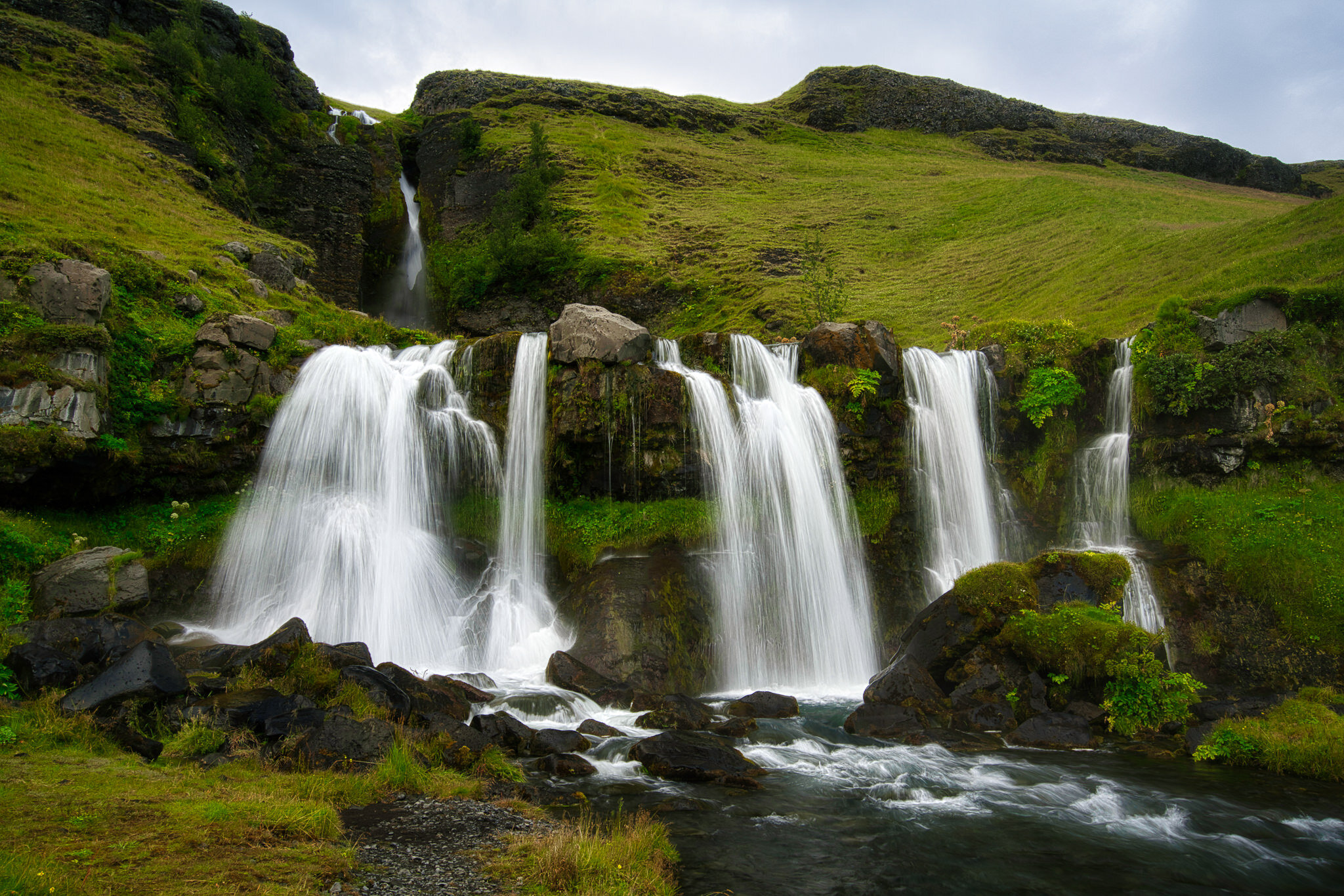
If you’re not diving into the Advanced Settings area of the Vignette tool you are missing out.
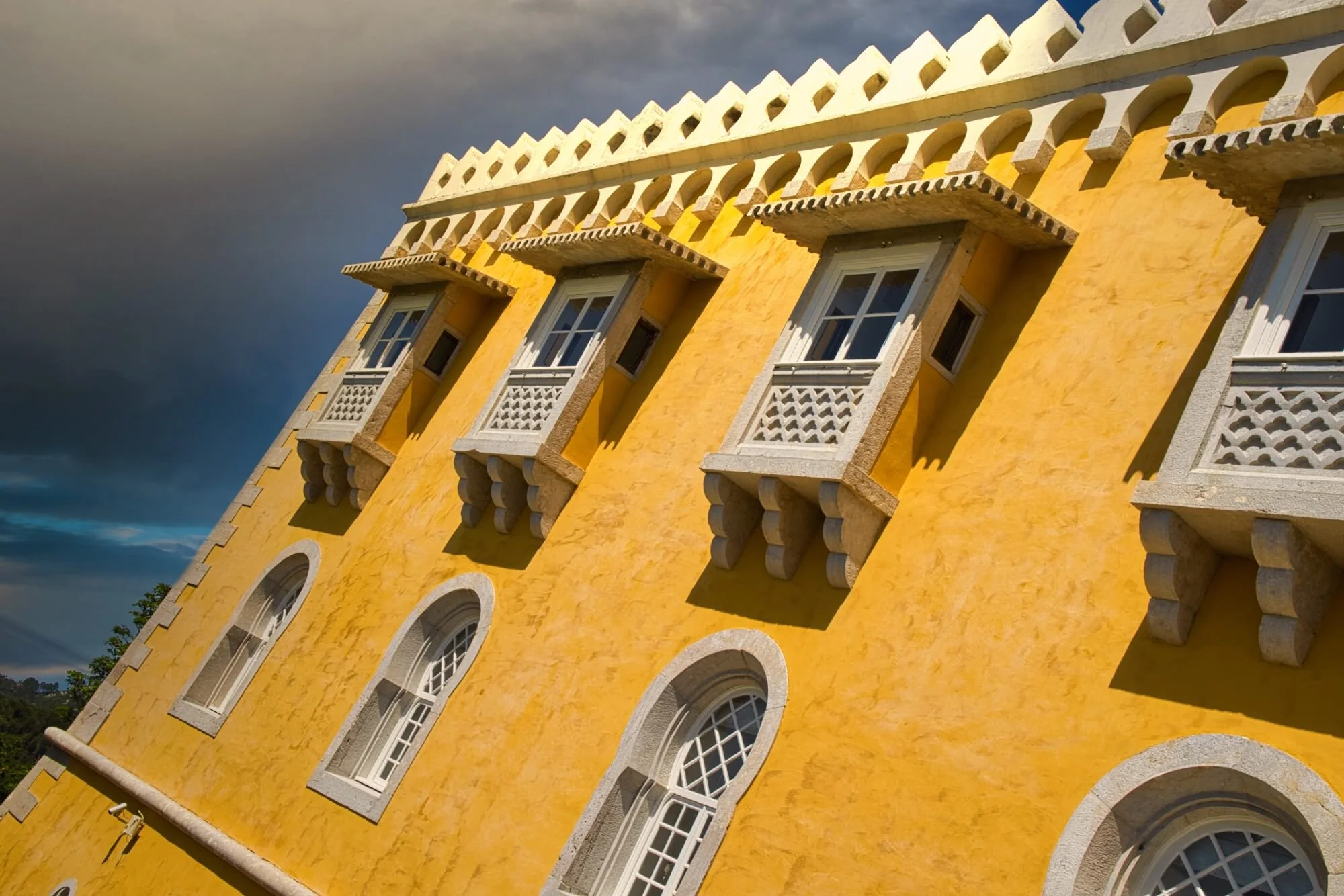
Luminar 4.3 added a new feature to make loading your custom skies easy and fast. I’ll show you how it works.

The Local Masking tools in Luminar AI are for finishing touches to your photos.