

Videos And Articles

Complex Masks Made Easy - In Post #540
A common theme with my photos from Utah is color correcting and brightening snow in shadowy areas. The masking tools in Lightroom make complex masking selections much easier.

Guiding Your Viewer’s Eye - In Post #534
Improve your photos with a series of “visual nudges” to guide your viewer to your subject.

Crafting A Black & White Seascape - In Post #518
Crafting a strong black & white seascape starts with choosing the right camera profile.

Adding Character To An Overcast Sky - In Post #516
Overcast skies aren’t always featureless swaths of gray. There are often nuanced midtones that we can accentuate in post-processing.

A Happy Mistake In Processing - In Post #502
It’s true that making mistakes is how we learn things. A misclick in Lightroom led to good fortune.
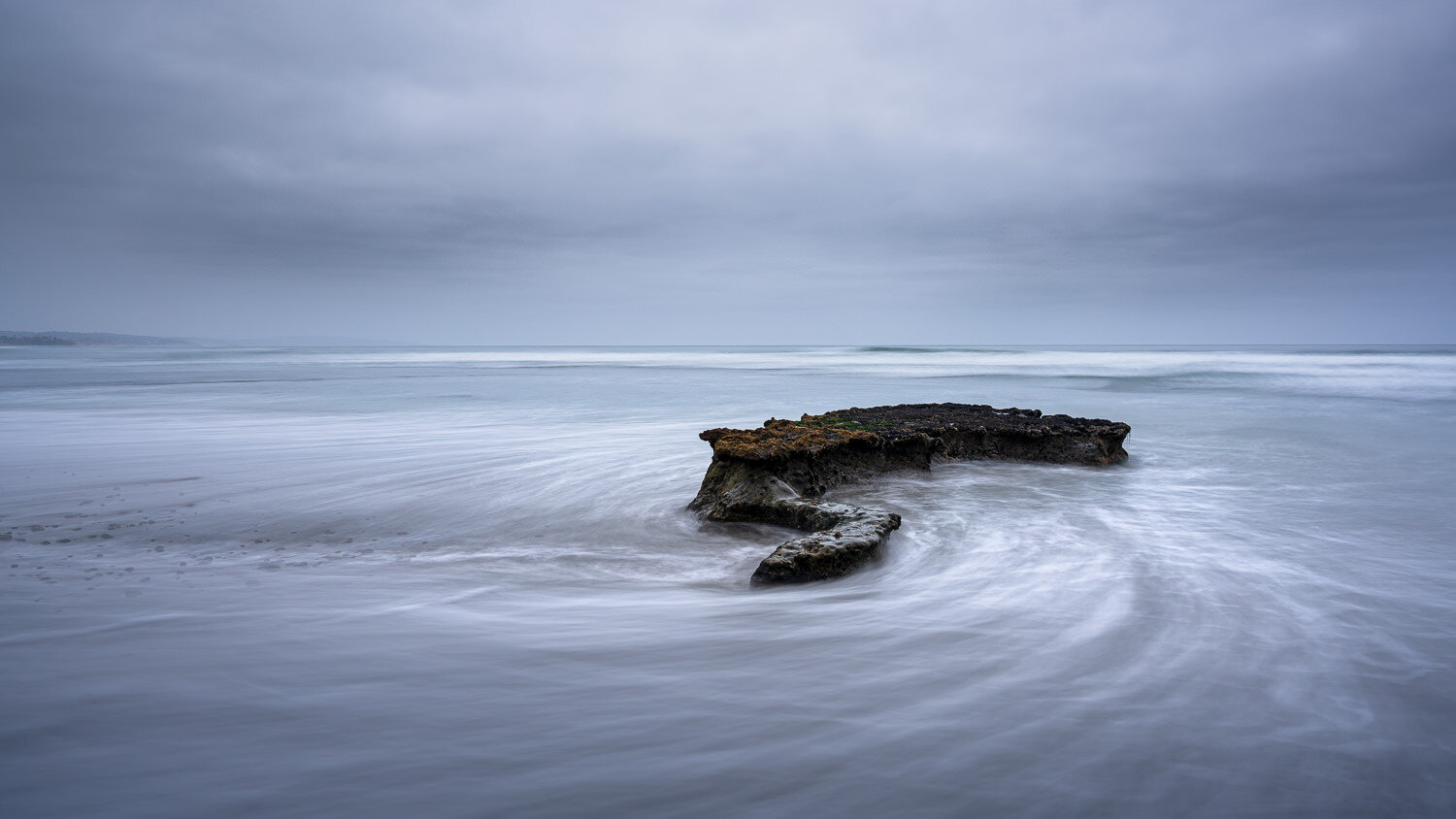
Subtle Saturation - In Post #500
I think the small, subtle adjustments made to images are very important - equally if not more important than the basic development.

Retouching And Dealing With Repeating Pattern Artifacts - In Post #498
Removing distracting objects from a photo can leave behind artifacts or repeating patterns. There are a few techniques I use to clean those up.

Dodging and Burning With Luminosity Masks - In Post #494
Dodging & burning are tried and true techniques to finish an image. Pair them with luminosity masks and you’ve got a powerful set of tools to shape your images.

Add A Tasteful Softness To The Sky - In Post #476
Adding a touch of softness to the sky is fast and easy. And effective, too!

Doubling Down On Graduated Filters - In Post #474
A pair of graduated filters helped me downplay the foreground and accentuate some natural patterns in the sand, leading my viewer into the scene.

Post Can’t Fix Everything - In Post #472
Post-processing is a lot of fun. I sure enjoy it. However, it’s not a cure-all.

Adjusting Brightness In HSL - In Post #464
Processing a photo from Acadia National Park reminded me how much power we have right in the HSL controls.