

Watch the recorded version of this ON1 Live as I take a few of my landscape photos through my workflow in ON1 Photo RAW 2017. A few of the things I cover during the session:
- Culling and previewing your photos in Browse
- Processing landscape photos in Develop and Effects
- Utilizing Local Adjustments tools to apply edits selectively
- Blending options in Local Adjustments and Effects.
- Blending & merging three photos in Layers to create a layered composite.
There’s some Q & A, too. If you missed the live broadcast, you can catch up!

ON1 added a new High Quality mode to Resize 2026, and I wanted to see how much of a difference it really makes. I ran it against the Standard mode on several images—and the results were eye-opening.
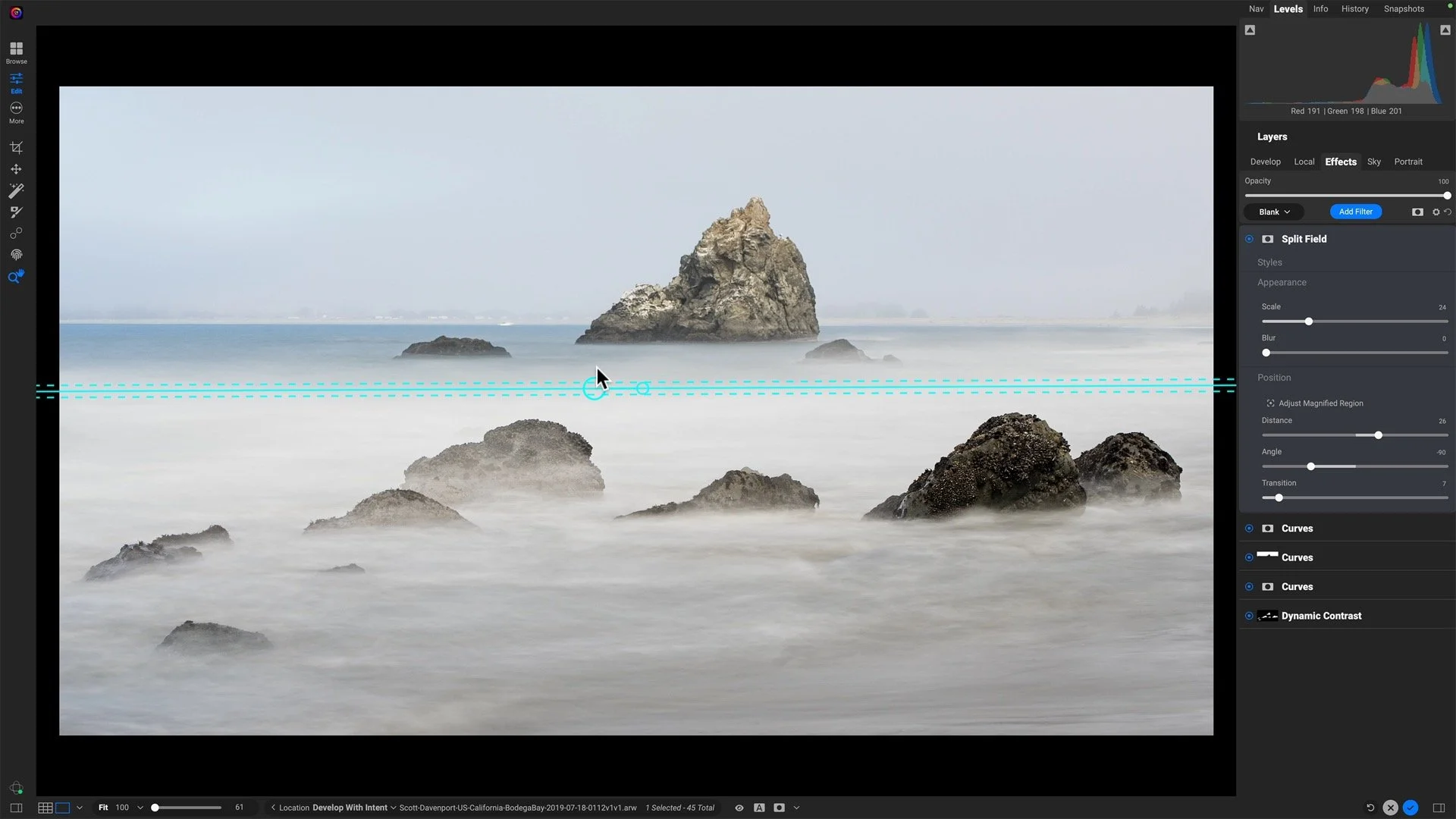
ON1 Photo RAW 2026 adds a Split Field filter that mimics the classic split-diopter look without relying on layers. In this tutorial, I walk through the controls and show how it performs on different types of landscape scenes so you know when — and how — to use it effectively.

ON1 turns 20 years old in June of 2025. Do photographers get older… nah, we just gain more depth of field.

Ready to take your ON1 editing skills to the next level? I’m thrilled to announce ON1 Masking Mastery, a deep-dive course for photographers who want full creative control over every element in their frame.

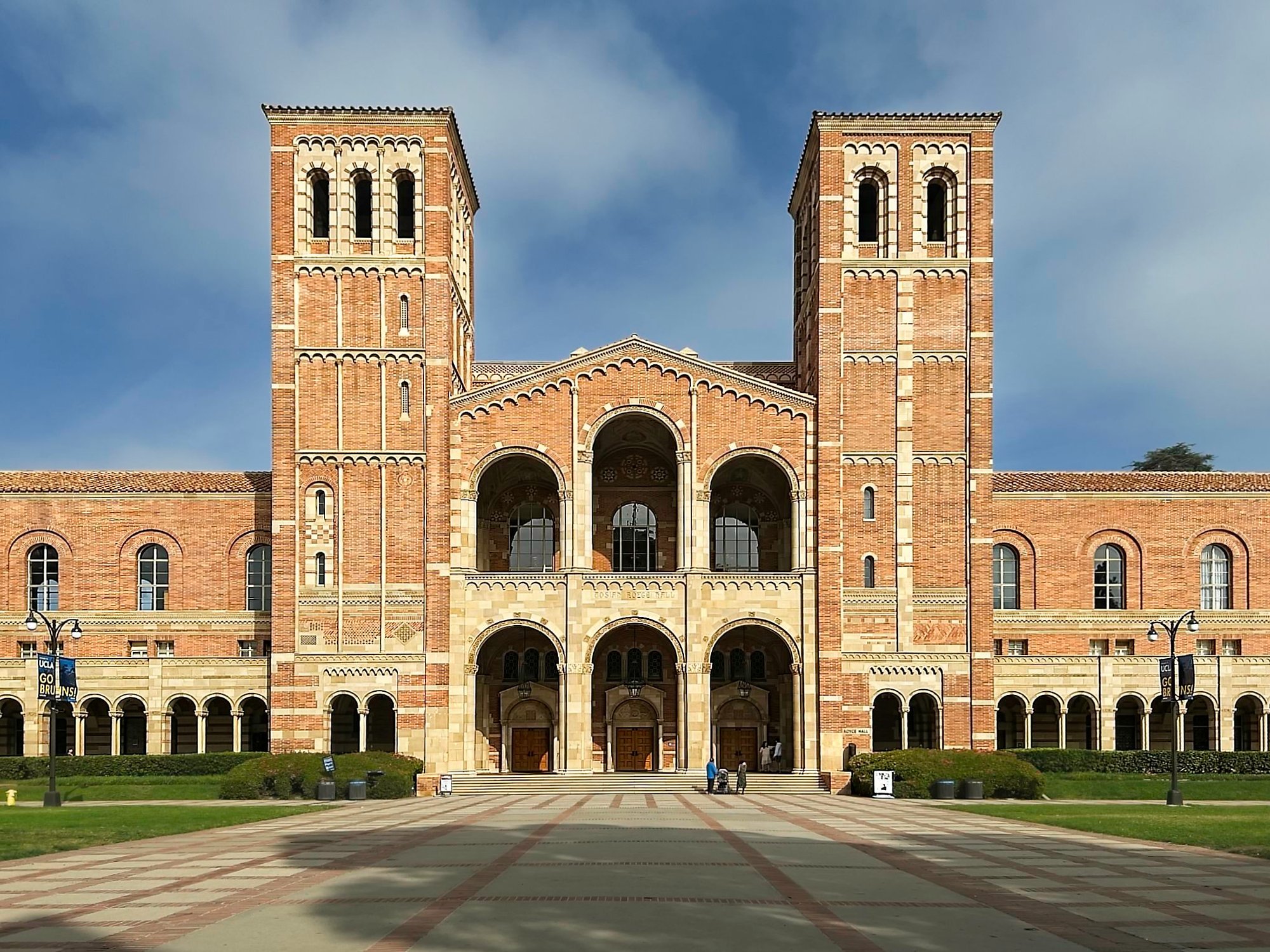
The Keystone feature of the Transform tool in ON1 Photo RAW is more versatile than you might think.

Are you using the global filter mask in ON1 Effects? I’ll explain why should know about this control and when best to use it.

Use an Edges shaped mask with a Local Adjustment in ON1 Effects and ON1 Photo RAW for a a flexible, targeted editing tool. It’s great for black and whites!

Photo RAW 2022 users have been surprised to find it not available as a plug-in to Lightroom. Don’t panic! You can get ON1 Photo RAW 2022 to work as a Lightroom plug-in.

Add energy and flow to your photos with the new Motion filter in ON1 Photo RAW 2026. With Pan, Zoom, and Twist modes, you can simulate dynamic camera movements and blend motion beautifully into your still images — all with precise control over what stays sharp and what moves.