
3 Quick Tips In Luminar 4
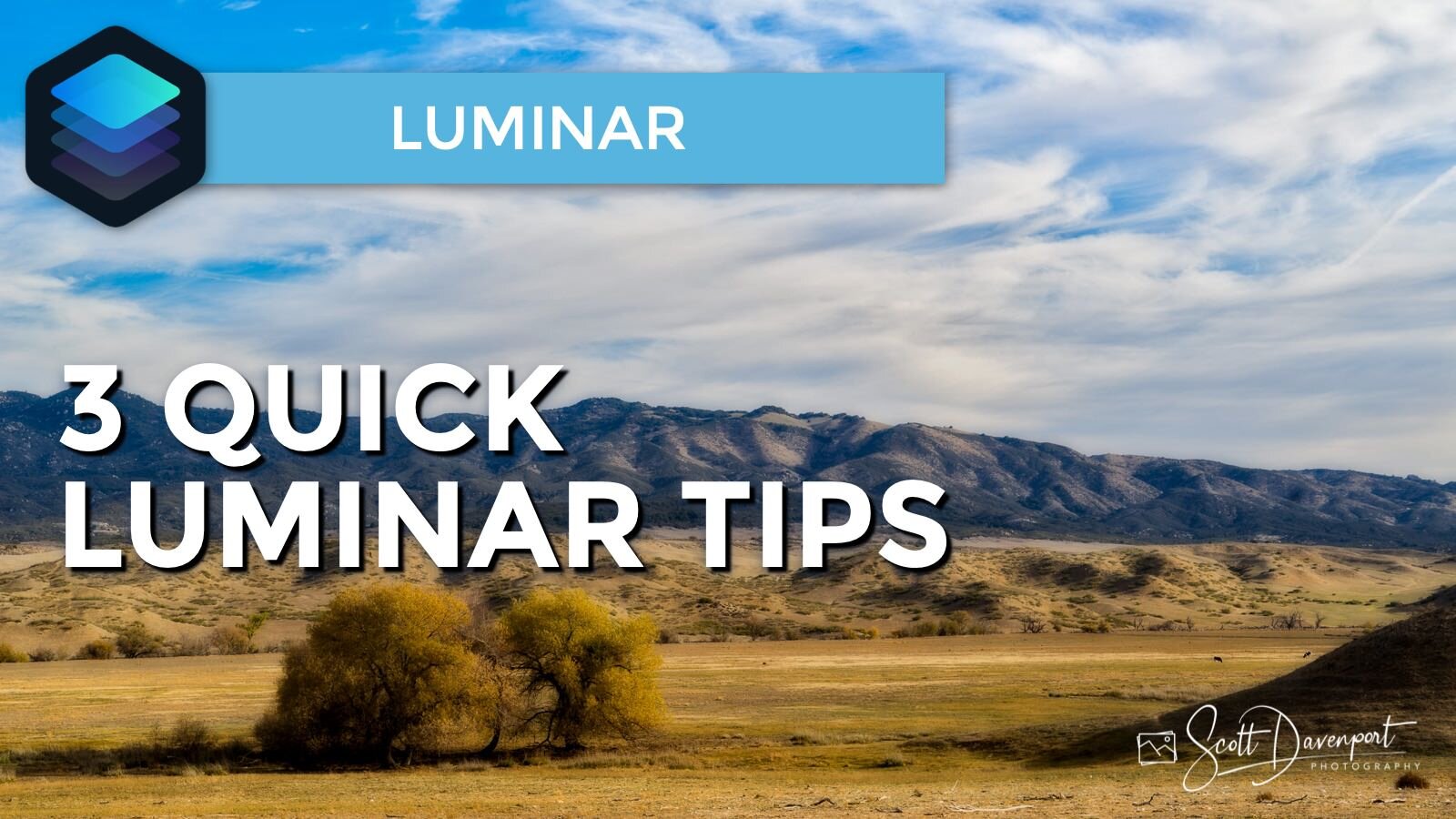
In this video, I share three quick user interface tips in Luminar. Customize the Shortcuts area in the Library panel, view individual color channels in the histogram, and adjust the brush feather in the Dodge & Burn tool. Enjoy!
Subscribe and share!
Luminar Essentials is updated for Luminar 4! Get the digital book or get the print book.
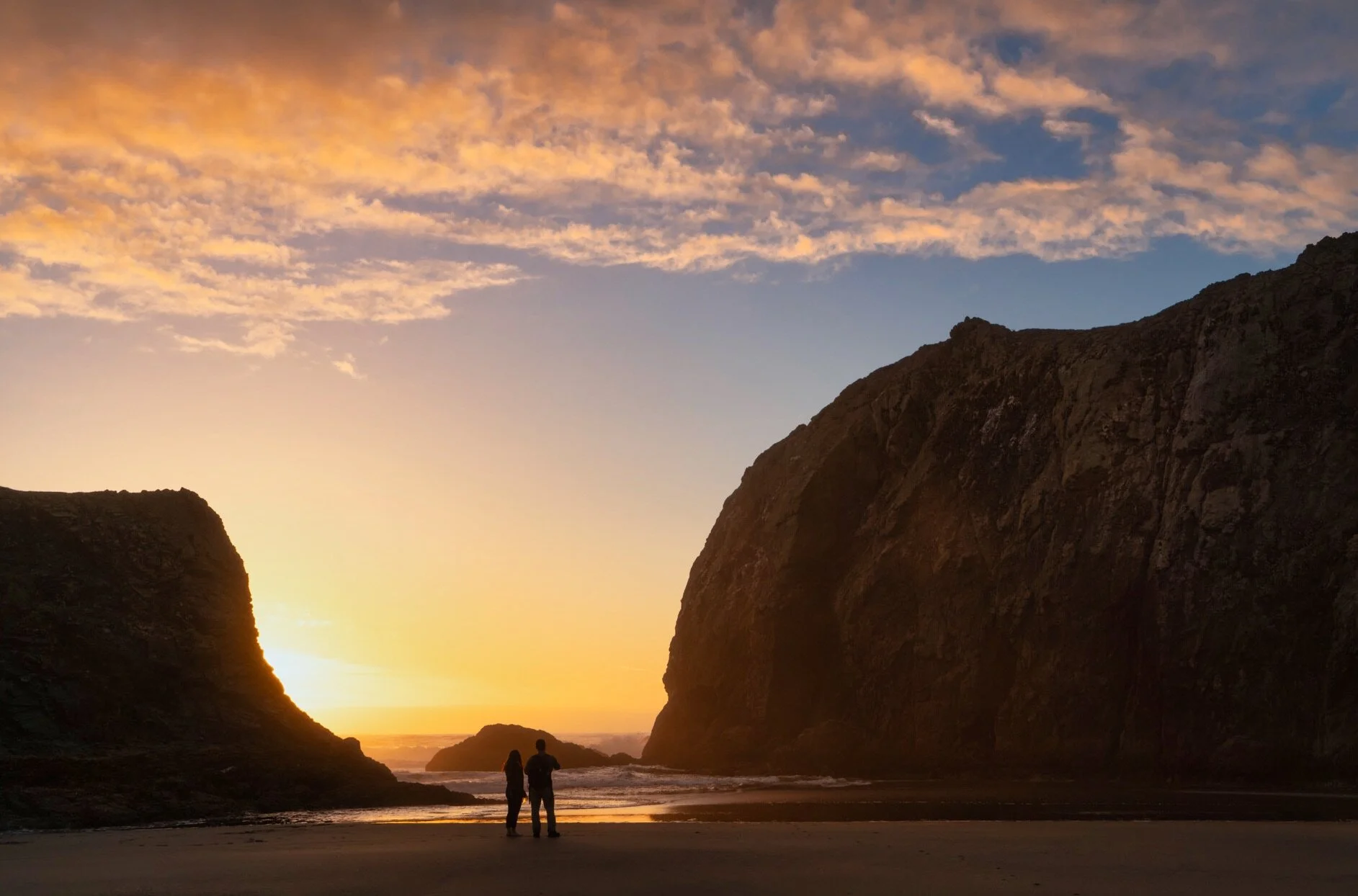
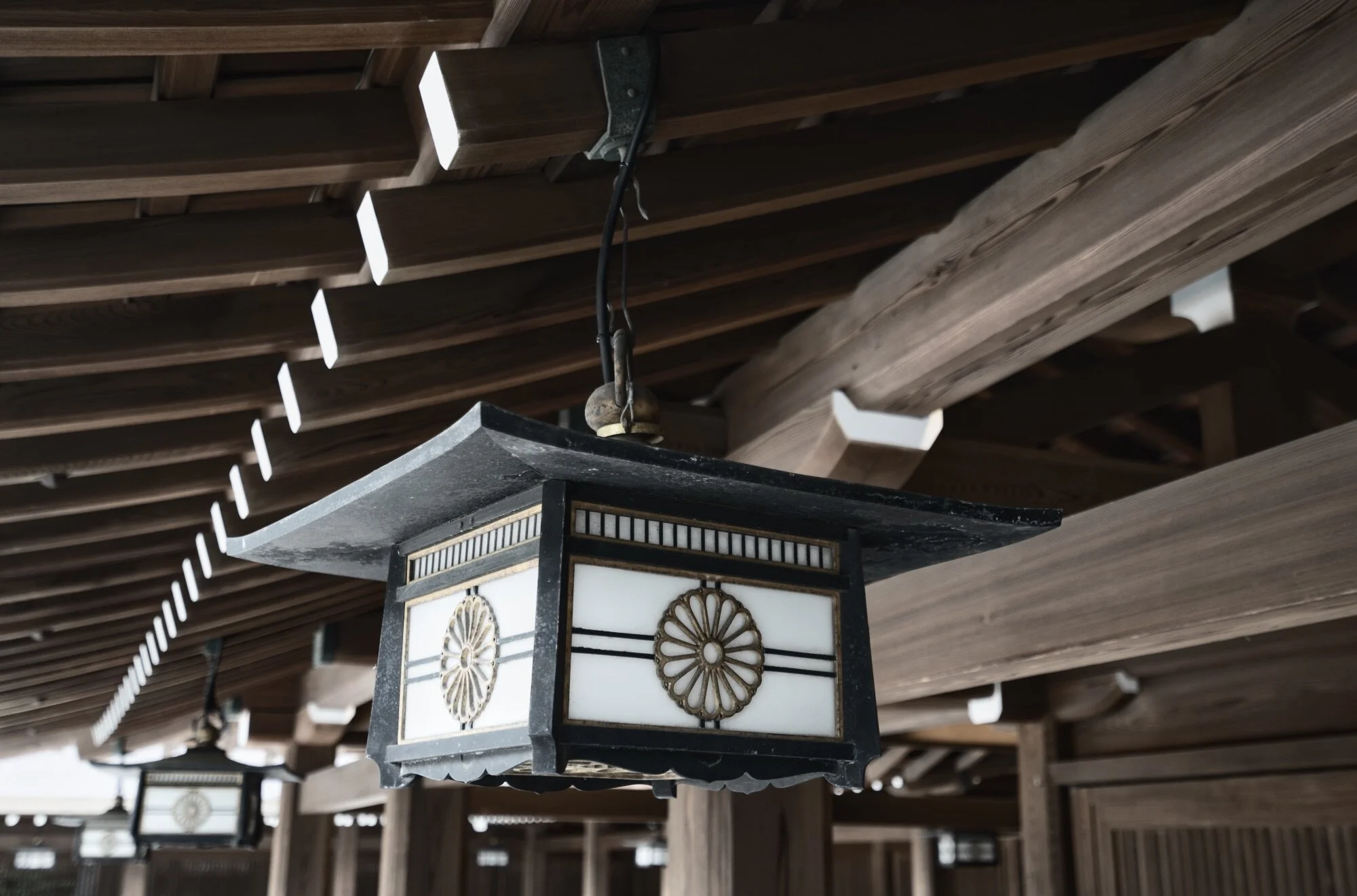

There is a quirky thing with Single Image Edits in Luminar. Once you’ve opened an image for a single edit, you can’t open it a second time for a separate session.
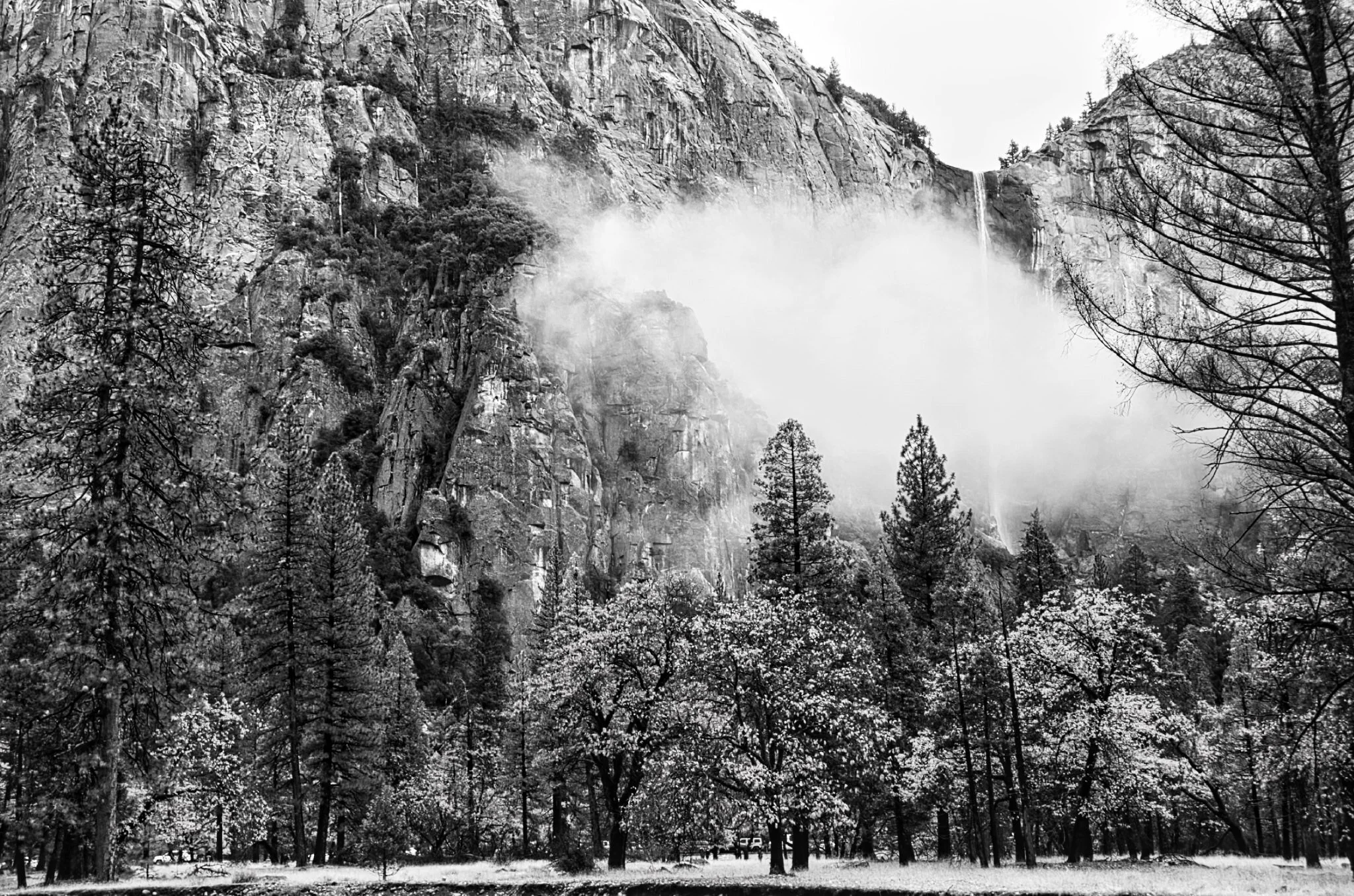
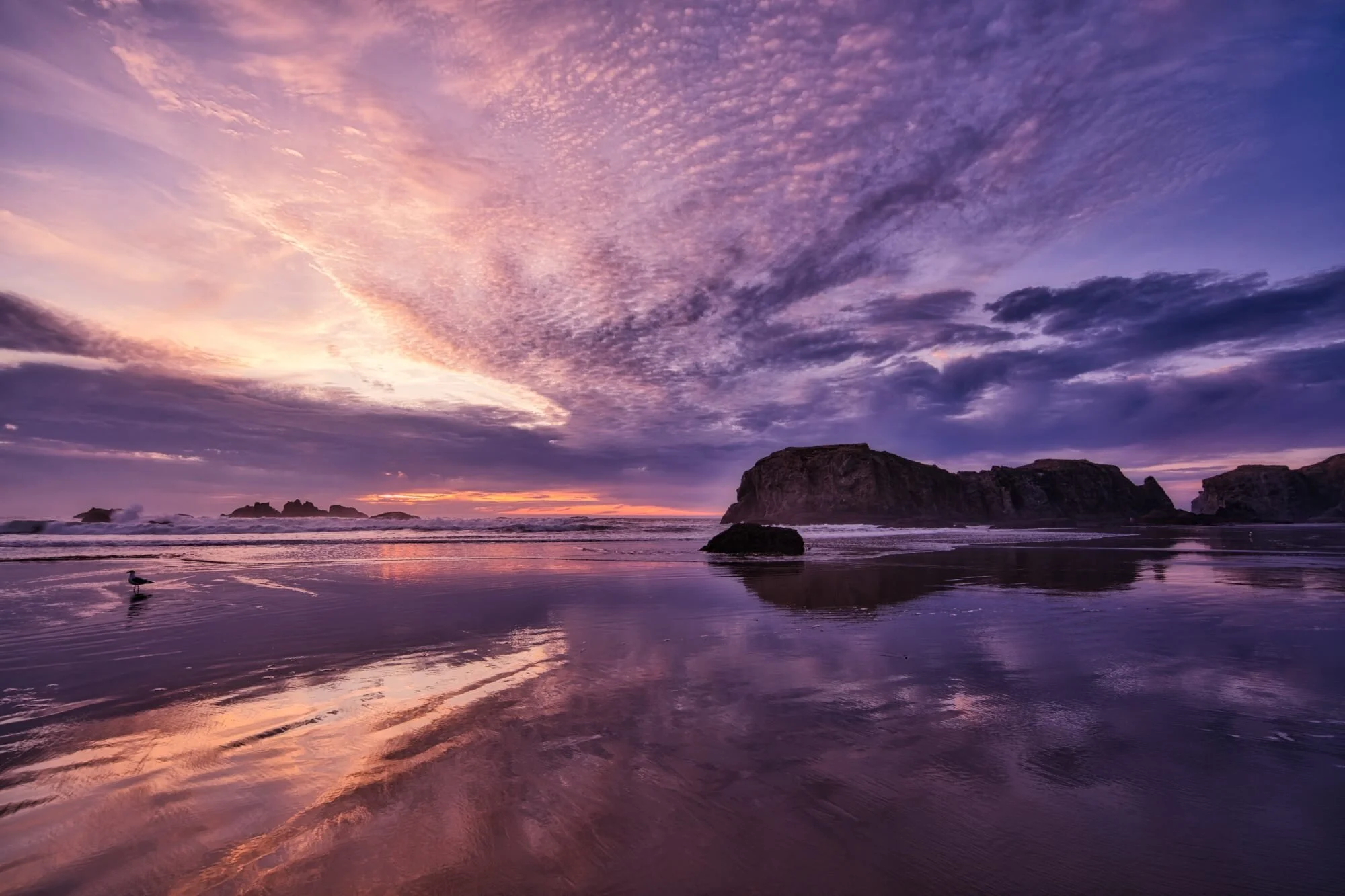


The Smart Contrast slider in Luminar is too-often overlooked. You should be using this in your workflow.
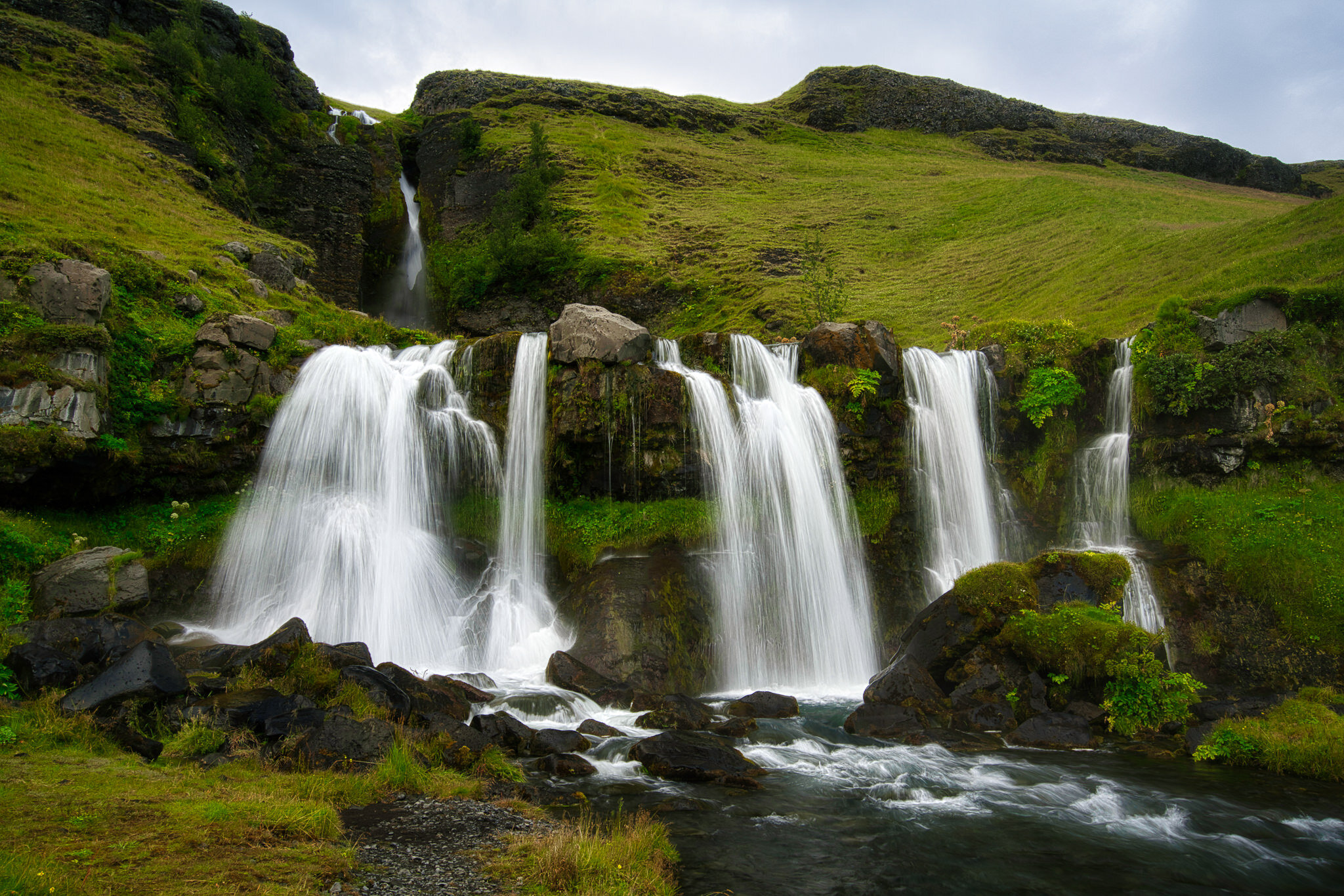
If you’re not diving into the Advanced Settings area of the Vignette tool you are missing out.

Luminar 4.3 added a new feature to make loading your custom skies easy and fast. I’ll show you how it works.
 Scott Davenport
Scott Davenport is a landscape photographer and photo educator and based in San Diego, California. He leads photo workshops, writes photo books, hosts podcasts, makes tutorial videos, and feels weird referring to himself in the 3rd person.
He also can't help getting his feet wet photographing at the beach.
The Local Masking tools in Luminar AI are for finishing touches to your photos.