

Videos And Articles

Duck Brook Bridge, Acadia National Park - In The Field #465
A dip into the archives. Back to October 2018 and a visit to Duck Brook in Acadia National Park.
How To Find The Folder Of A Photo In An Album In ON1 Photo RAW
Where did that photo come from? Jump quickly from an album to a photo’s home folder using Reveal In Folders. I’ll show you how.


How To Move A Luminar Catalog To An External Hard Drive
Moving your Luminar catalog to an external hard drive is pretty simple. I’ll show you the steps.
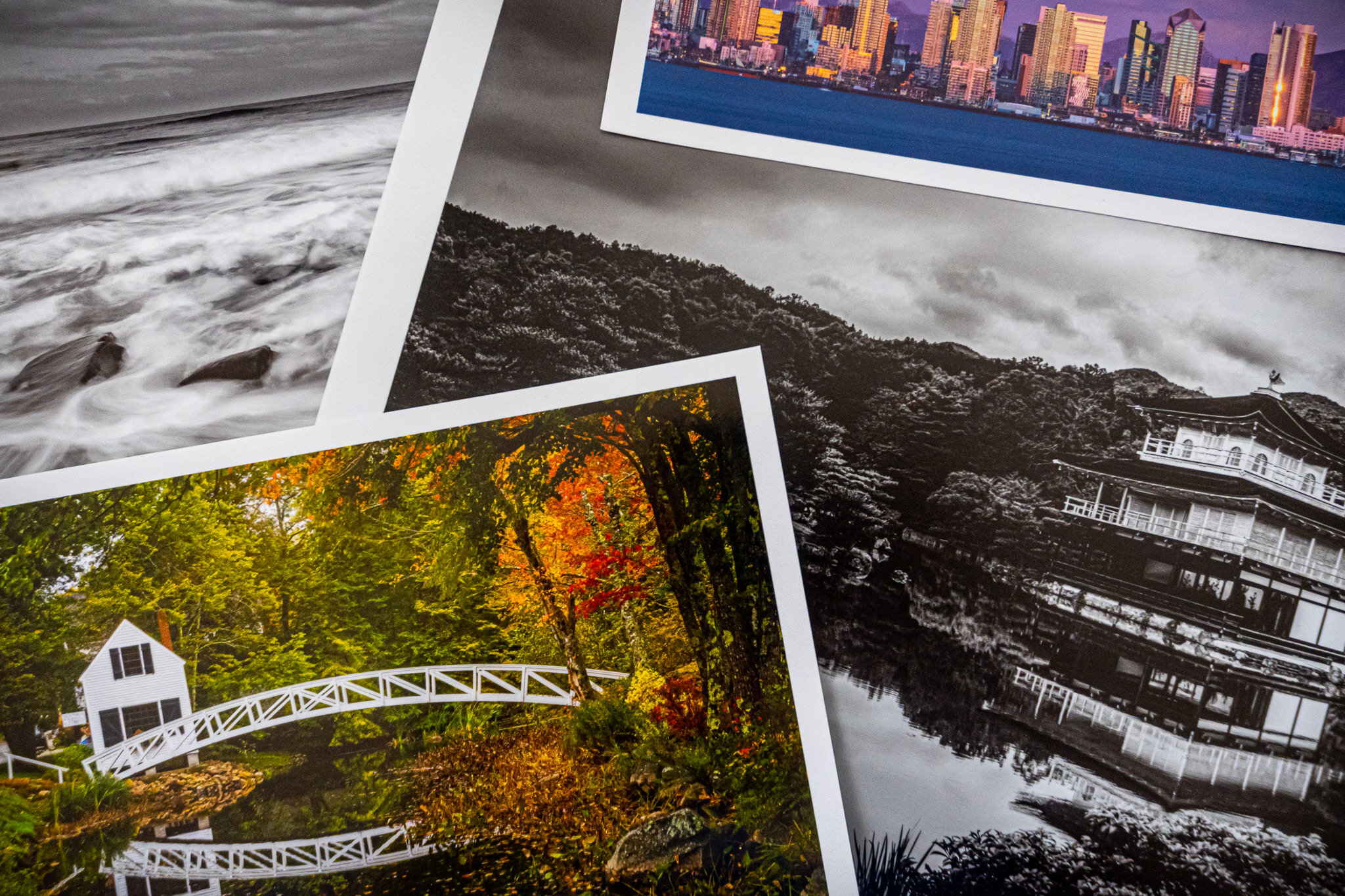
My Favorite Red River Papers (May 2020)
There are two Red River papers I am turning to again and again for my prints.

How To Apply Adjustments To Multiple Photos In Luminar
Applying the same settings to multiple photos in Luminar is as easy as copy and paste.
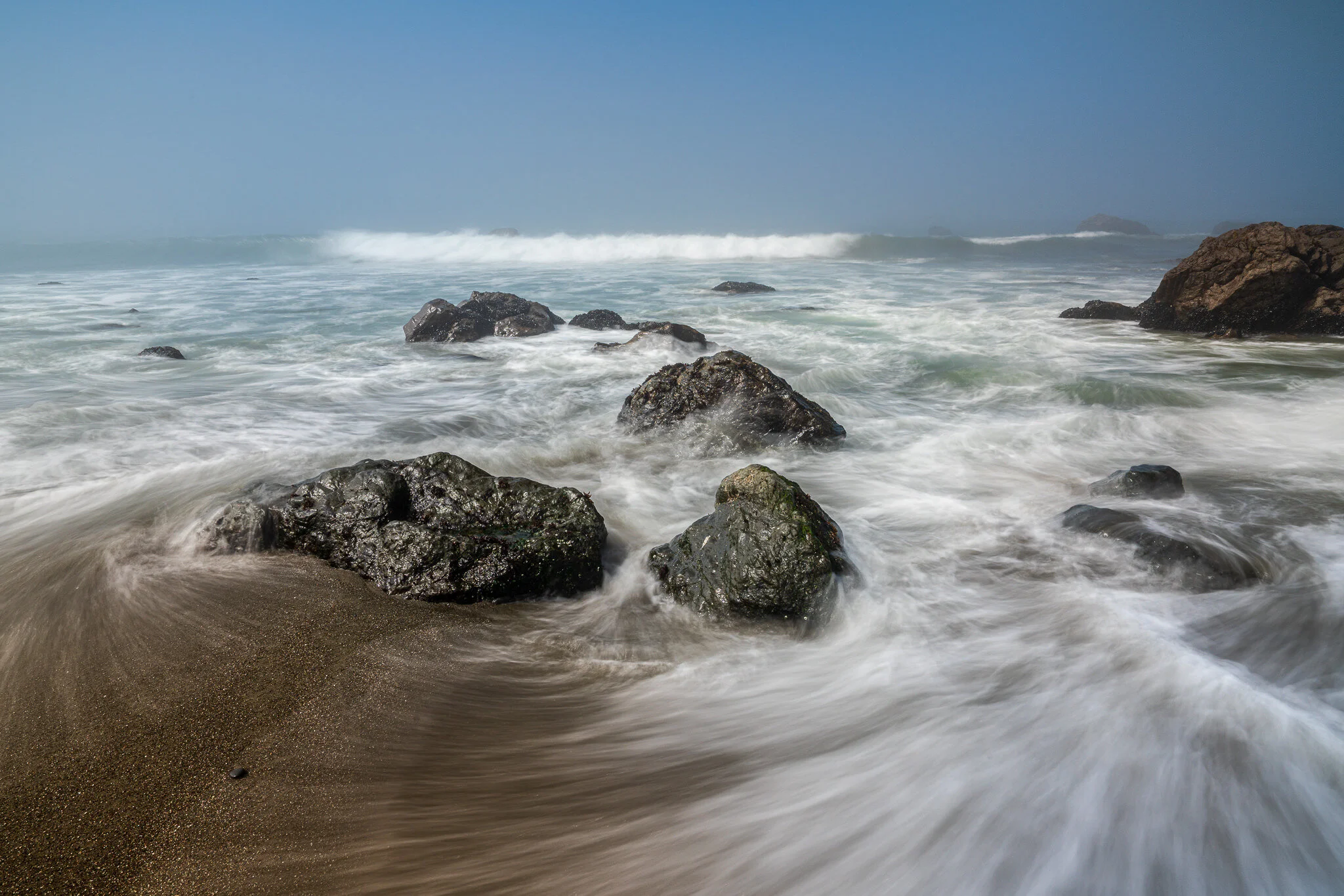
Reduce Glare On Wet Rocks
Wet rocks are fun to photograph, however, produce glare and shine in our images. I’ll show you how to manage the glare.

Panorama Stitching In ON1 Photo RAW
Panorama stitching is part of the Browse module in ON1 Photo RAW. I’ll show you my pano stitching process in this video.

ON1 Announces ON1 360°
ON1 360° is a new desktop, laptop, and mobile synchronization service that works with ON1 Photo RAW.

The Visualize Spots Slider In Lightroom
The Visualize Spots slider in Lightroom will help you root out difficult to find dust and water spots in your photos.


Previewing Camera Profiles In Lightroom
Use the grid view to quickly preview the look of camera profiles.