

Videos And Articles
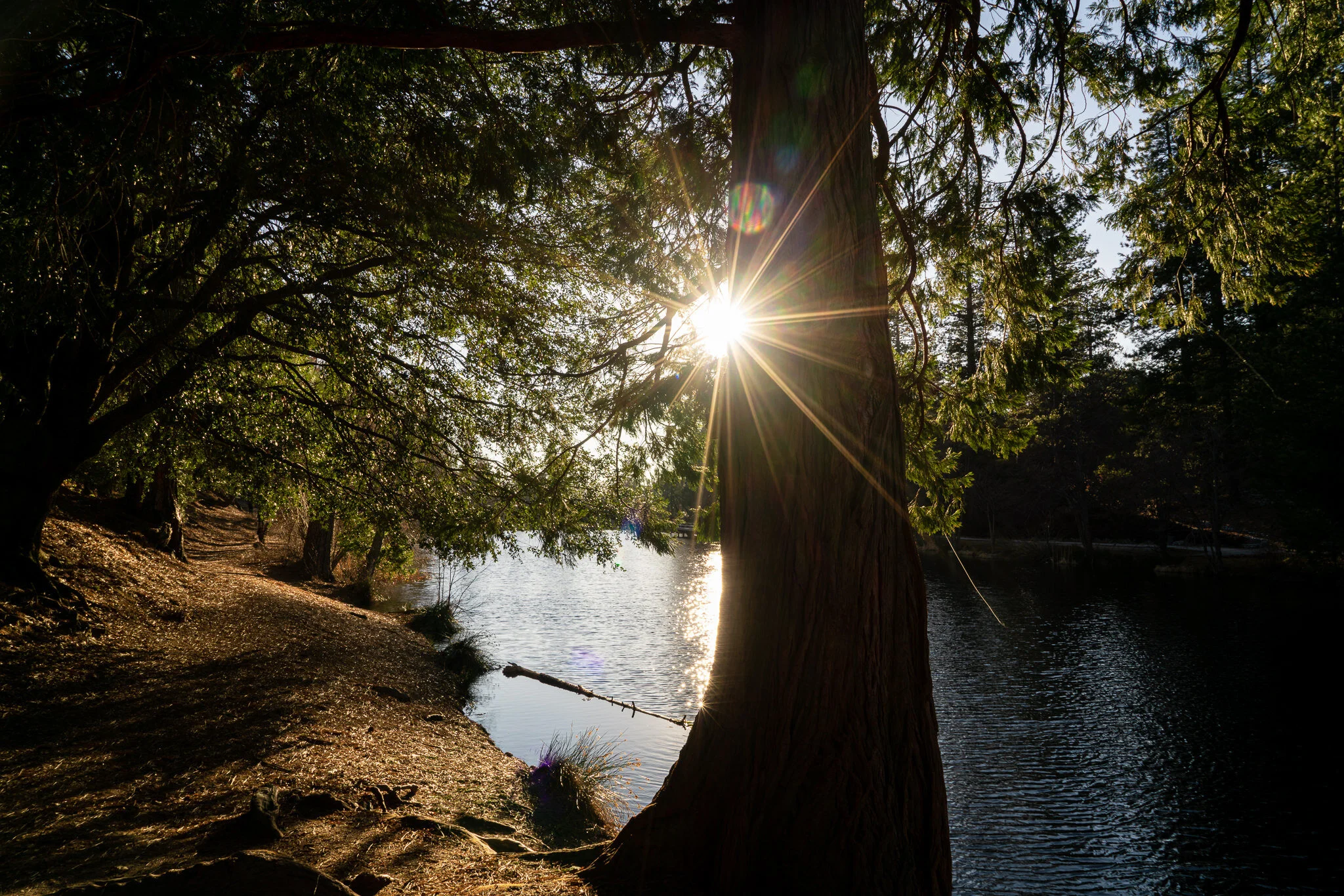
Moments In Idyllwild - In The Field #459
A brief visit to Idyllwild, California produced several photos I’m happy with.

The Print Resolution Checkbox In Lightroom
I’d never paid attention to this checkbox before. Now that I know what it does, I’m turning it off.

Color Range Masks - In Post #458
Color masks are great to quickly treat large areas with similar color tones. They can also speed up workflow when editing multiple photos with similar color tones.

The Borrego Springs Serpent - In The Field #457
I can’t believe I’ve lived in the San Diego area for so long and never taken my own photos of the Borrego Springs serpent…. until now.

How To Move Folders To Another Hard Drive In Luminar 4
A photo library inevitably outgrows an internal hard drive. If you are using Luminar to manage your photos, watch this video. I’ll show you how to move your folders so you don’t lose your editing adjustments.
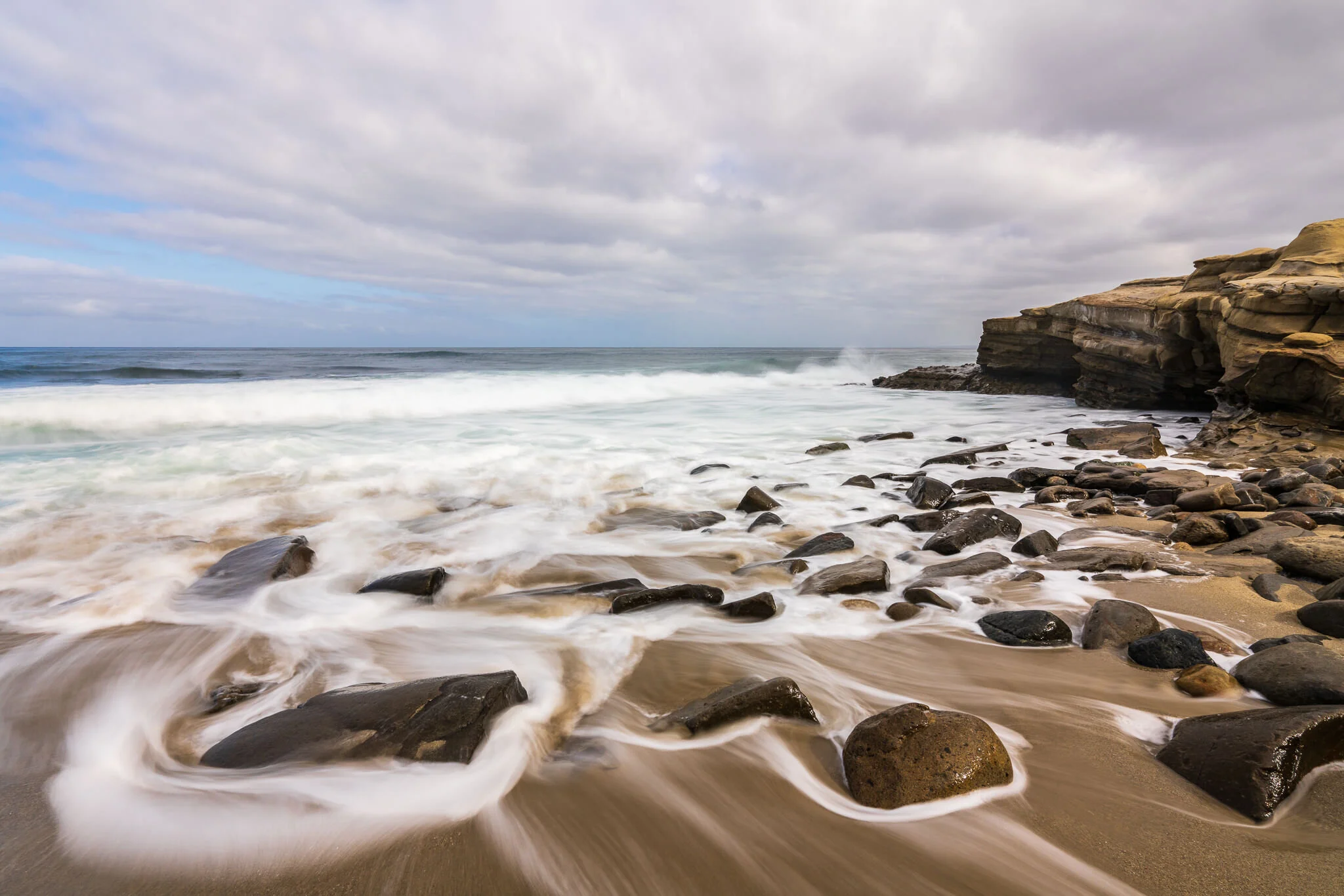
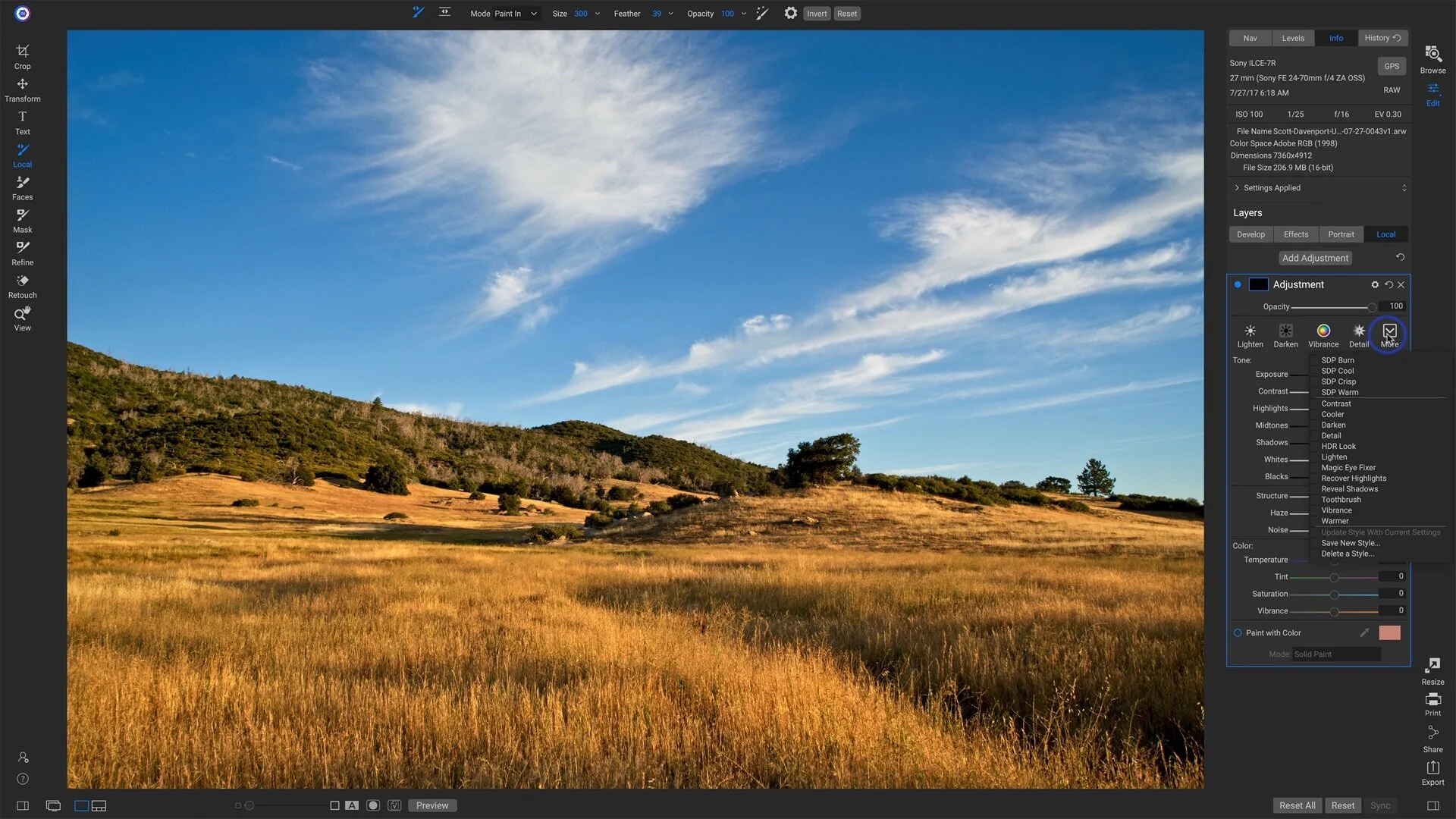
Brush Styles For Local Adjustments In ON1 Photo RAW
Speed up your workflow with a few - or a bunch - of Local Adjustment brush styles.

Deleting Folders And Images In Luminar 4
Take extra care when removing folders from a Luminar catalog. Even though the folders and images may be recoverable, the non-destructive edits are not.

Color Labels And Color Label Sets In Lightroom
Color labels are a useful tool to segment and track your photos. I’ll show you how I use them.
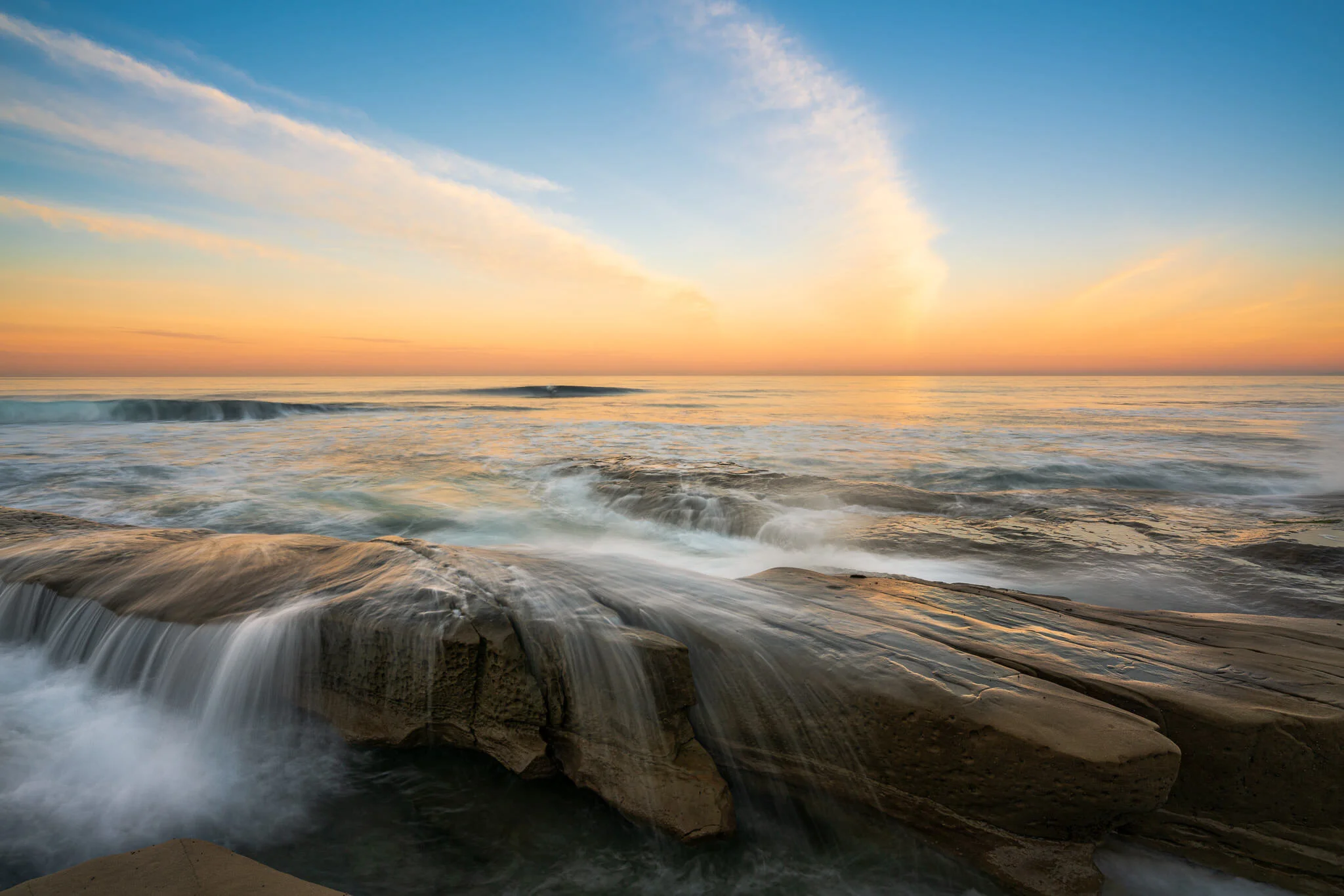
Keeping Color And Saturation In Check - In Post #456
Colors do not need to be enhanced and adjusted globally. Use brushes and color range masks for better results.
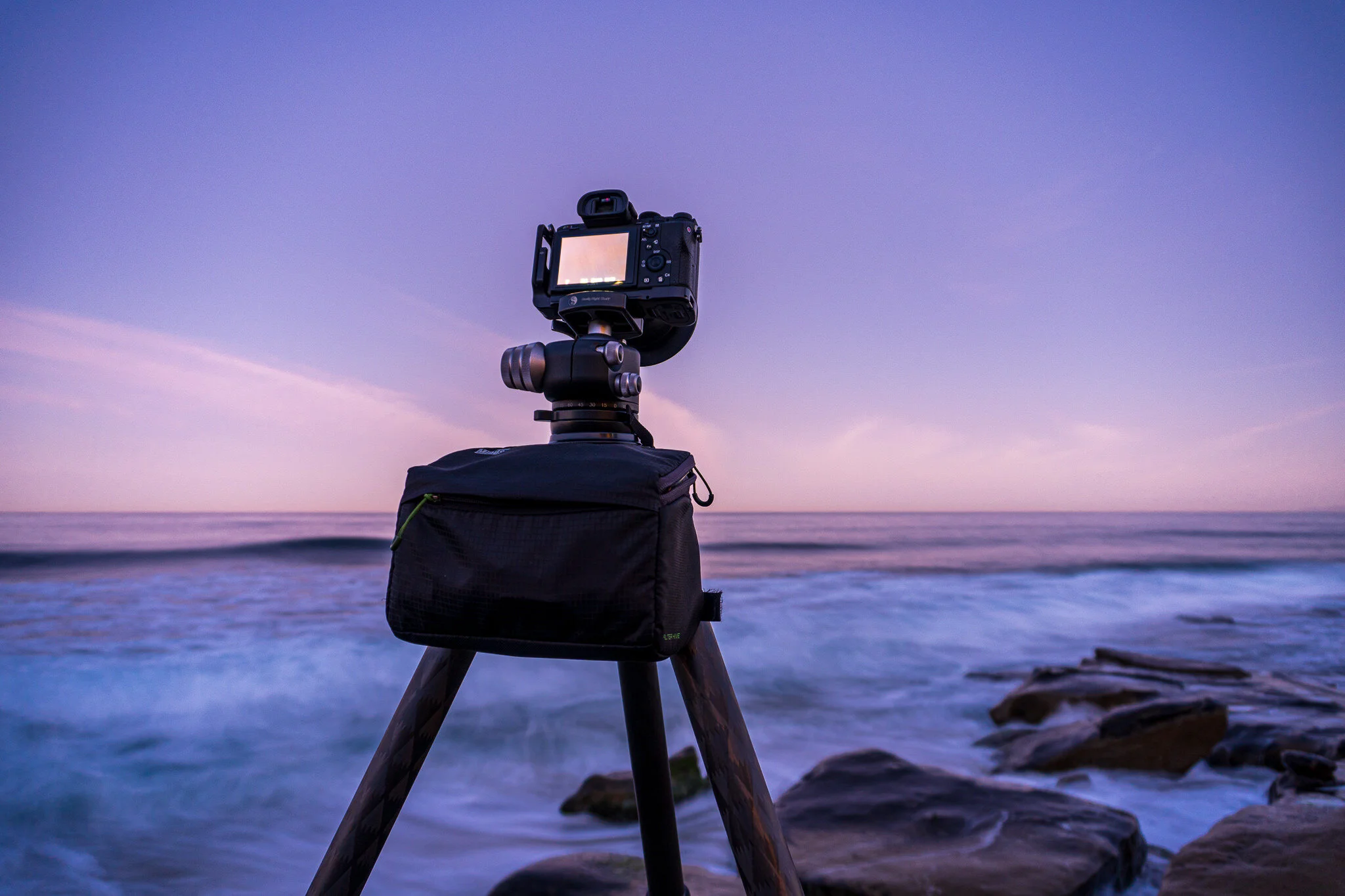
The Sunrise Payoff - In The Field #455
Some days it’s totally worth getting up way before dawn.
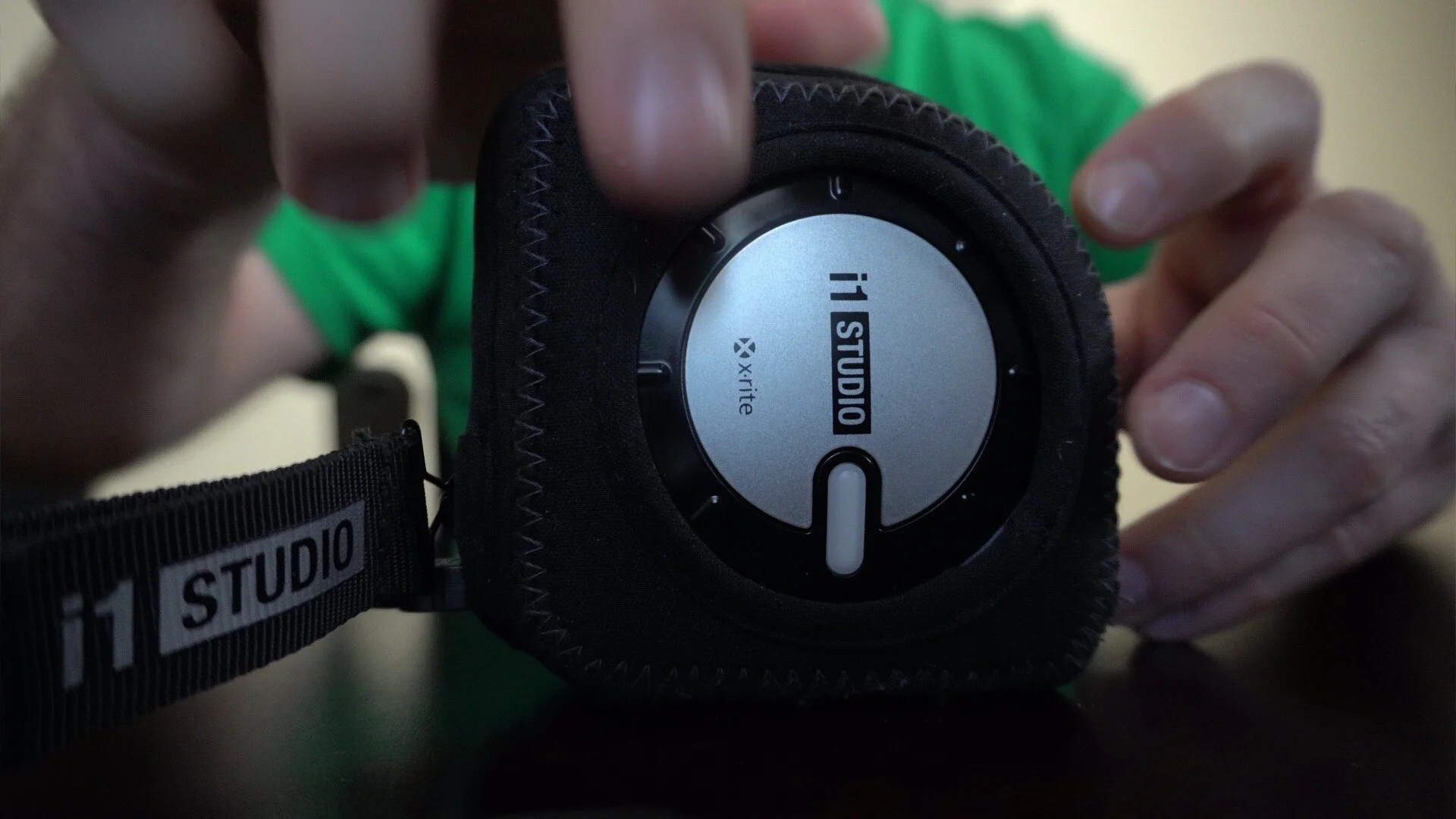
Easily Rotate The X-Rite i1 Studio Color Calibrator
I use the X-Rite i1 Studio to color calibrate my monitor and printer. The dial on the device may be a little difficult to rotate. I’ll show you the simple trick I use to make it easy.