

Videos And Articles
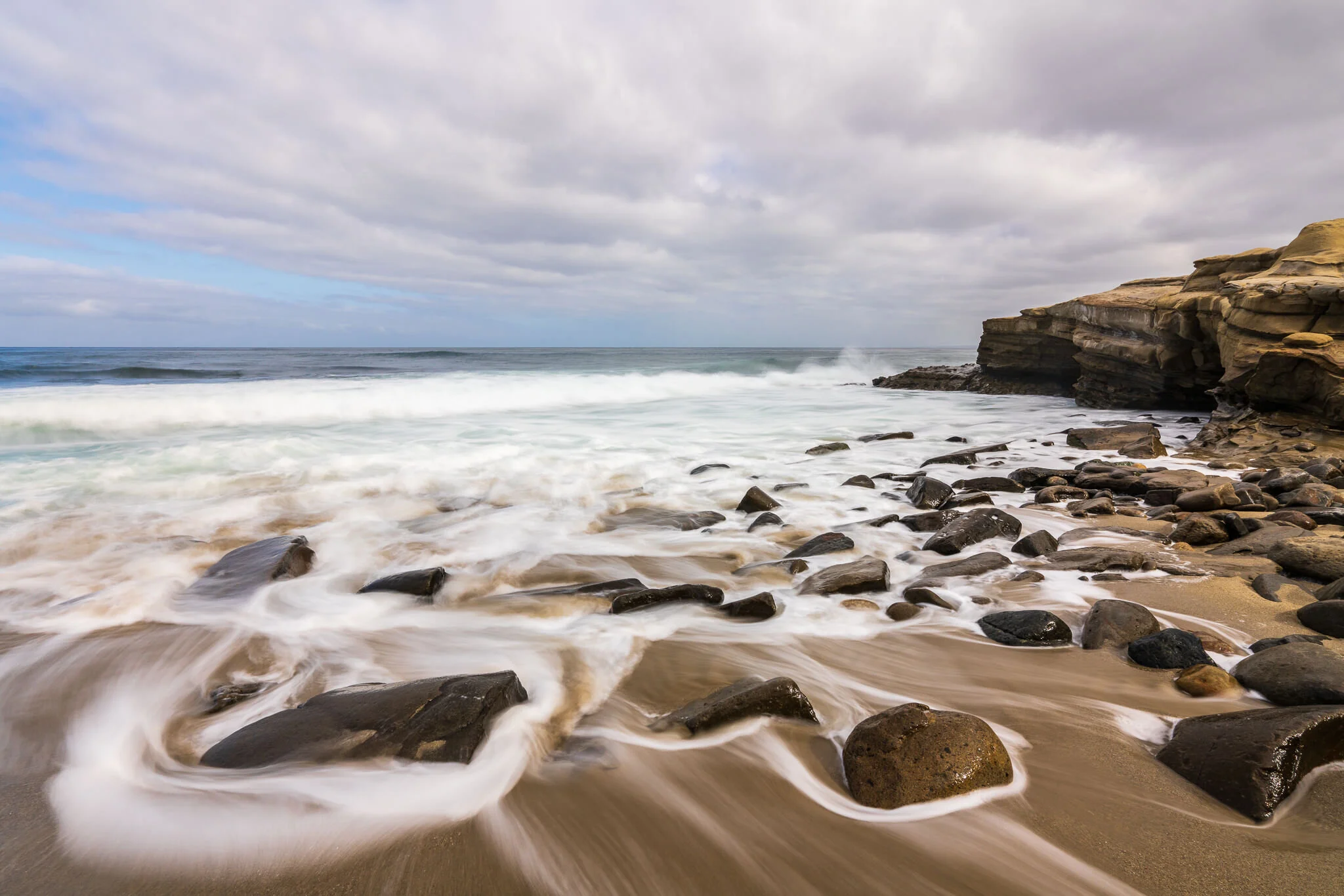
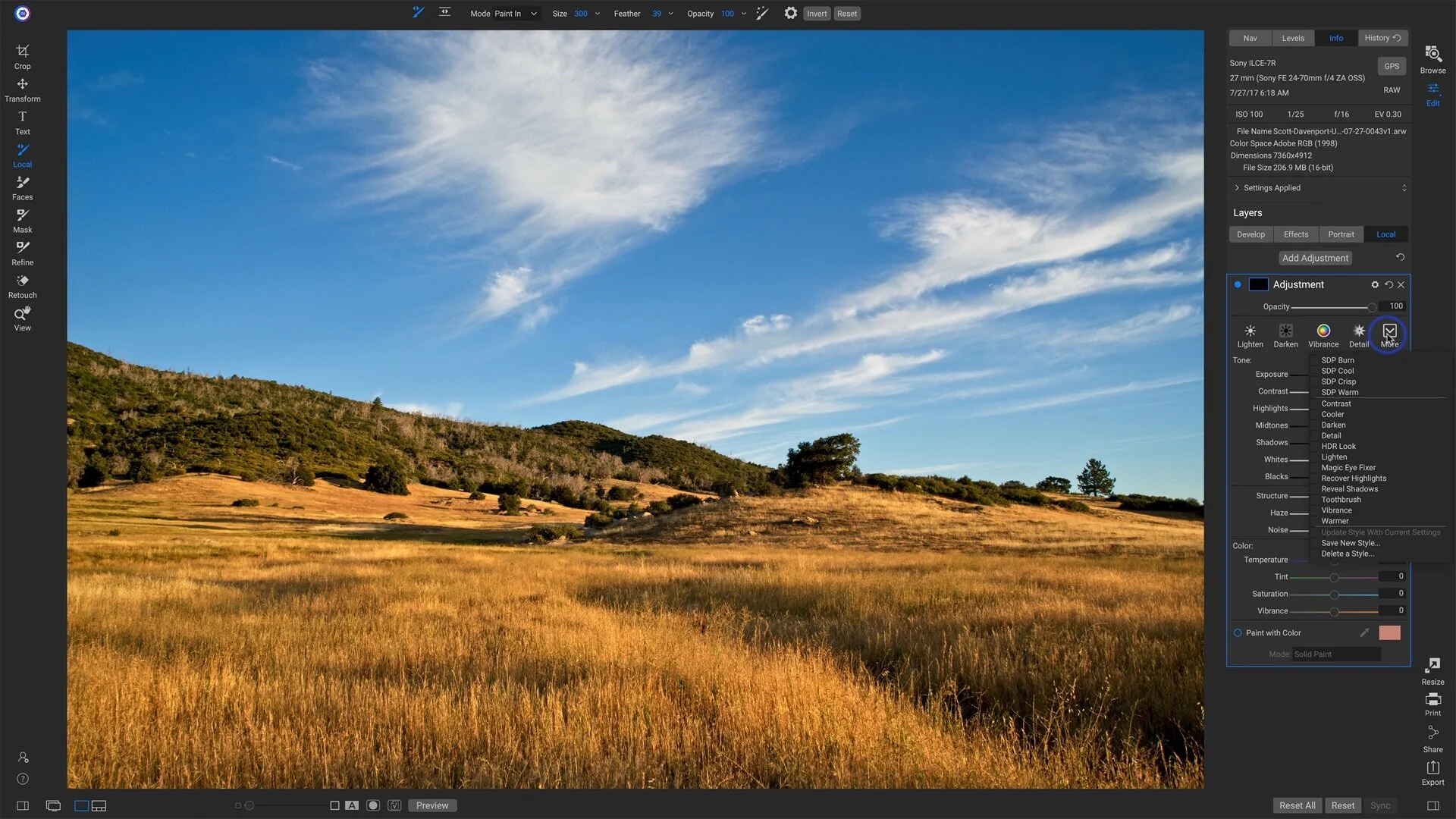
Brush Styles For Local Adjustments In ON1 Photo RAW
Speed up your workflow with a few - or a bunch - of Local Adjustment brush styles.

Deleting Folders And Images In Luminar 4
Take extra care when removing folders from a Luminar catalog. Even though the folders and images may be recoverable, the non-destructive edits are not.

Color Labels And Color Label Sets In Lightroom
Color labels are a useful tool to segment and track your photos. I’ll show you how I use them.
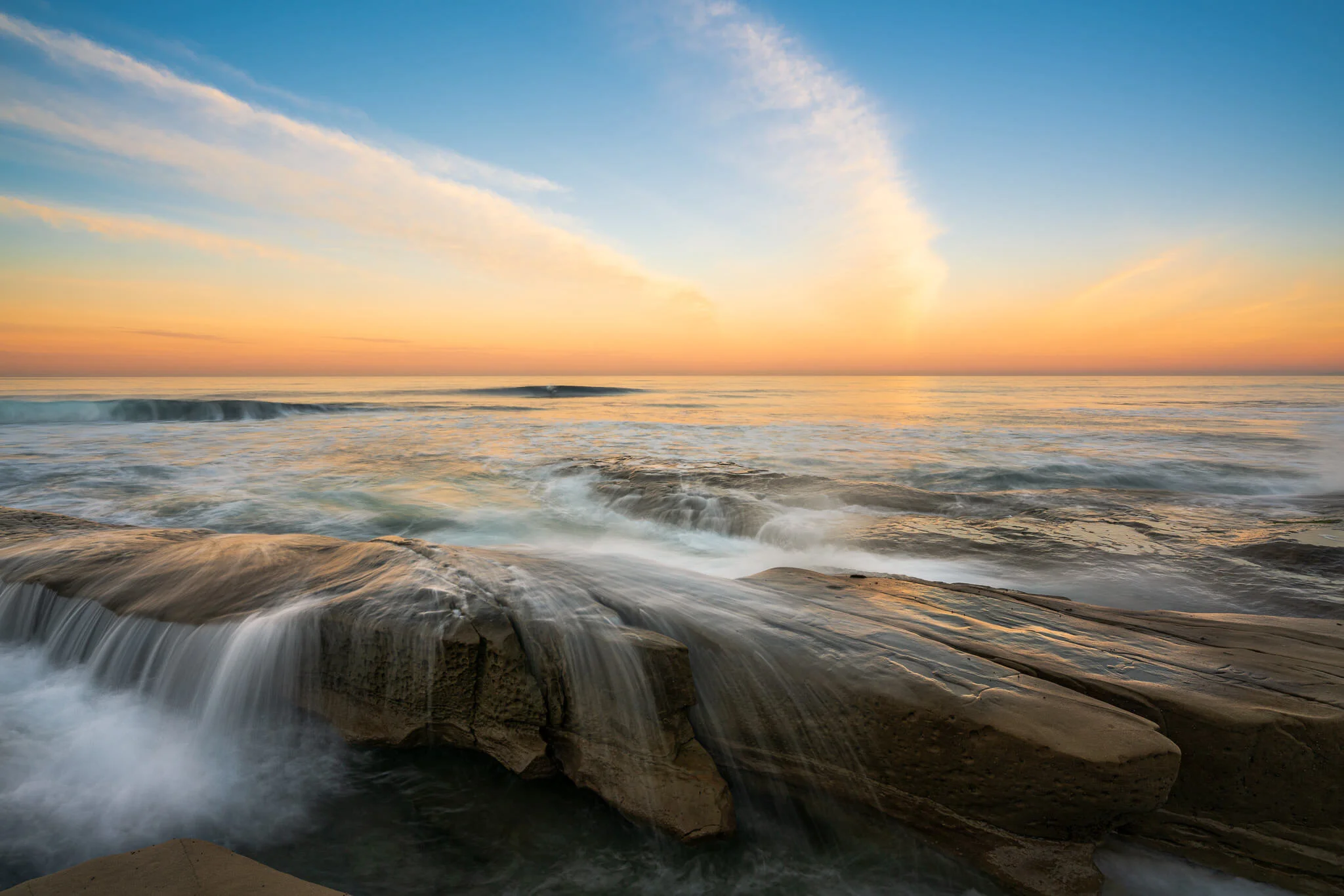
Keeping Color And Saturation In Check - In Post #456
Colors do not need to be enhanced and adjusted globally. Use brushes and color range masks for better results.
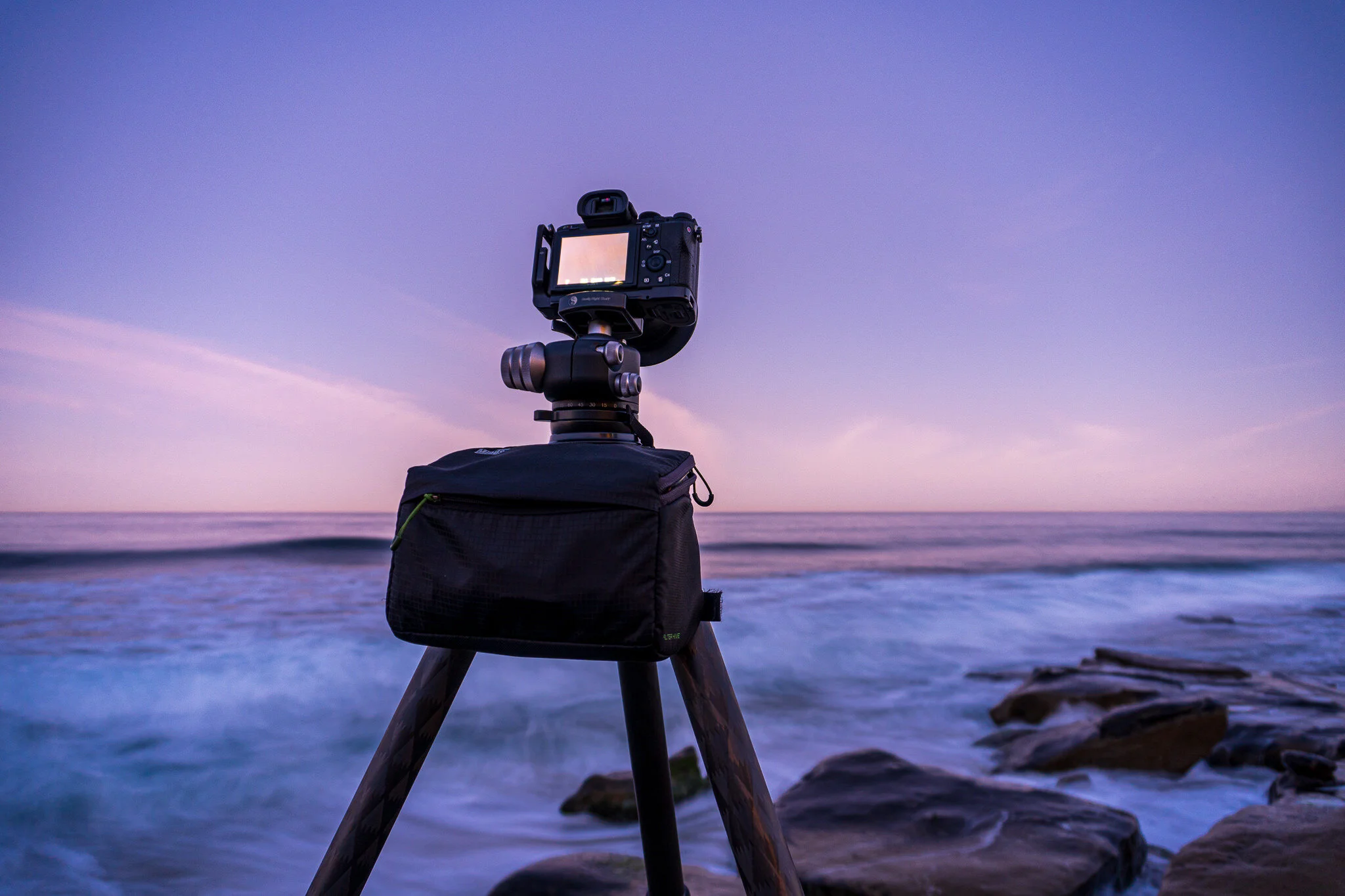
The Sunrise Payoff - In The Field #455
Some days it’s totally worth getting up way before dawn.
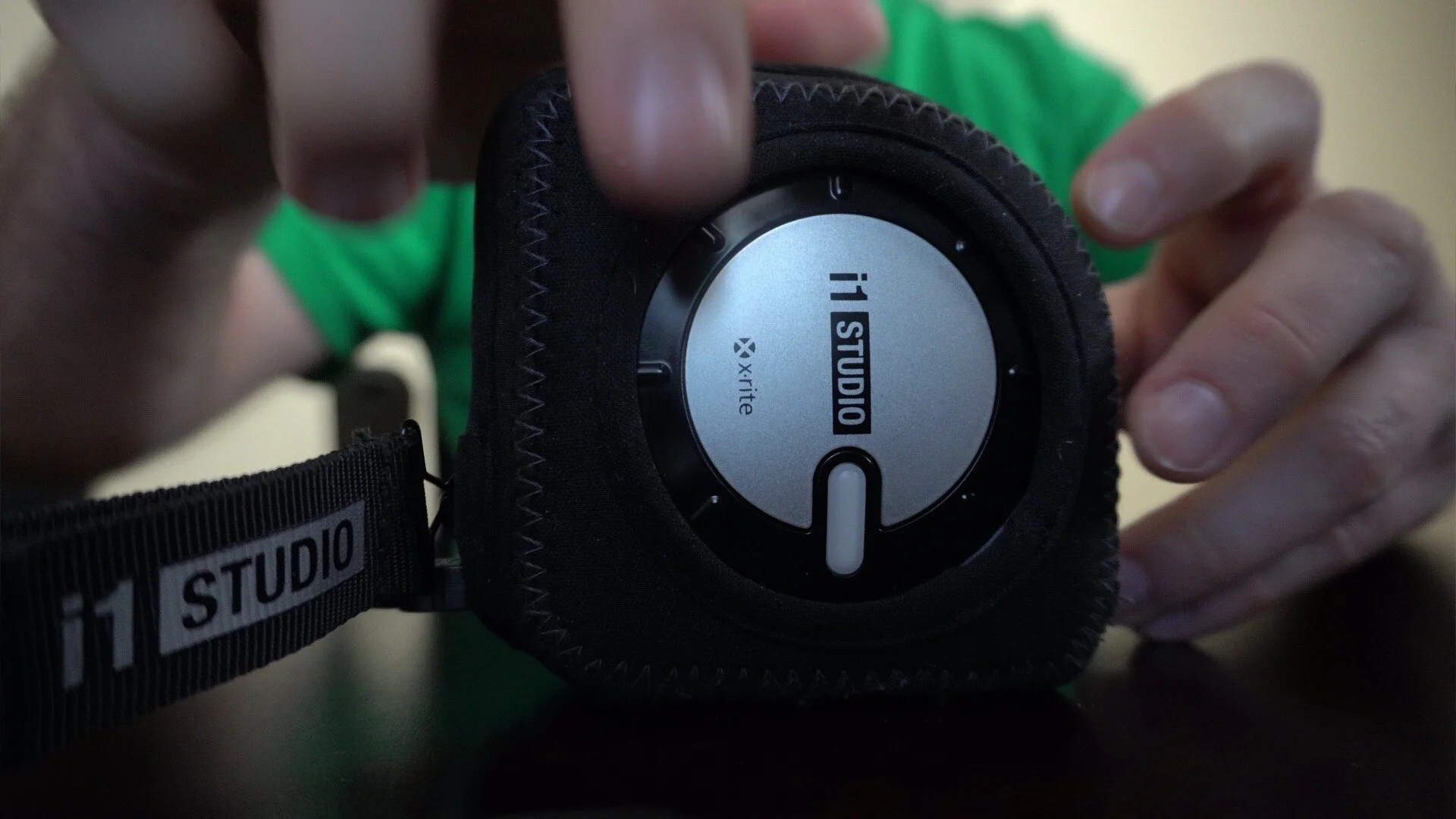
Easily Rotate The X-Rite i1 Studio Color Calibrator
I use the X-Rite i1 Studio to color calibrate my monitor and printer. The dial on the device may be a little difficult to rotate. I’ll show you the simple trick I use to make it easy.


Color Grading With The Color Enhancer Tool In Luminar 4
Got 4 minutes? I’ll show you how to color grade using the advanced controls in Luminar’s Color Enhancer tool.
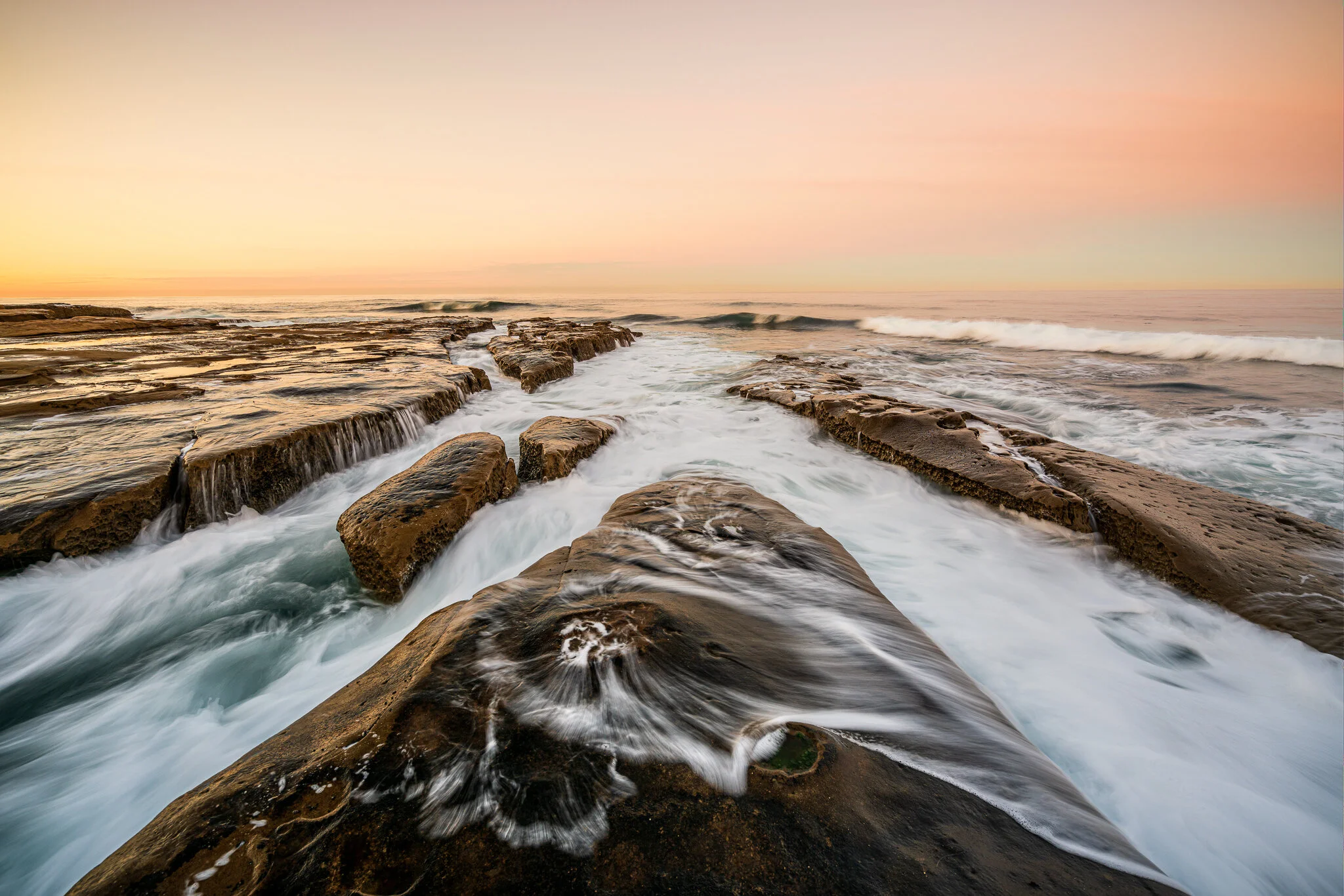
Complex Masks Made Easy In ON1 Photo RAW
The masking tools in ON1 Photo RAW are powerful. Use them together to get complex masks done quickly.
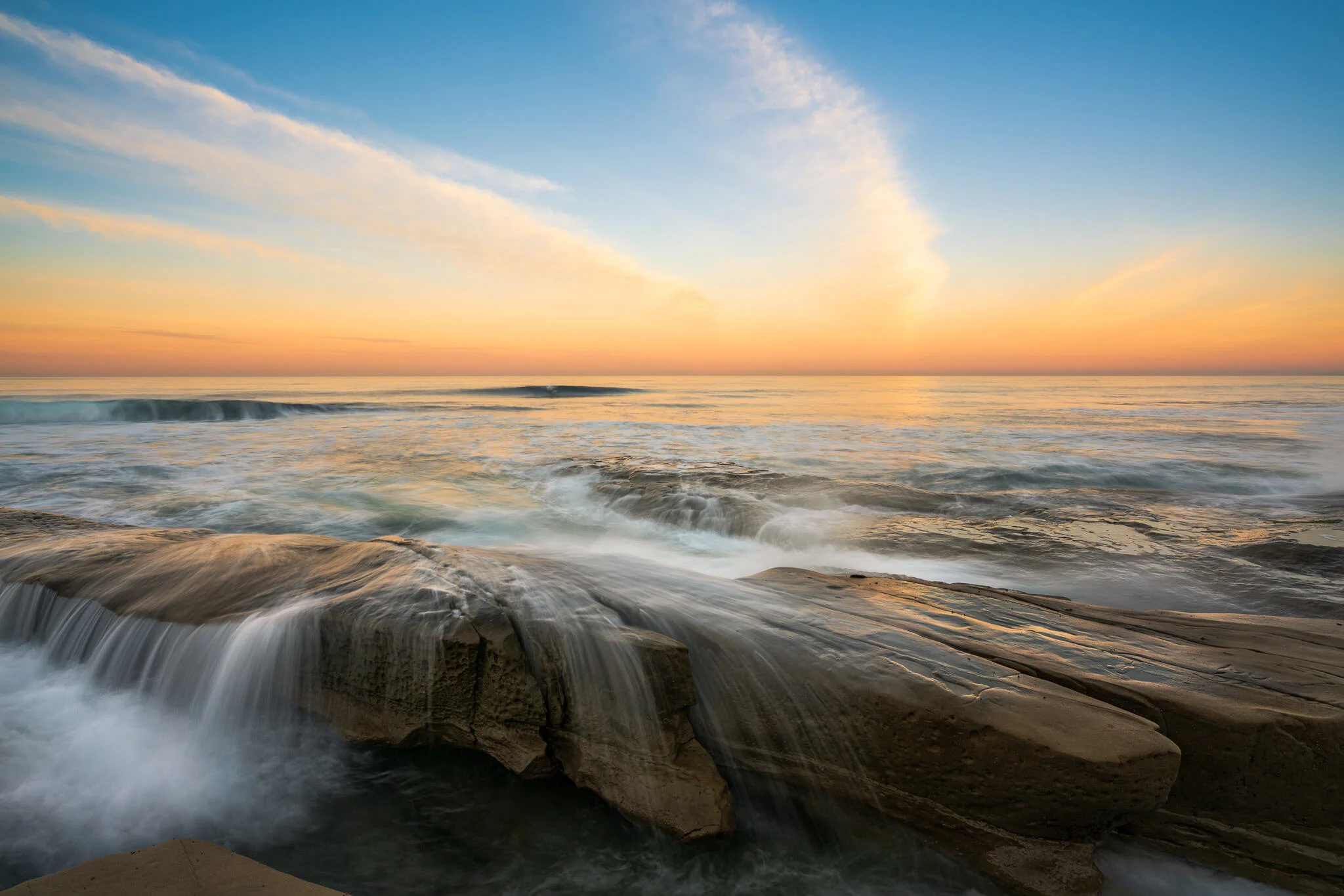
Using Filters In Lightroom’s Library Module
I use filters in the Library module all the time to sift, search, and sort my photos.

If I Knew Then What I Know Now - In Post #454
We are continually growing as photographers. Our skills improve and our tastes change. A good way to measure progress is to revisit your prior work. I do just that in today’s video.