

Videos And Articles

Sync Adjustments Vs. Batch Processing In Luminar 4
There are two ways to process a group of images in one fell swoop in Luminar 4. In this video, I’ll explain the differences between batch processing and syncing adjustments.

Fight Image Theft With Pixsy
Image theft happens… and it sucks. I use Pixsy to help me find potential infringements on my work. I’ll show you the basics of what I look for when I review matches found by the service.


How To Round Trip From ON1 Photo RAW To Luminar
ON1 Photo RAW and Luminar can be used together to edit photos. The round-trip process needs a little hand holding. I’ll show you how it works.

Luminar Essentials, Revised For Luminar 4
Revised for Luminar 4. Luminar Essentials is available now.

The Shift Click Trick For Precision Curves In Lightroom
Got 4 minutes? I’ll show you how the Shift key helps get more precise tone curve adjustments in Lightroom.



Can I Process A Single RAW Photo In Several Different RAW Editors?
Can a single RAW photo be edited in different RAW processing without one “messing up” the other? Yes… although I’m not a big fan of this workflow.
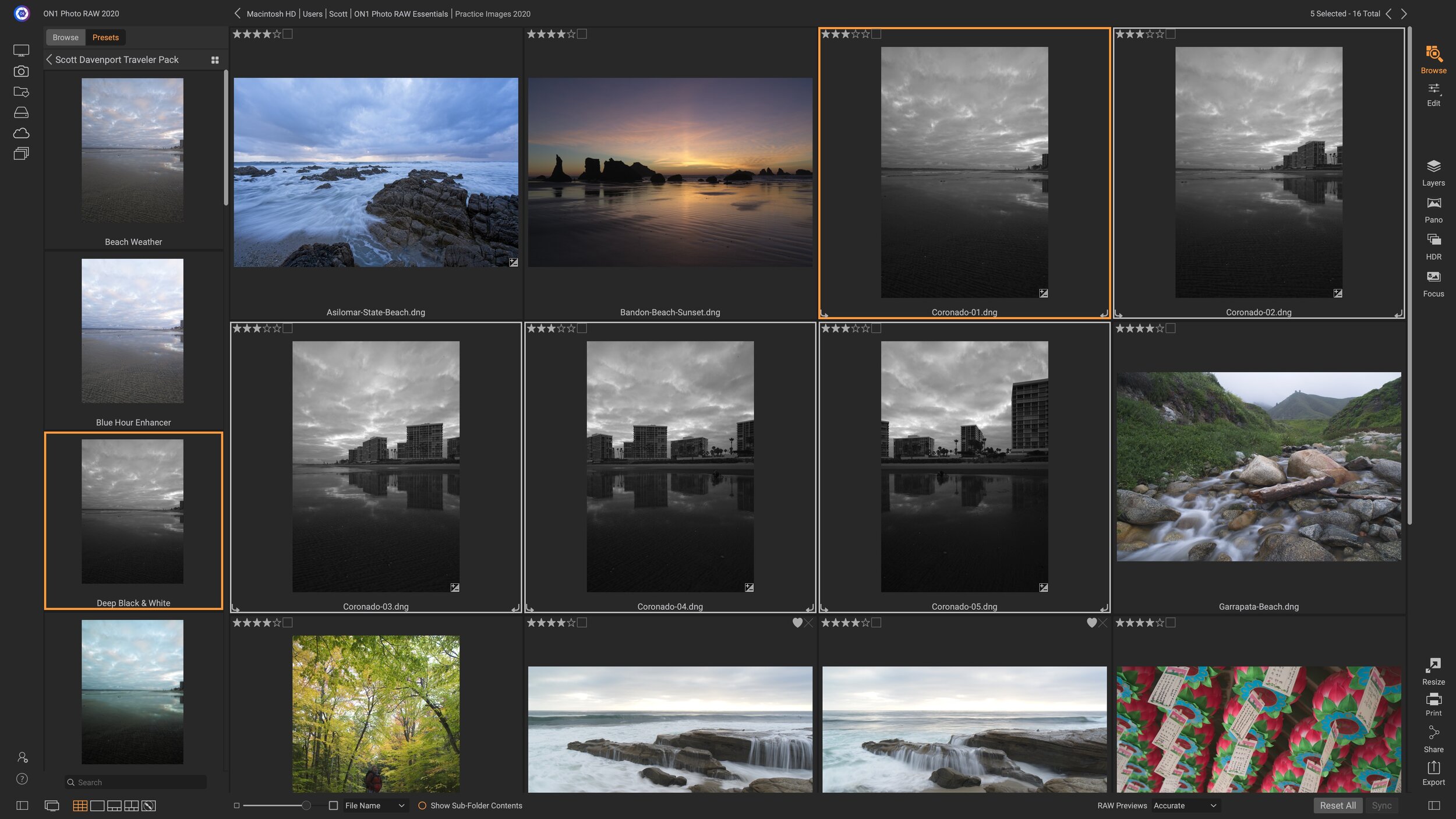
Batch Processing With Presets In ON1 Photo RAW
Got a minute? That’s all I need to show you how to batch process a set of photos with presets in Photo RAW.


Mask Opacity And Mask Density In ON1 Photo RAW
Mask opacity and mask density both control the strength of a mask in Photo RAW. I explain the difference between them in a short video.