

Videos And Articles

How To Make A Warm Sunshine Glow With Radial Filters - Lightroom
Adding a warm, inviting glow in Lightroom is easy using a radial filter and the power of luminance range masks.

Enhance Your Skylines With Radial Filters In Lightroom
With creative use of a radial filter, you can quickly target adjustments to just a skyline.

Shaping A Sky With Color Tints And Temperature - Lightroom
Use a small set of changes to tint and color to make a sky really sing.

Color Grading Balance & Blending Sliders - What's The Difference?
Confused about the Balance and Blending sliders in Lightorom’s Color Grading tool? Give me 5 minutes and I’ll break it down for you.
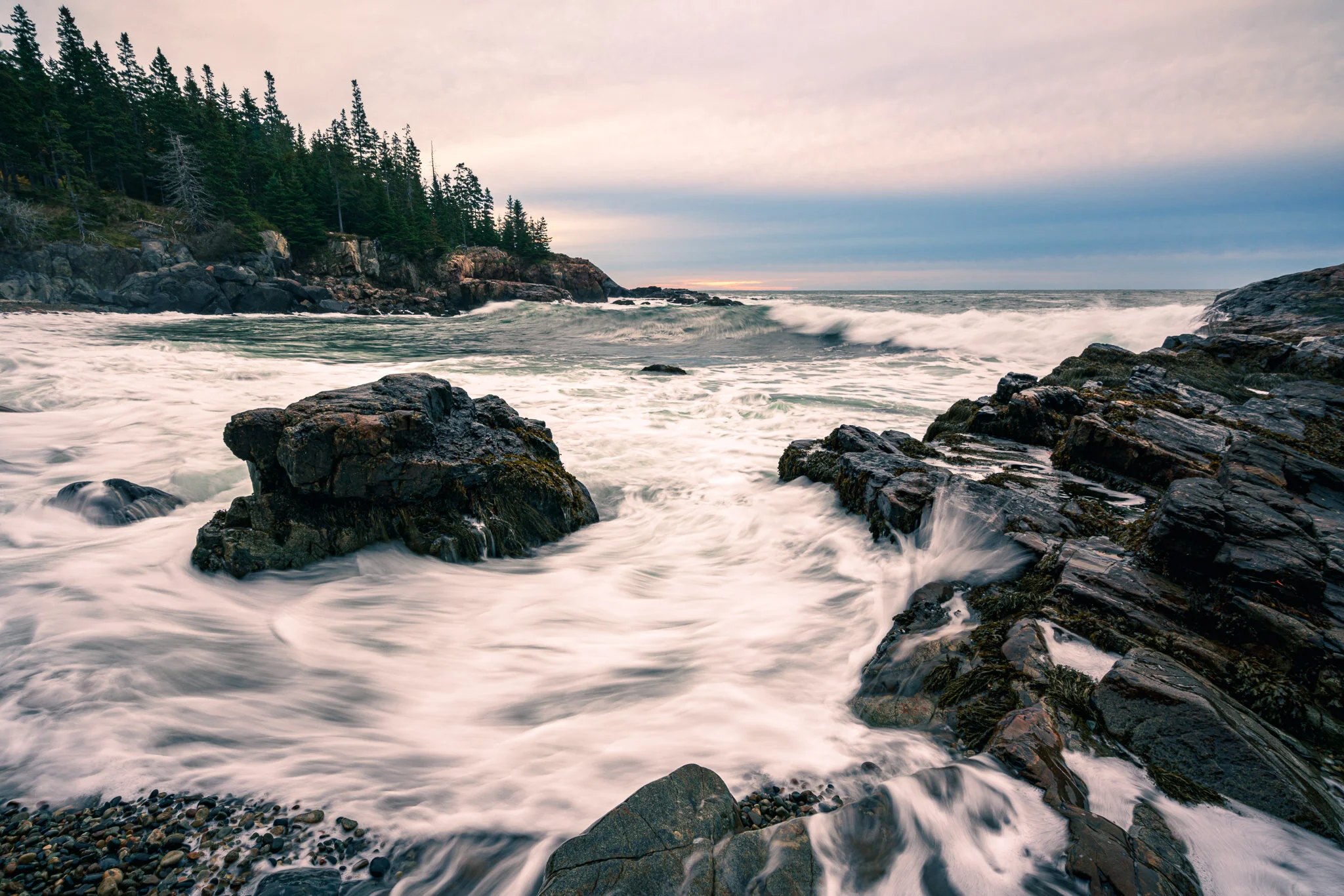
The Color Grading Tool In Lightroom
Lightroom adds a new Color Grading tool, a big update to split toning. I’ll show you how it works.

Adjust Midtone Exposure With The Color Grading Tool In Lightroom
Got 3 minutes? I’ll show you how the new Color Grading tool in Lightroom can help fine tune midtone exposure.
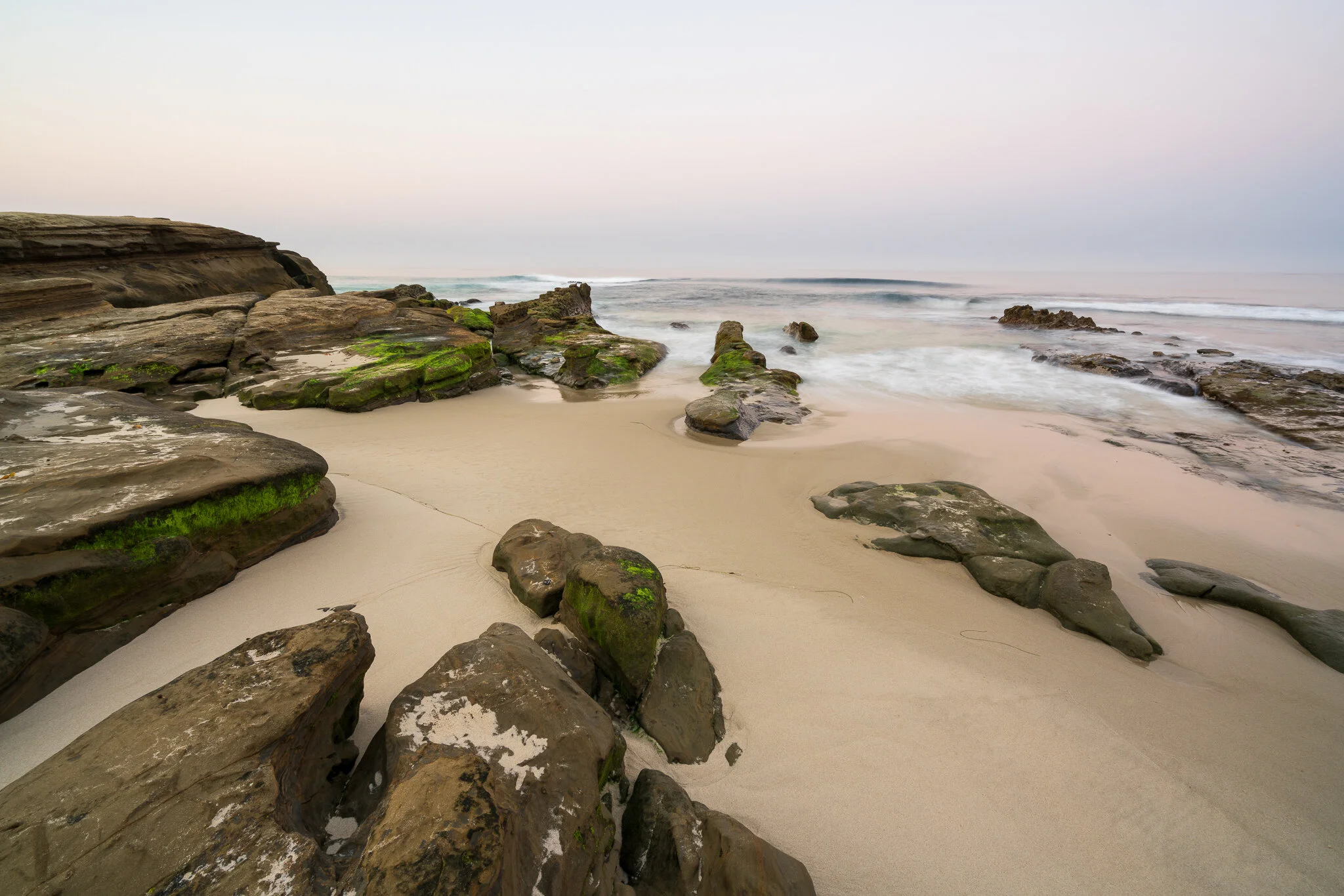
Add A Pop To Foliage With A Brush Effect In Lightroom
HSL is great, but it’s global. Use a custom brush for targeted shifts in hue.

Fine Adjustments In The Deep Shadows
I’ll show you two techniques to make fine adjustments in the deep shadows of your image.
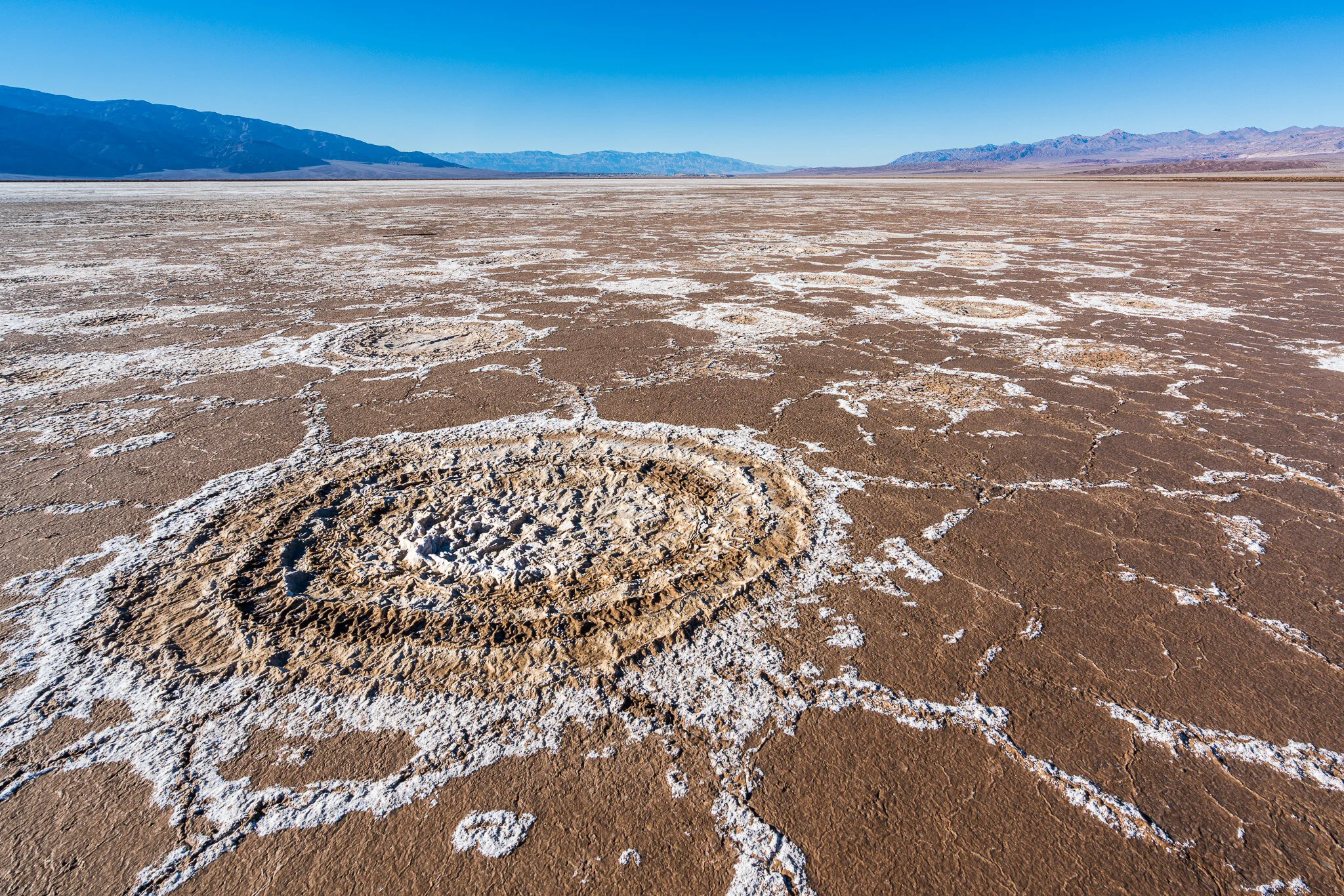
Vertical Perspective Shift In Lightroom
Transform comes in handy for more than just straightening verticals or horizontals.

Multi-Preset Batch Export In Lightroom
Need to export the same set photos in a variety of sizes or formats? Check out multi-preset exporting in Lightroom.

Auto-Stack By Capture Time In Lightroom
Do you stack your images in Lightroom? Auto-stacking speeds up your workflow.

Leveling With Lens Corrections & Crop
The Crop tool in Lightroom can be active when other panels are open. This is handy with lens corrections.