
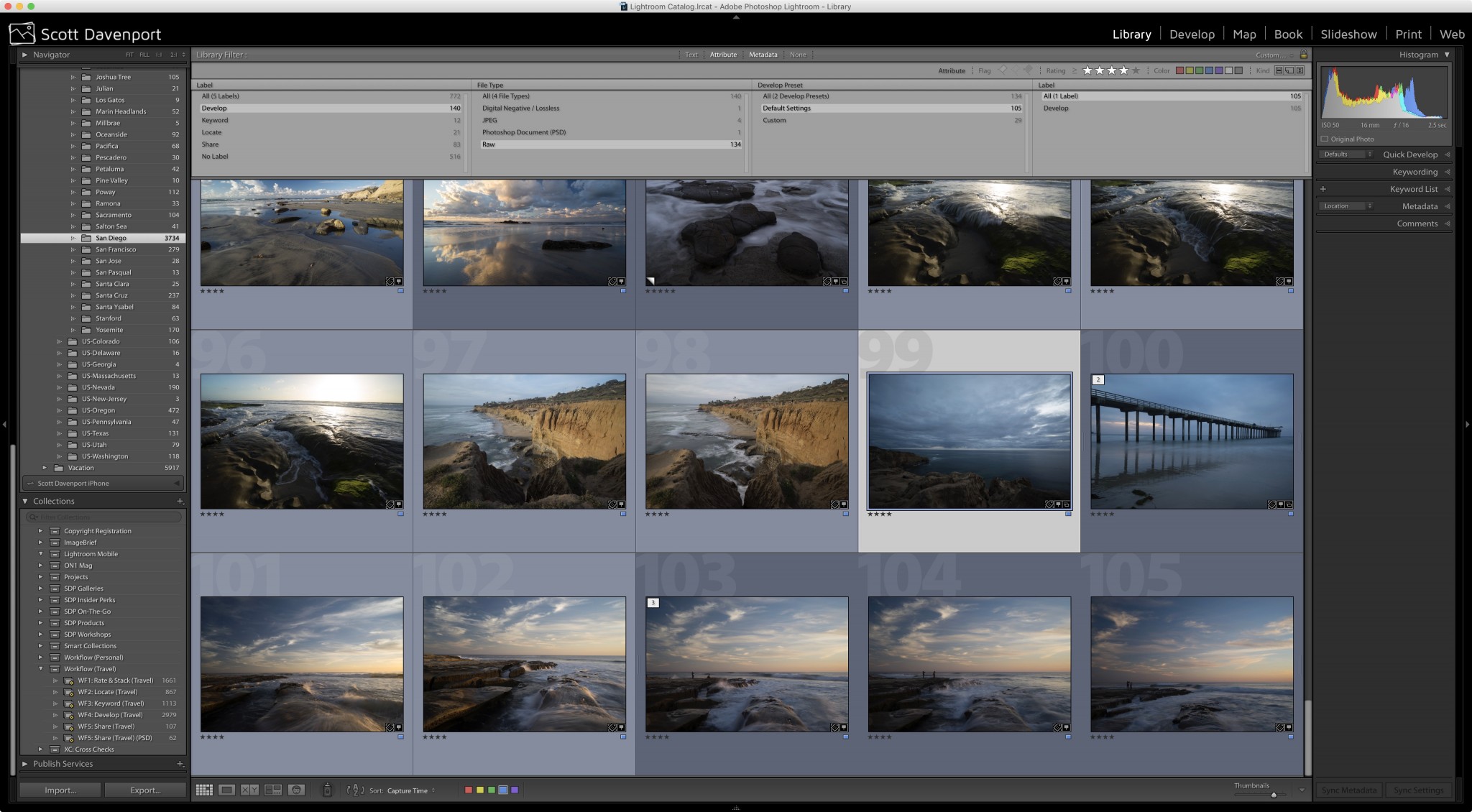
Last week I posted an article on PhotoApps.Expert about an irksome problem I have with Lightroom. Here's an excerpt:
"I periodically revisit my photo backlog and move older or lower rated photos through my workflow. Let's take the example of adding keywords. In any filtered view of photos, whether it be through the Library Filter or a Smart Collection, as soon as you commit a change to any of the filter or rule criteria, Lightroom immediately removes focus for the changed photo."
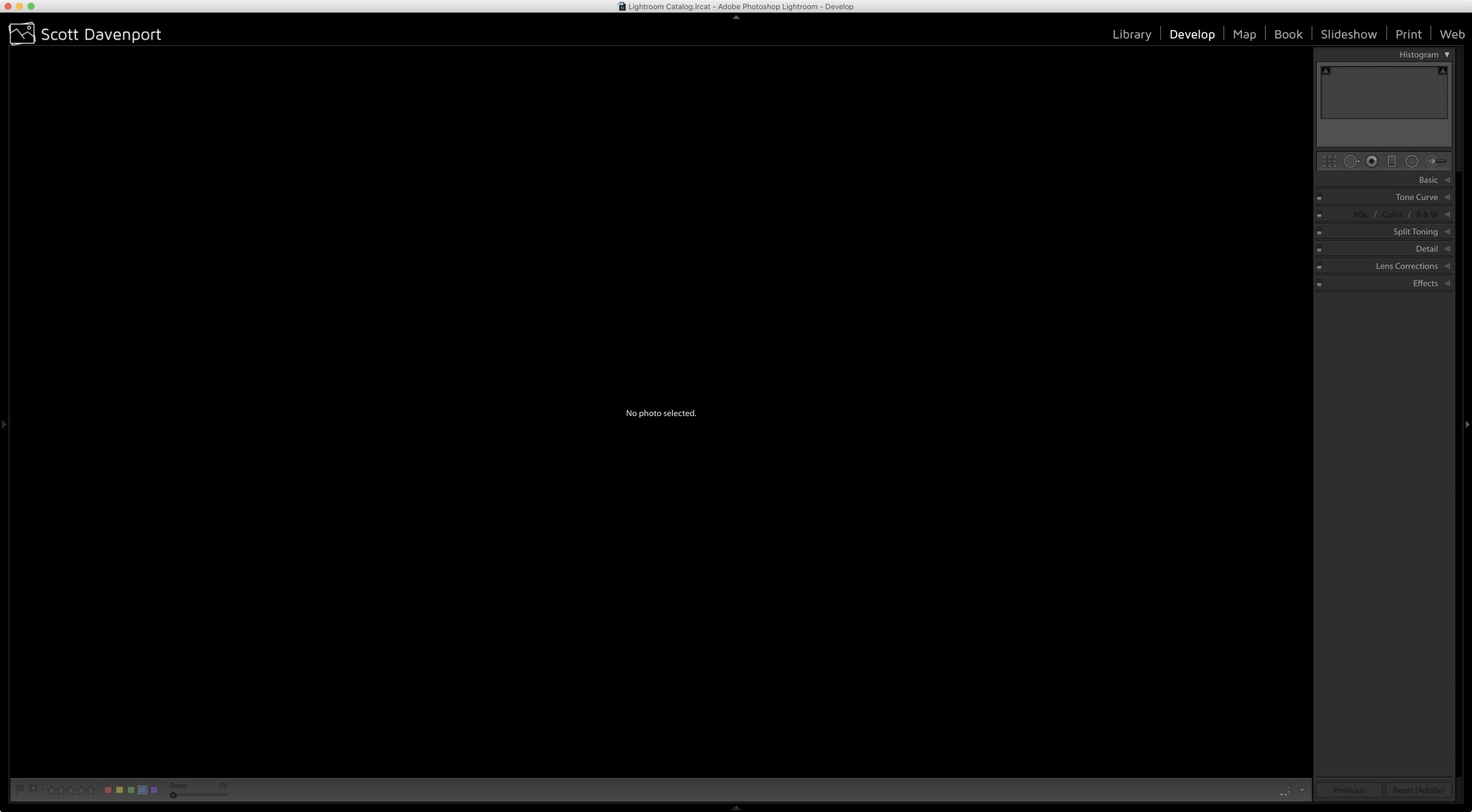
And then the "No Photo Selected" window. Ugh.
Read the full article on PhotoApps.Expert...
