

Videos And Articles

New Features In ON1 Photo RAW 2020.1
ON1 Photo RAW 2020.1 brings with it new features, improved speed, and attention to detail.
How To Move Photos To Another Hard Drive In ON1 Photo RAW
ON1 Photo RAW makes it easy to move your photos to another hard drive and keep your edits intact. I’ll show you how.
ON1 Sidecar Files Explained (Again)
ON1 Sidecar files store the non-destructive edits and metadata changes. They make your photos portable. I’ll show you how to turn them on and generate sidecar files for your work.
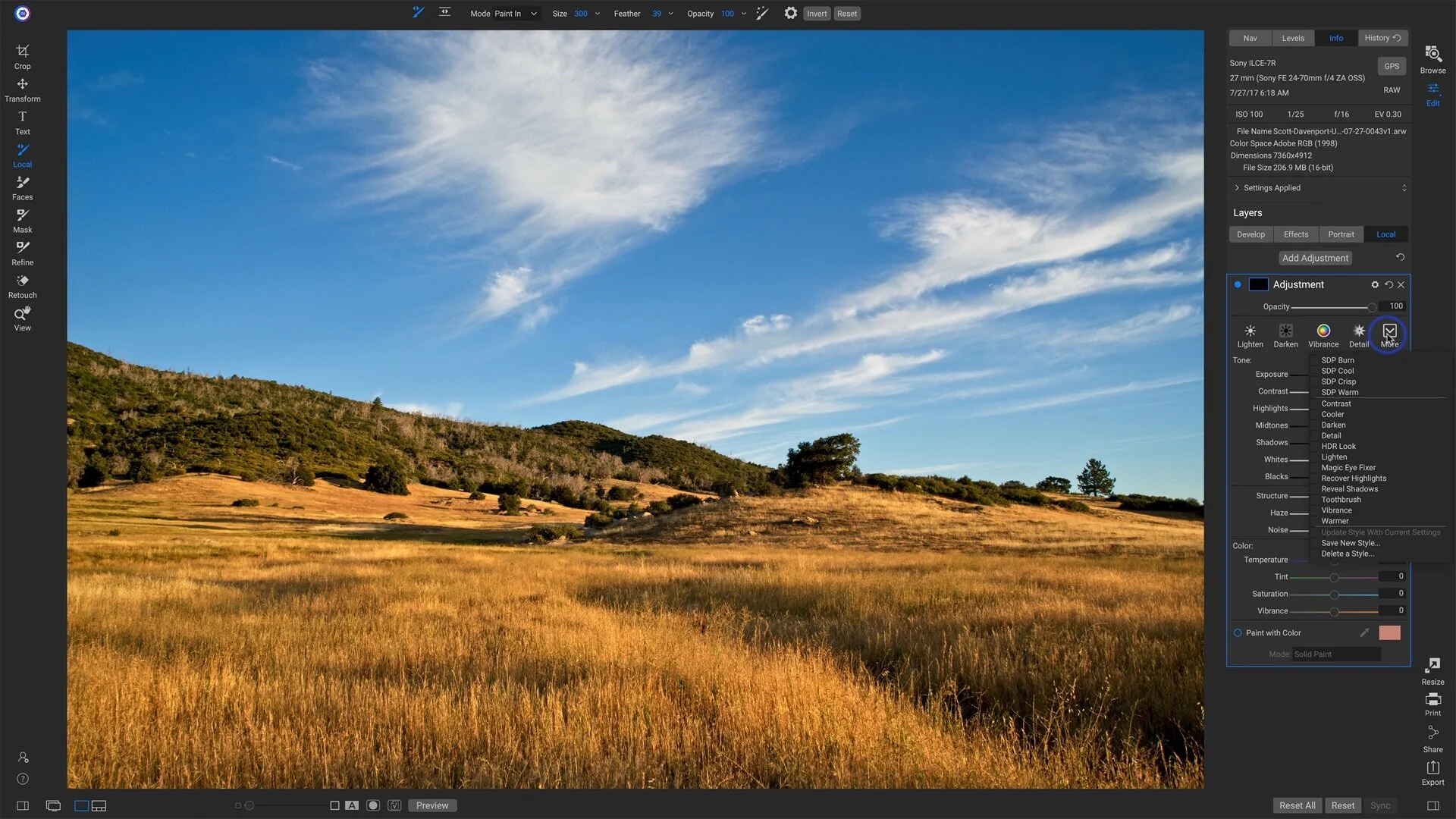
Brush Styles For Local Adjustments In ON1 Photo RAW
Speed up your workflow with a few - or a bunch - of Local Adjustment brush styles.
Complex Masks Made Easy In ON1 Photo RAW
The masking tools in ON1 Photo RAW are powerful. Use them together to get complex masks done quickly.
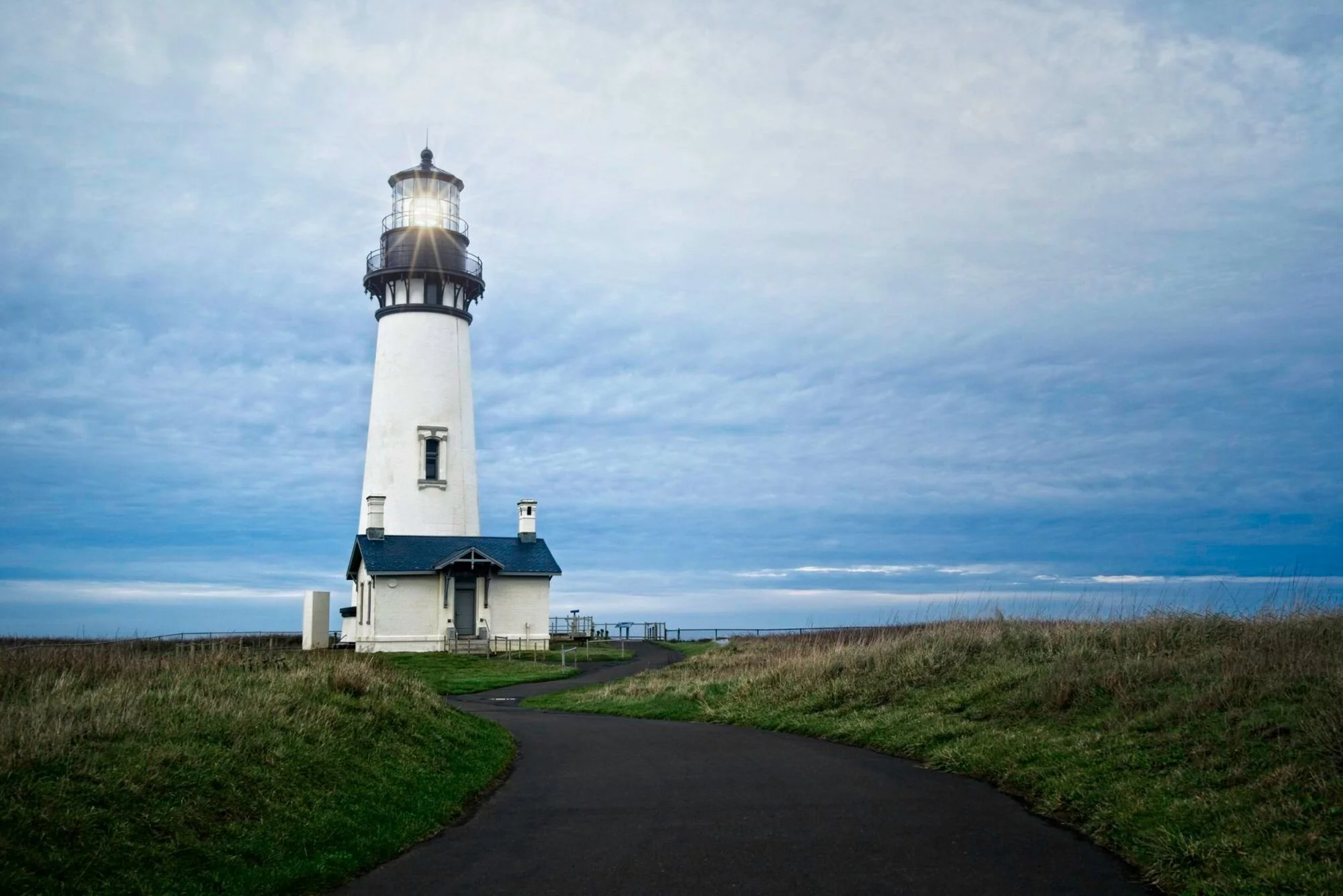
Scaling A Sun Flare Filter In ON1 Photo RAW
Sun flares add ambiance to a photo or an accent to an element in a scene. What do you do when the flare is too large for your image?

How To Round Trip From ON1 Photo RAW To Luminar
ON1 Photo RAW and Luminar can be used together to edit photos. The round-trip process needs a little hand holding. I’ll show you how it works.
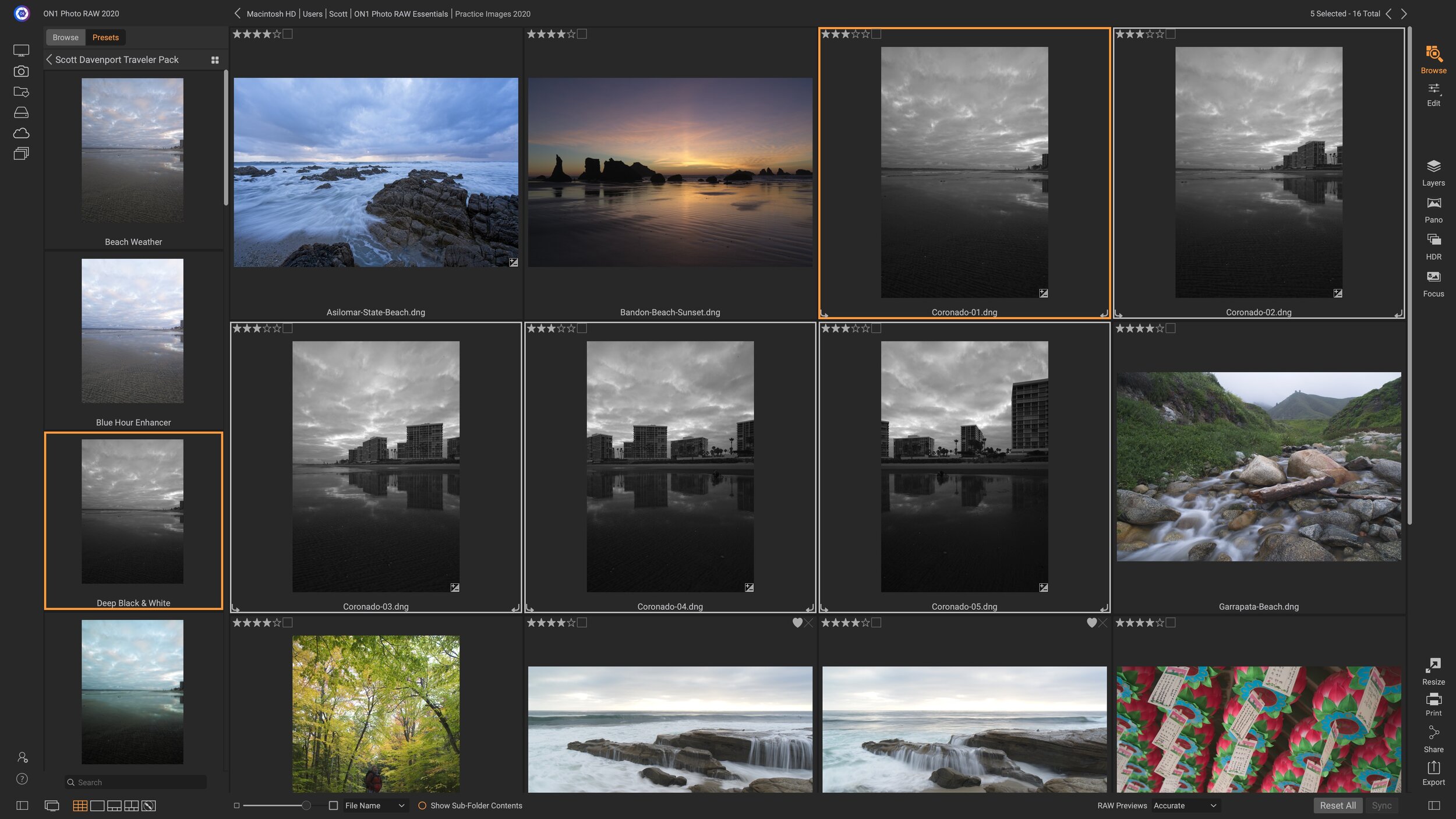
Batch Processing With Presets In ON1 Photo RAW
Got a minute? That’s all I need to show you how to batch process a set of photos with presets in Photo RAW.

Mask Opacity And Mask Density In ON1 Photo RAW
Mask opacity and mask density both control the strength of a mask in Photo RAW. I explain the difference between them in a short video.
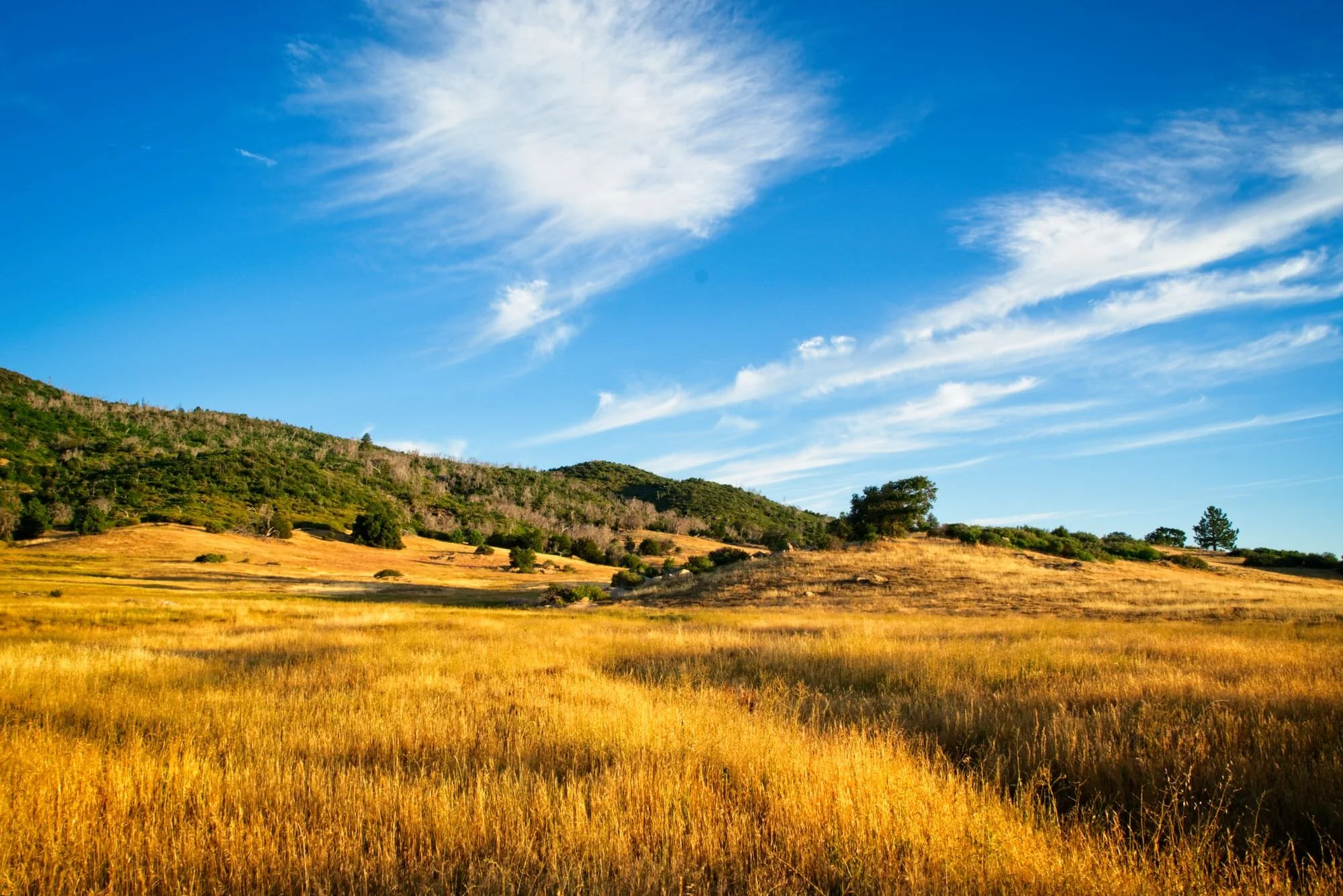
Dodge & Burn In ON1 Photo RAW
Dodge & burn is a classic technique to finish up an image. In this video, I’ll show you my technique for dodging and burning in ON1 Photo RAW.
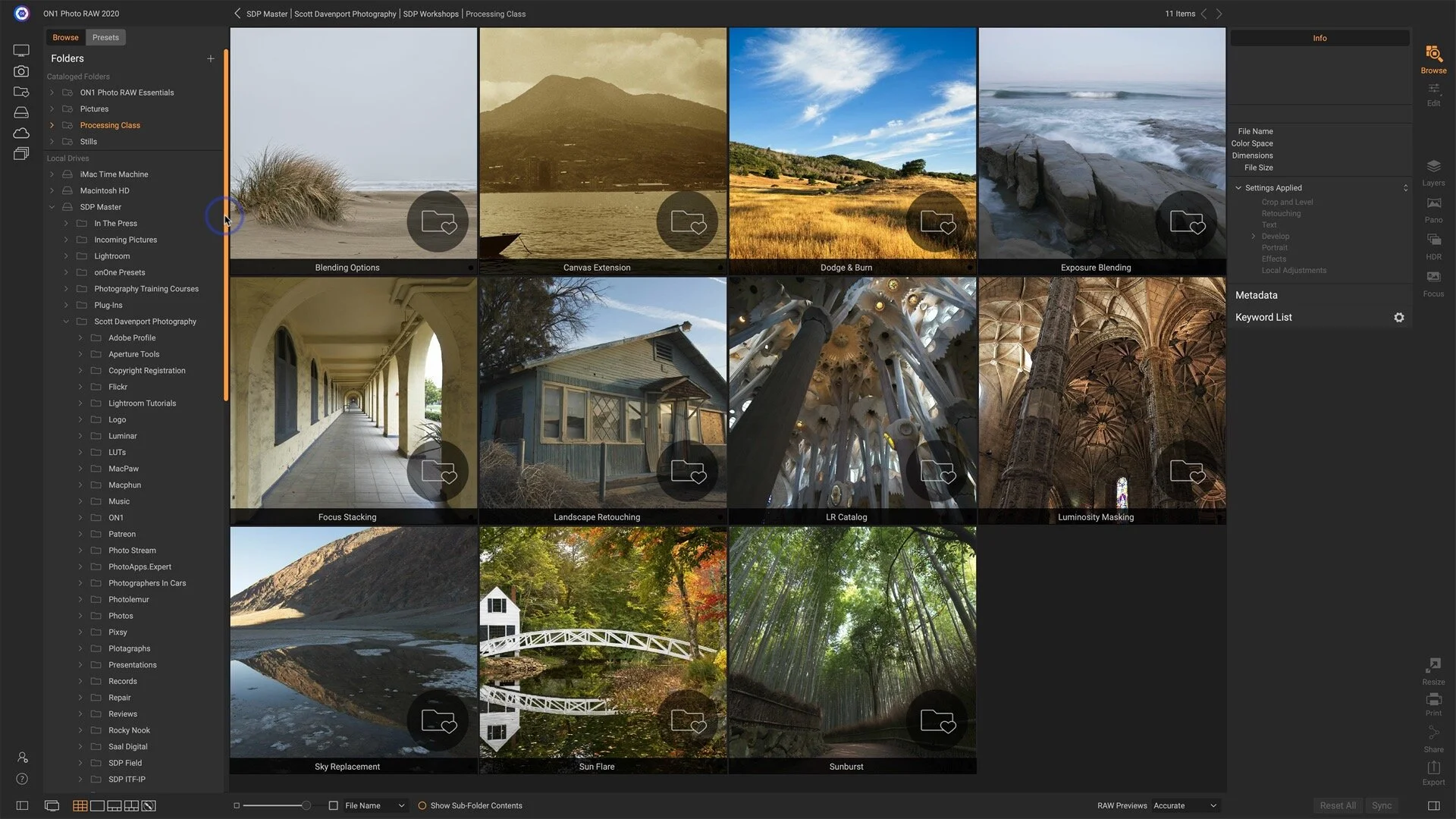
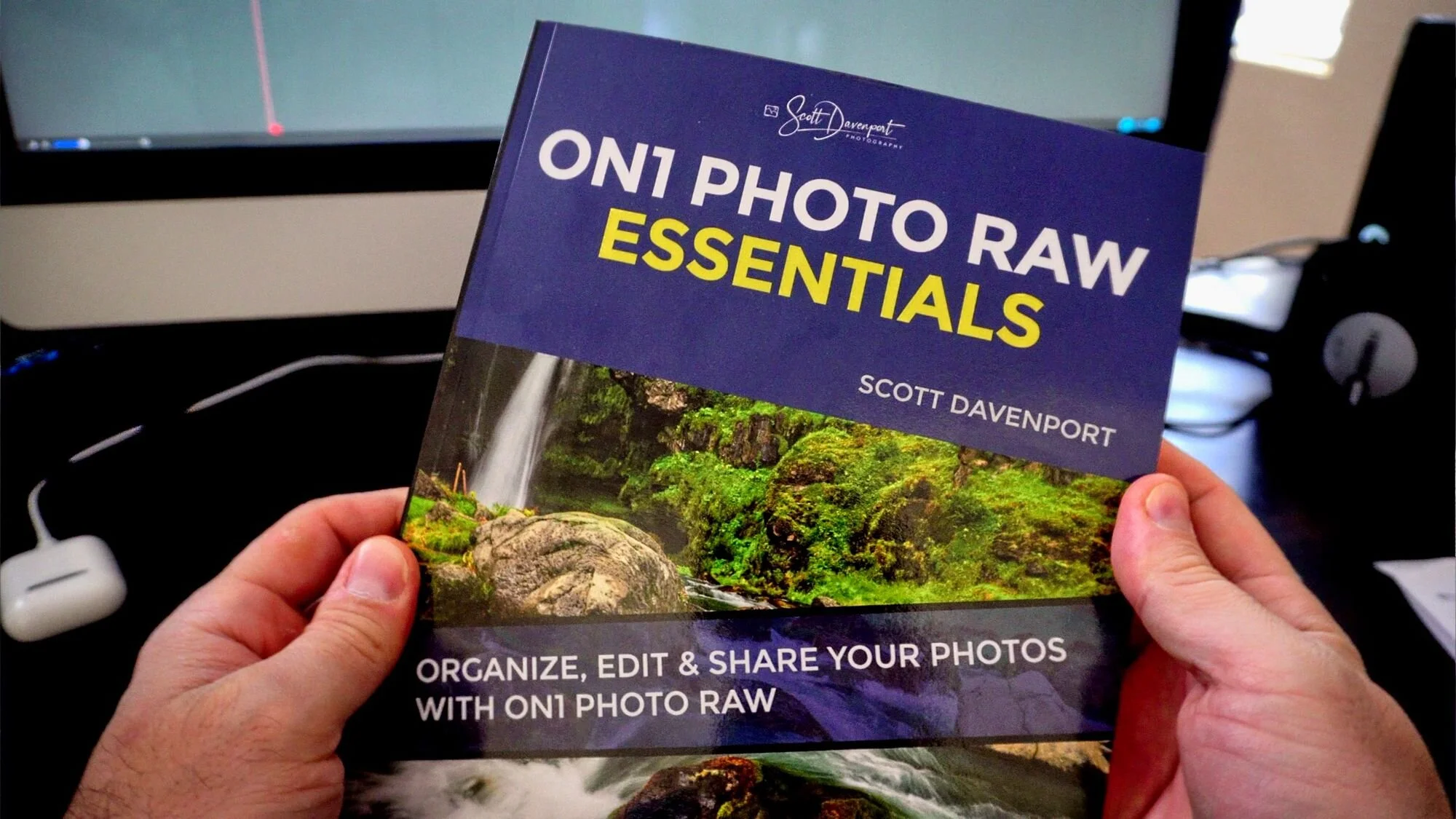
ON1 Photo RAW Essentials Print Book Available Now
My ON1 Photo RAW Essentials book is available now. You can get a digital book or a print book.