

Videos And Articles

ON1 Tutorial - The Keystone Transform Tool
I have a super-quick video showing you how to straighten architecture photos in ON1 Photo.
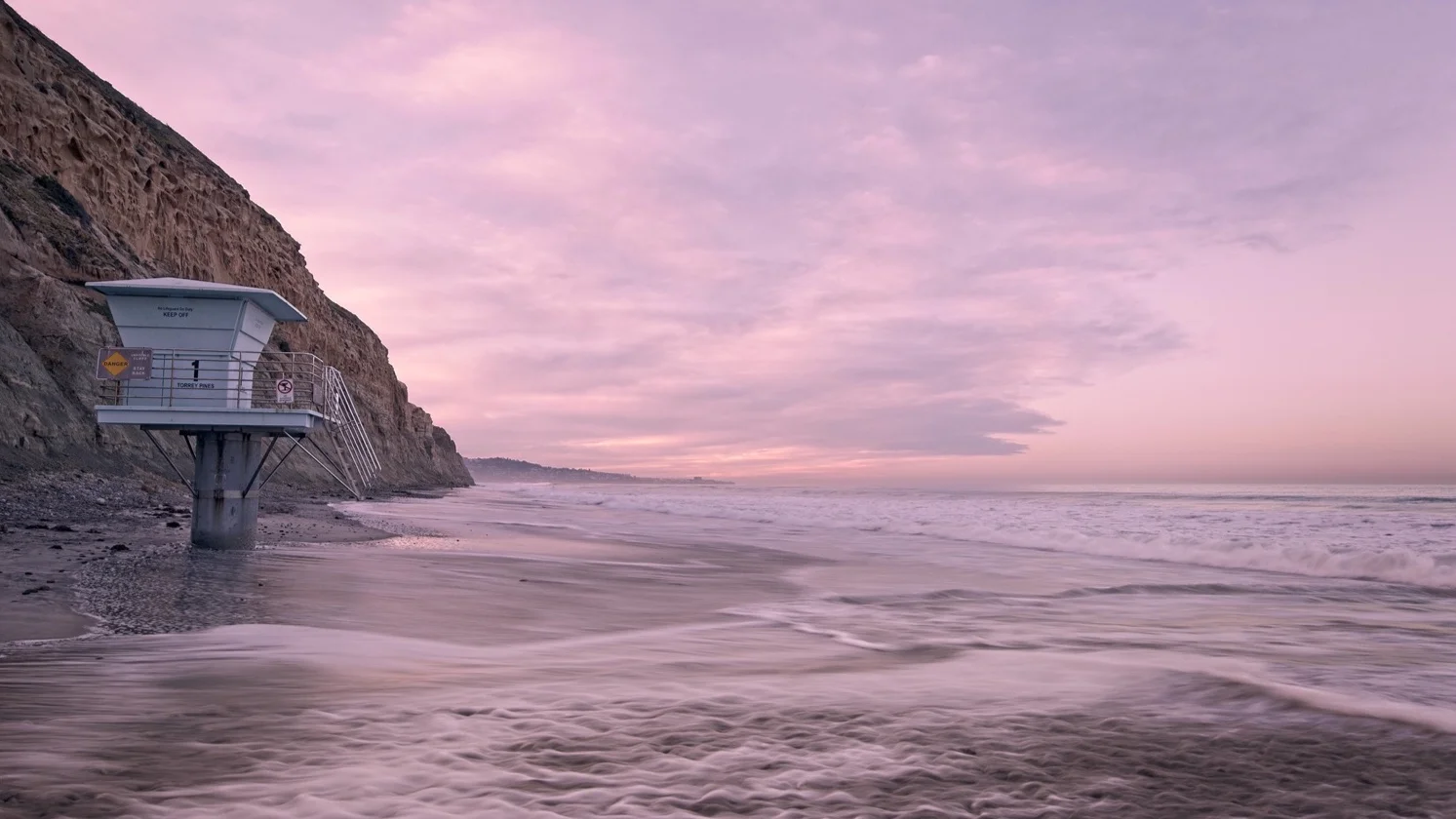
ON1 Tutorial - How To Create A Custom Effects Filter Style
Speed up your ON1 workflow by using filter styles.
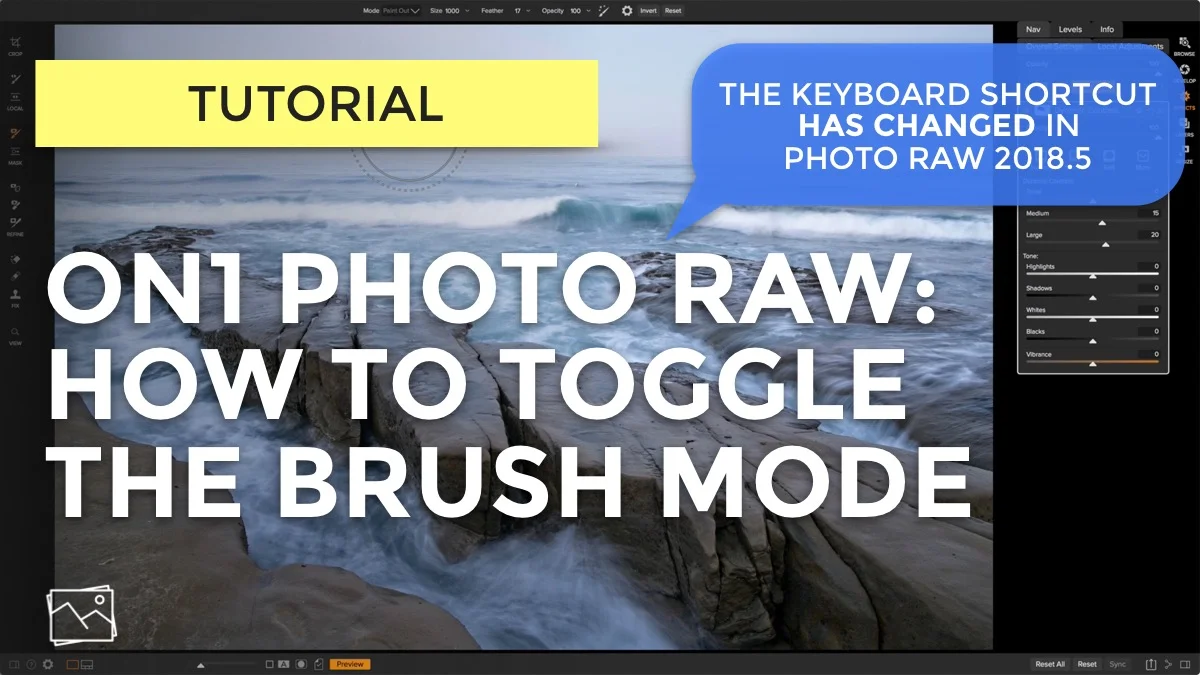
ON1 Tutorial - How To Toggle The Masking Brush Mode
The keyboard shortcut to toggle the masking brush mode has changed in Photo RAW 2018.5! Watch this video to hear the backstory.
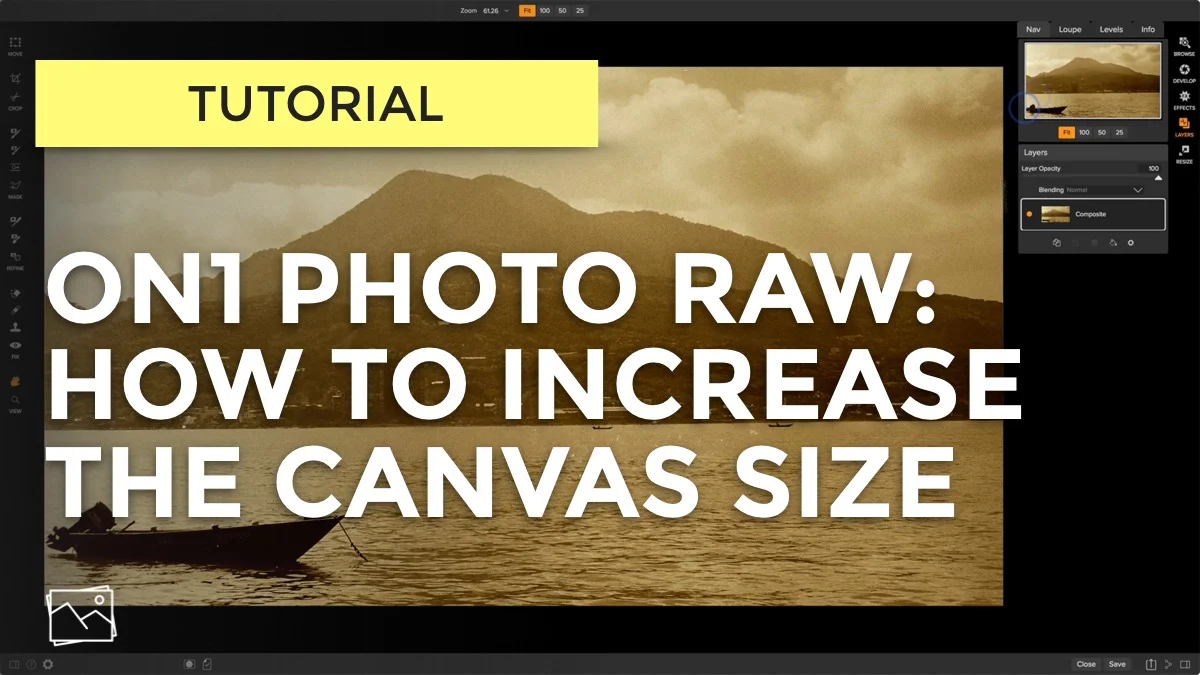
ON1 Tutorial - How To Increase The Canvas Size
What’s a canvas? And how to change its size? Give me 3 minutes and I’ll explain.

The Top 3 Things I'm Eager For In ON1 Photo RAW 2018.5
ON1 took the lid off of Photo RAW 2018.5. Here are the 3 improvements I’m most excited about.
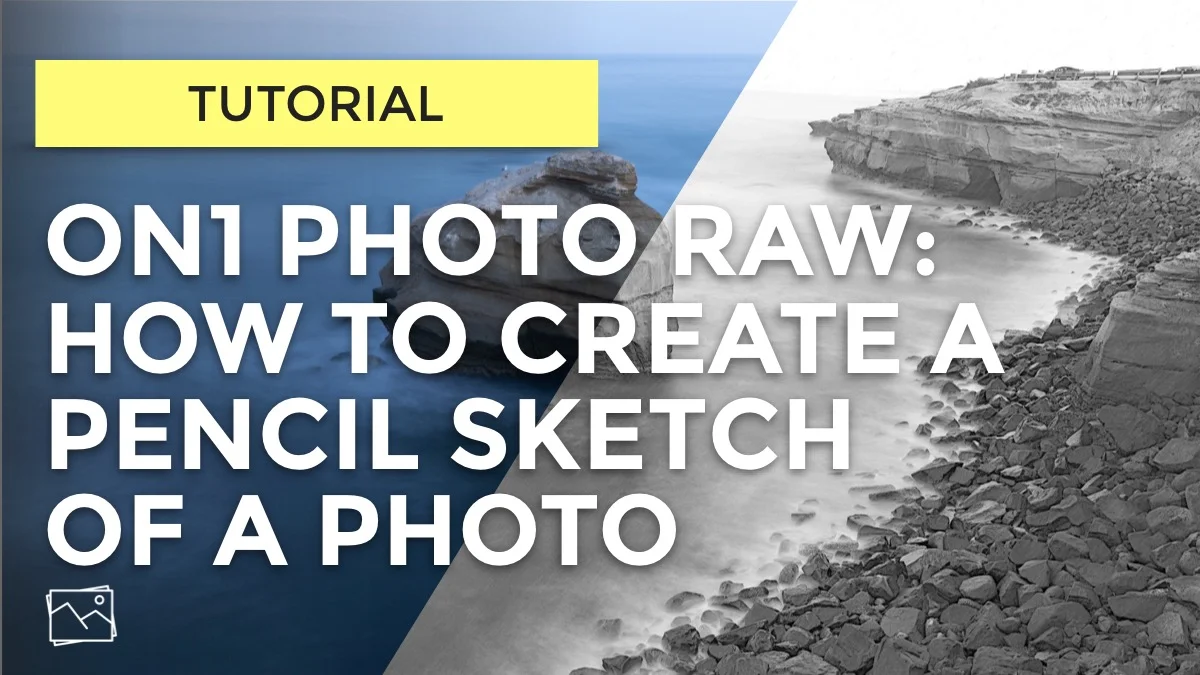
ON1 Tutorial - How To Create A Pencil Sketch
A follower asked “Can create a pencil sketch of a photo in ON1?” Yes, you can.
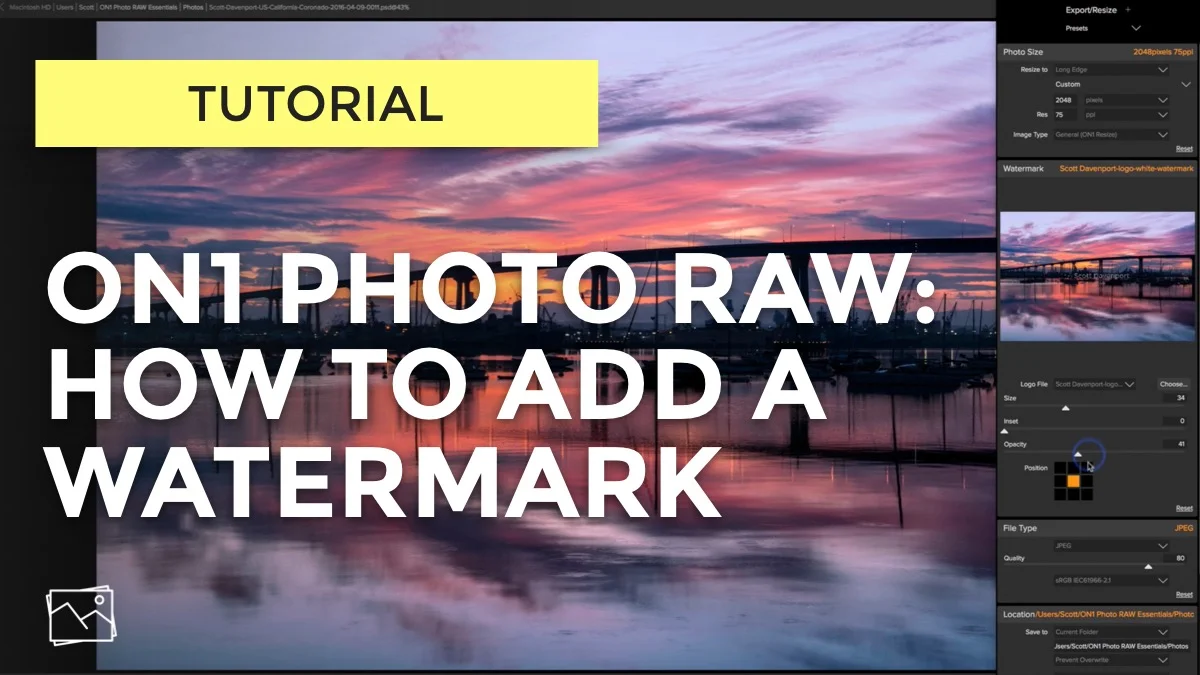
How To Add A Watermark In ON1 Photo RAW
Adding a watermark to your photos is fast and easy in ON1 Photo RAW.
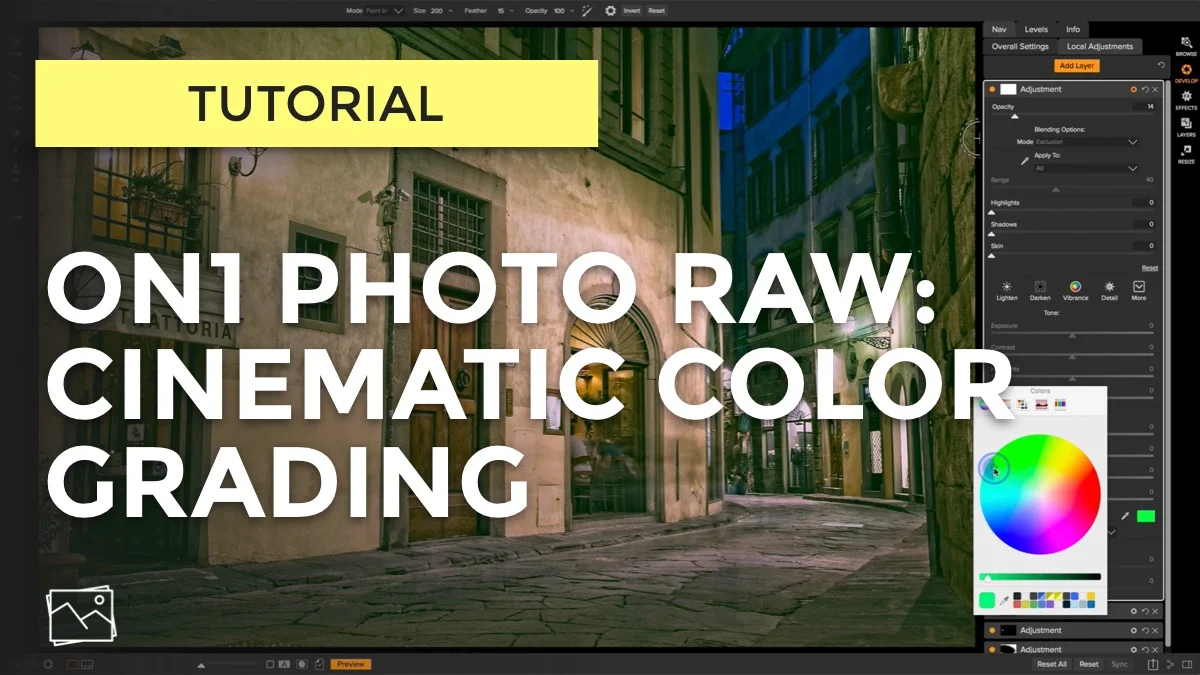
Cinematic Color Grading In ON1 Photo RAW
Got 90 seconds? I'll show you a quick way to add a cinematic color grade to your photos in ON1 Photo RAW.
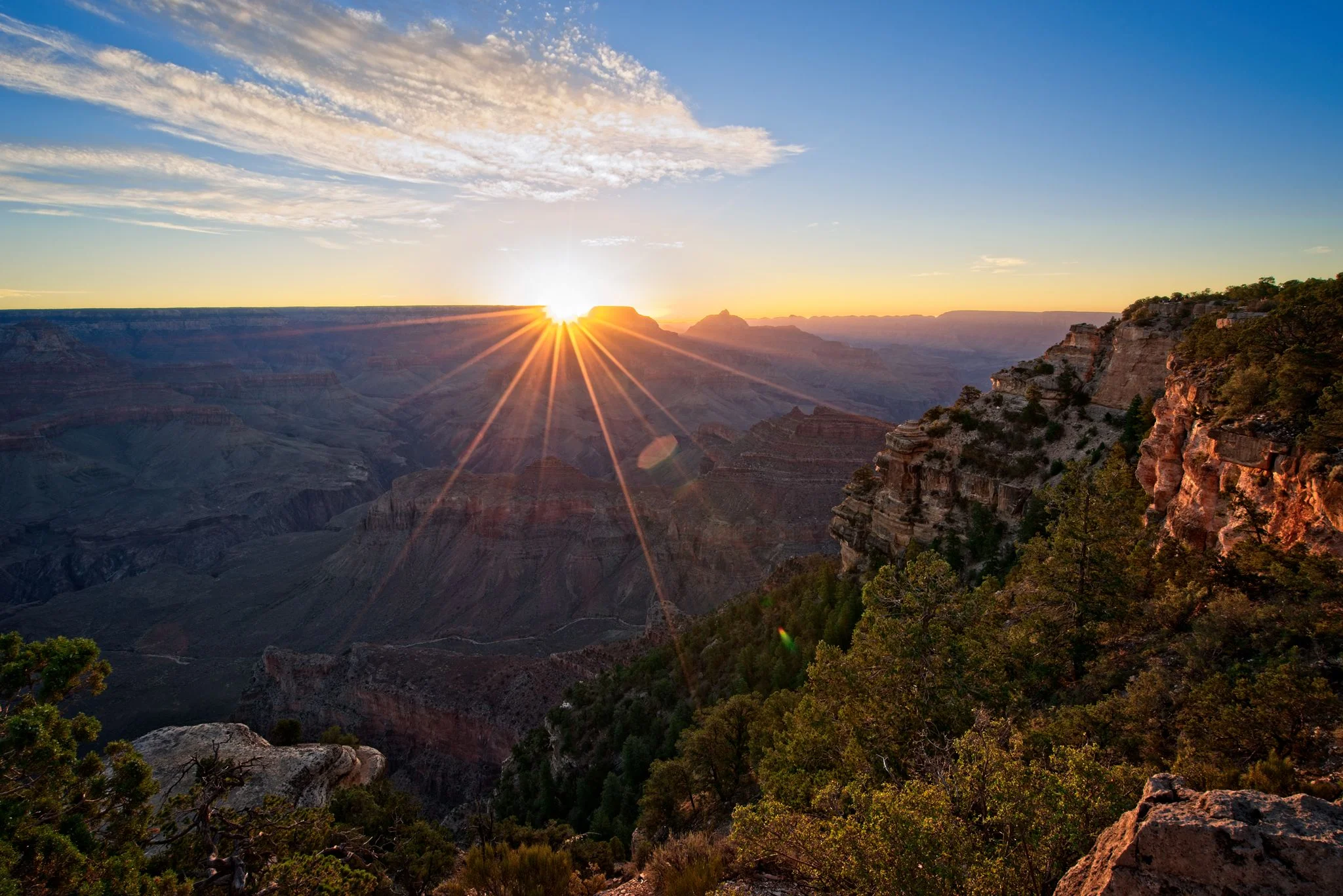
Amazing Shadow Recovery In ON1 Photo RAW
Got 5 minutes? I'll show you how awesome shadow recovery is in ON1 Photo RAW.
3 Preferences To Set In ON1 Photo RAW
Check your ON1 preferences and see if you have these 3 things set up.

ON1 Photo RAW Essentials, 4th Edition
ON1 Photo RAW Essentials is now updated for the 2018.1 release. Already have the 3rd Edition? This is a free update for you.