

Videos And Articles

Removing Hot Pixels In Lightroom (Almost)
Moire correction can help with hot pixels. At least the red and blue ones.

Filtering Virtual Copies In Lightroom
Tucked away in a corner of the filter bar in Lightroom is an option to show only Virtual Copies. It came in super-handy for me recently.
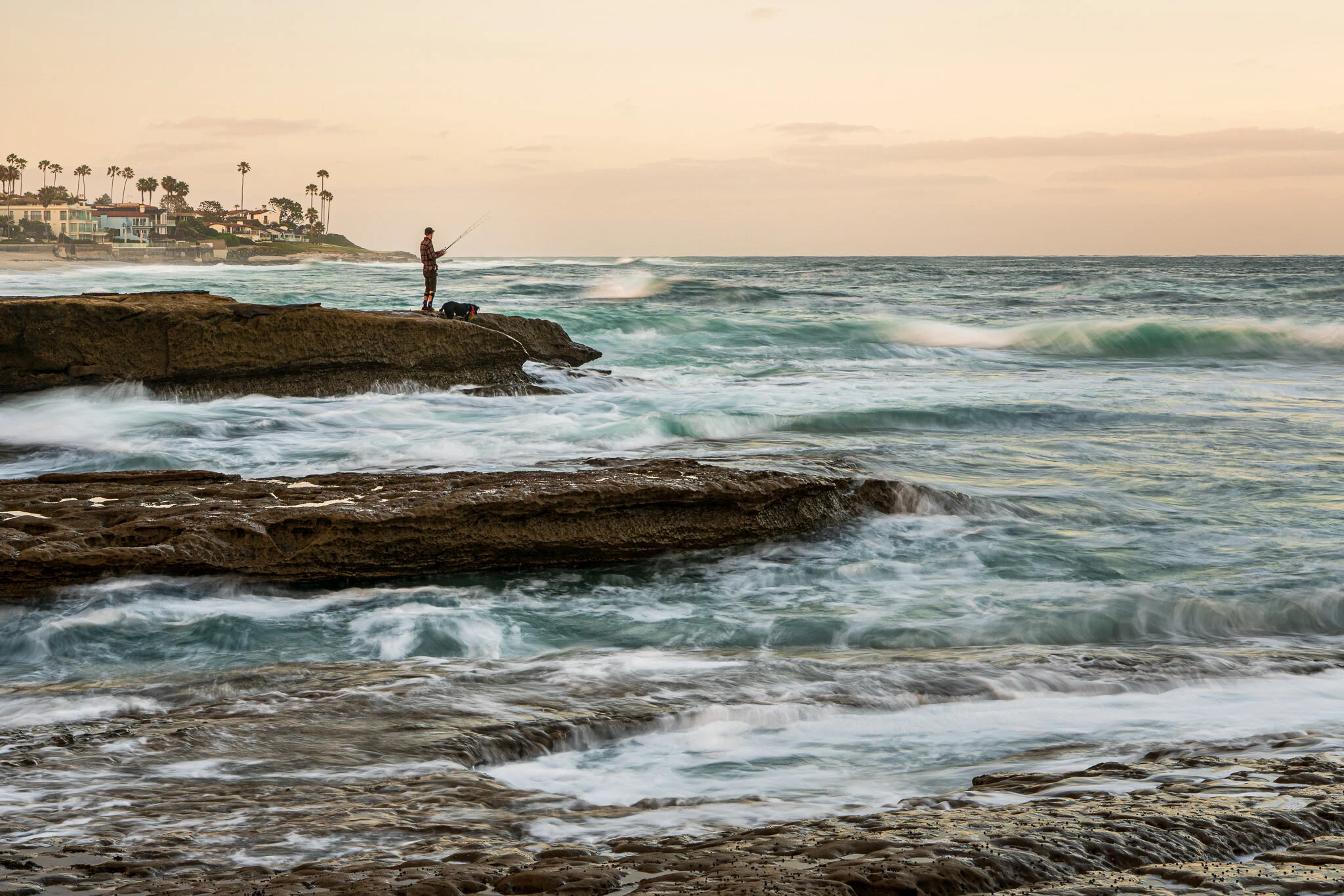

Local Hue Adjustments For Lightroom Are Here!
I’m so happy Adobe has added local hue adjustments into Lightroom Classic.

The Previous Button In Lightroom
The Previous button in Lightroom’s Develop module will speed up your workflow. Spend time only on your best photos.
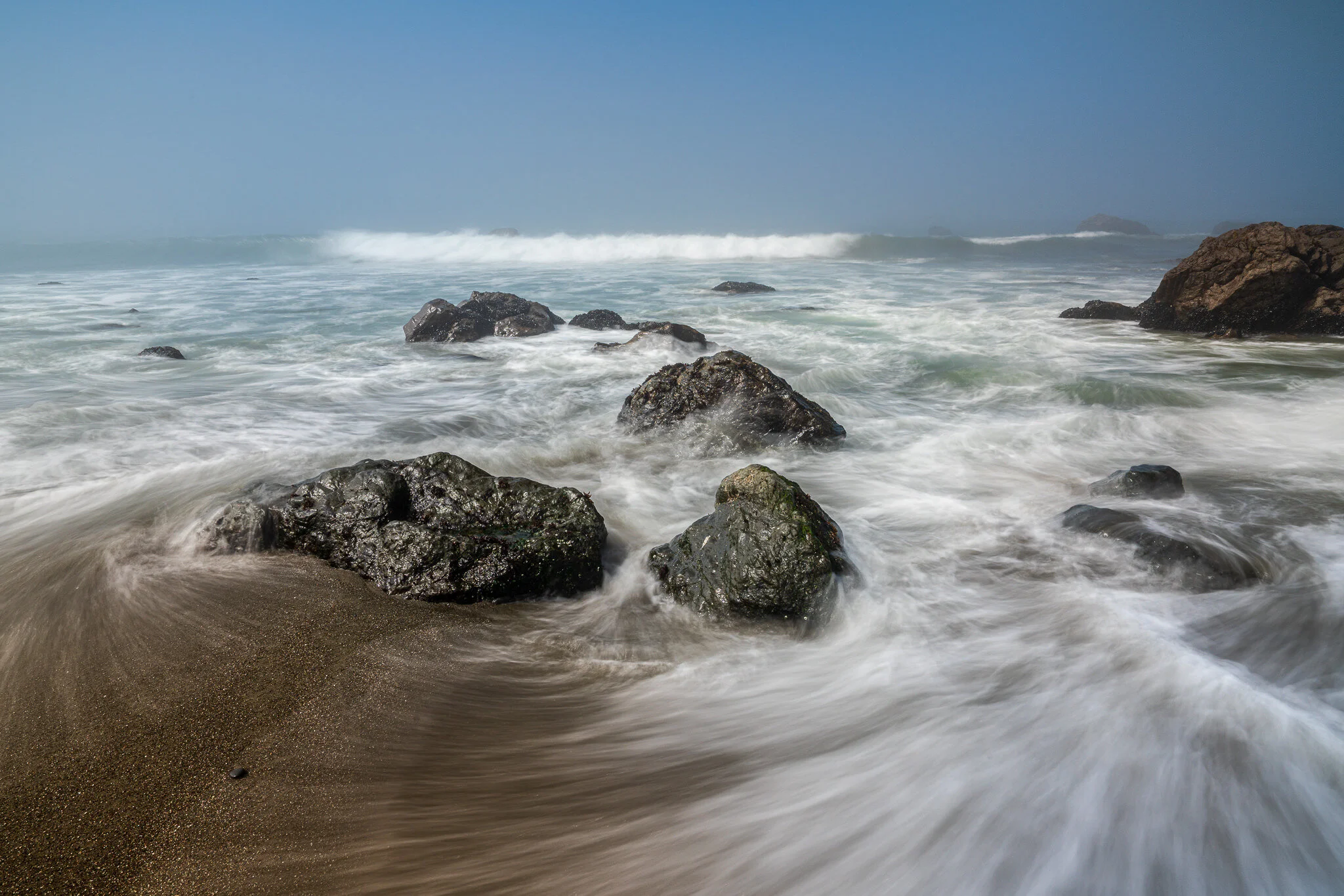
Reduce Glare On Wet Rocks
Wet rocks are fun to photograph, however, produce glare and shine in our images. I’ll show you how to manage the glare.

The Visualize Spots Slider In Lightroom
The Visualize Spots slider in Lightroom will help you root out difficult to find dust and water spots in your photos.

Previewing Camera Profiles In Lightroom
Use the grid view to quickly preview the look of camera profiles.
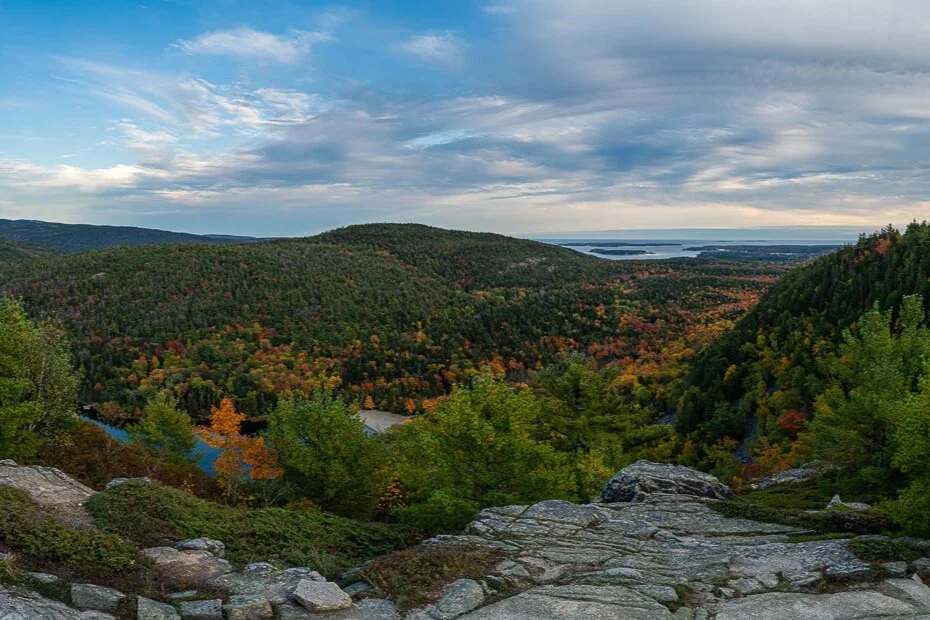
Fill Edges In Panorama Merge
Lightroom Classic CC has a couple of options to smooth out the edges of panoramic stitches.
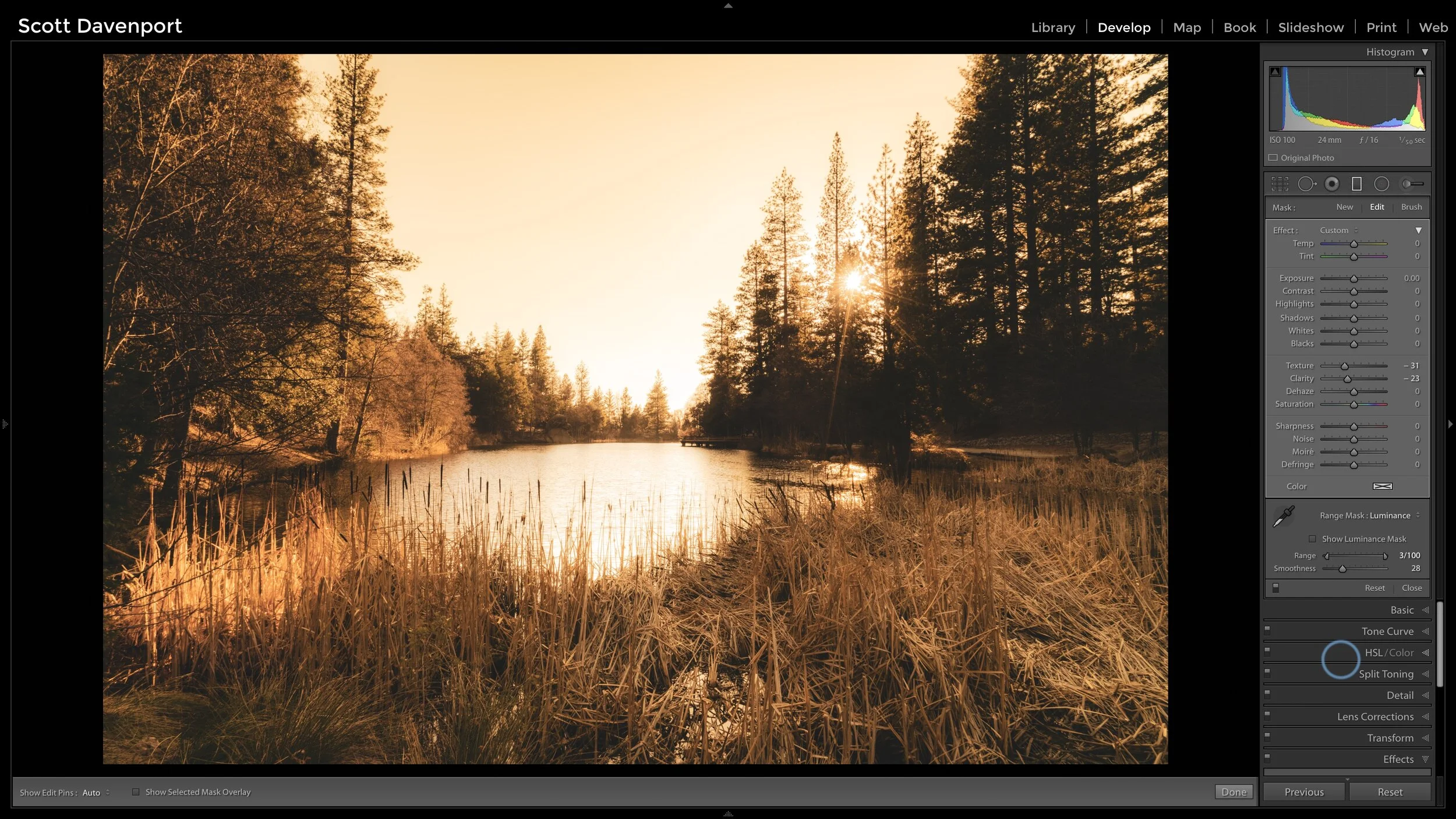
How To Make A Sunshine Glow In Lightroom
I typically use Luminar or ON1 Photo RAW to add glow and sunshine looks. Although, there is a technique in Lightroom that creates a (somewhat) similar look.

The Print Resolution Checkbox In Lightroom
I’d never paid attention to this checkbox before. Now that I know what it does, I’m turning it off.

Color Labels And Color Label Sets In Lightroom
Color labels are a useful tool to segment and track your photos. I’ll show you how I use them.