

Videos And Articles
Using Filters In Lightroom’s Library Module
I use filters in the Library module all the time to sift, search, and sort my photos.

Setting A Target Collection In Lightroom
Designating a collection as a target speeds up workflow. Especially when the set of photos you want in a collection are scattered about your library or folders.

The Shift Click Trick For Precision Curves In Lightroom
Got 4 minutes? I’ll show you how the Shift key helps get more precise tone curve adjustments in Lightroom.
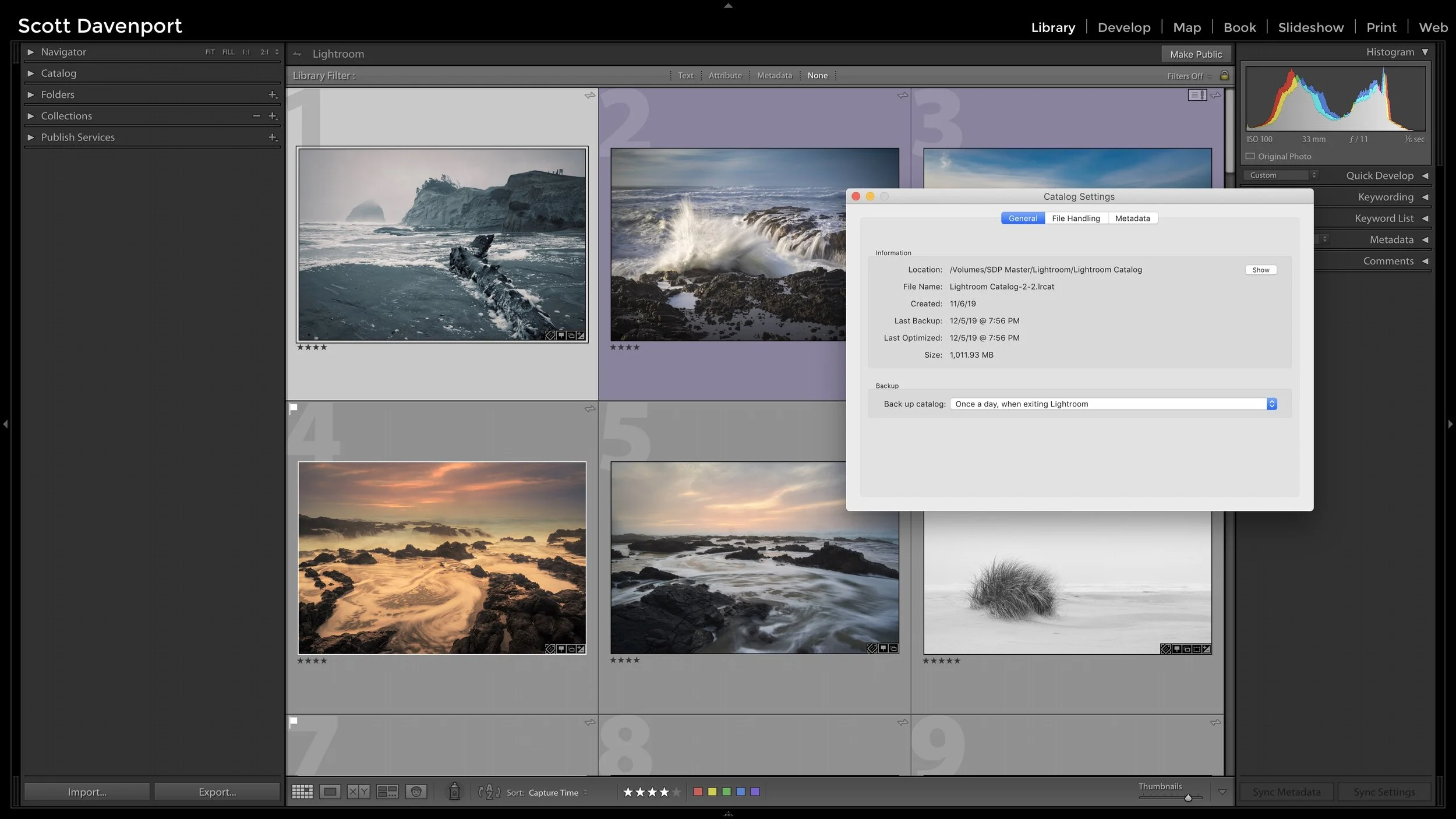
How To Move A Lightroom Catalog
Moving a Lightroom catalog from one disk to another isn’t all that bad. I’ll show you how.

Keywords And Synonyms In Lightroom
Do you use keywords in Lightroom? There are two features I use all the time.

How To Create A File Naming Template In Lightroom
Start off your photo management right with consistent photo naming. A file renaming template in Lightroom helps with that a ton.

Transform & Constrain Crop In Lightroom
I was surprised when the Constrain Crop checkbox in Lightroom’s Transform tool cut away more of my photo than I expected. Time to investigate.

Opacity And The Lightroom Clone Brush
Give me 2 minutes and I’ll show you how to make better retouches using the opacity control of the clone brush.
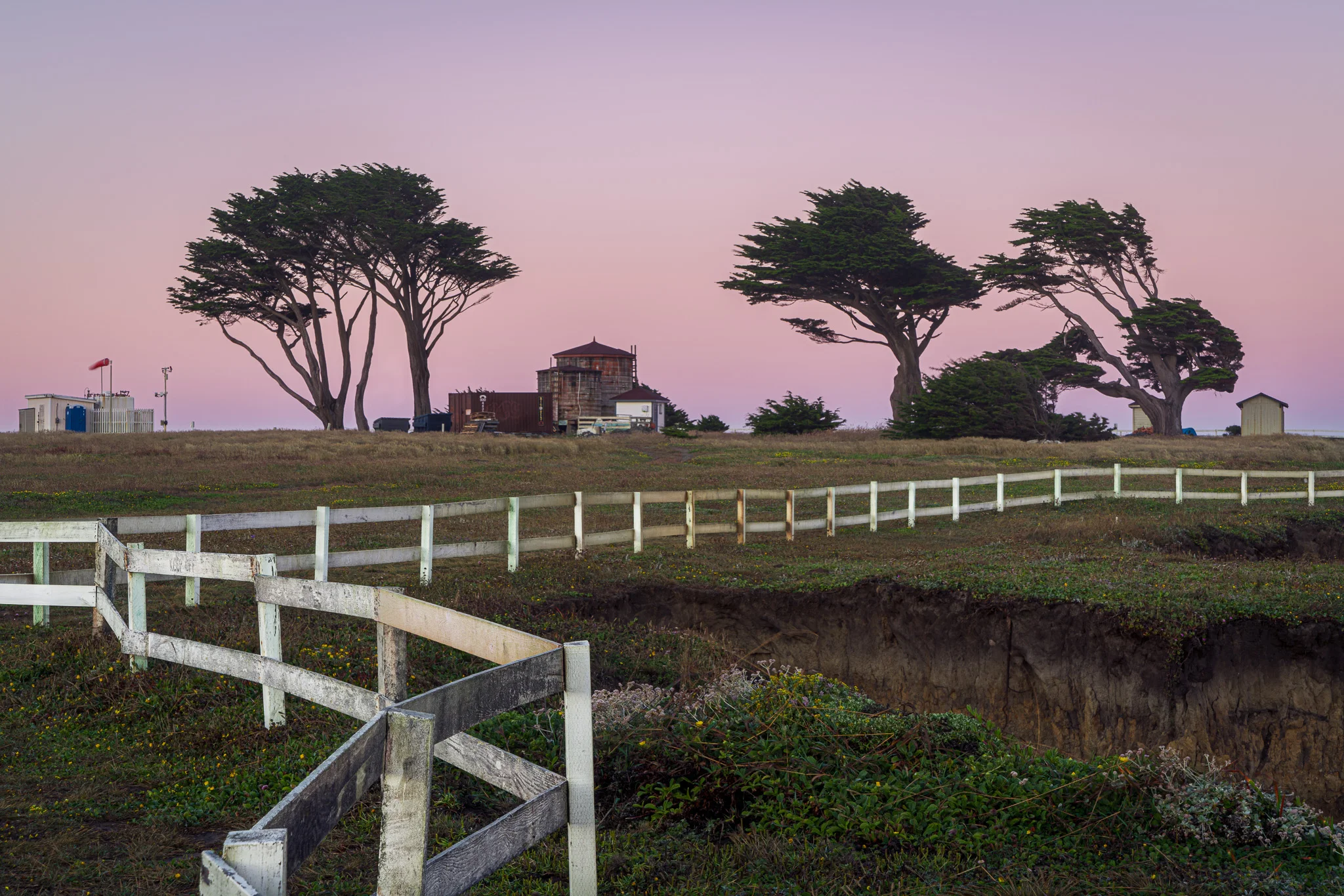
What Direction Do I Drag The Graduated Filter In Lightroom?
Confused about what direction to drag your graduated filter in Lightroom? In this quick video, I show you how I think about it.

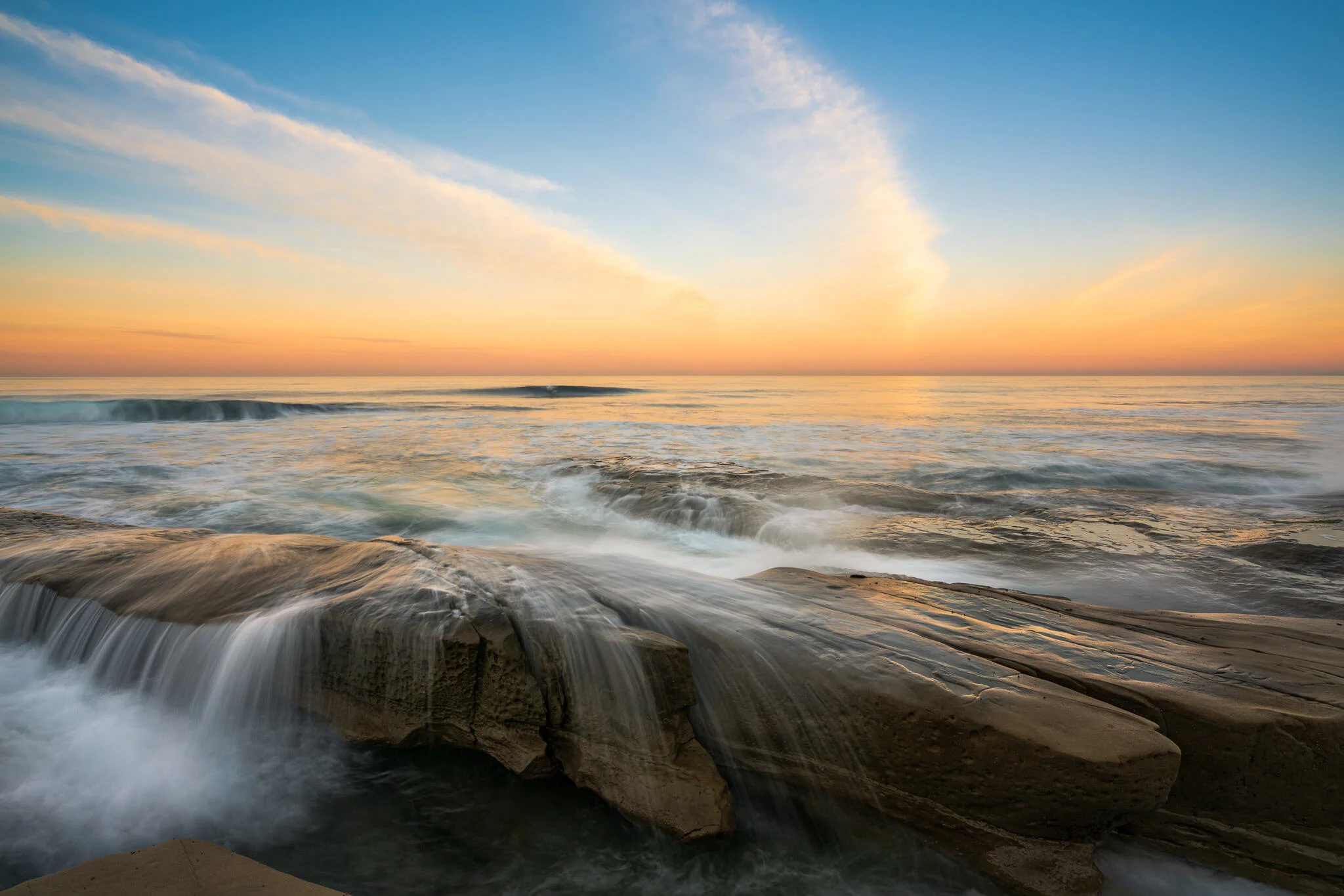
How To Add Smoothness To Choppy Water
Sometimes choppy water adds mood to a scene. Other times, it’s a bit over the top. I’ve got an easy processing tip for you to help keep choppy water in check.

Doubling Down On Graduated Filters In Lightroom
Got 3 minutes? I’ll show you a little trick with graduated filters that can save you some time in your workflow.
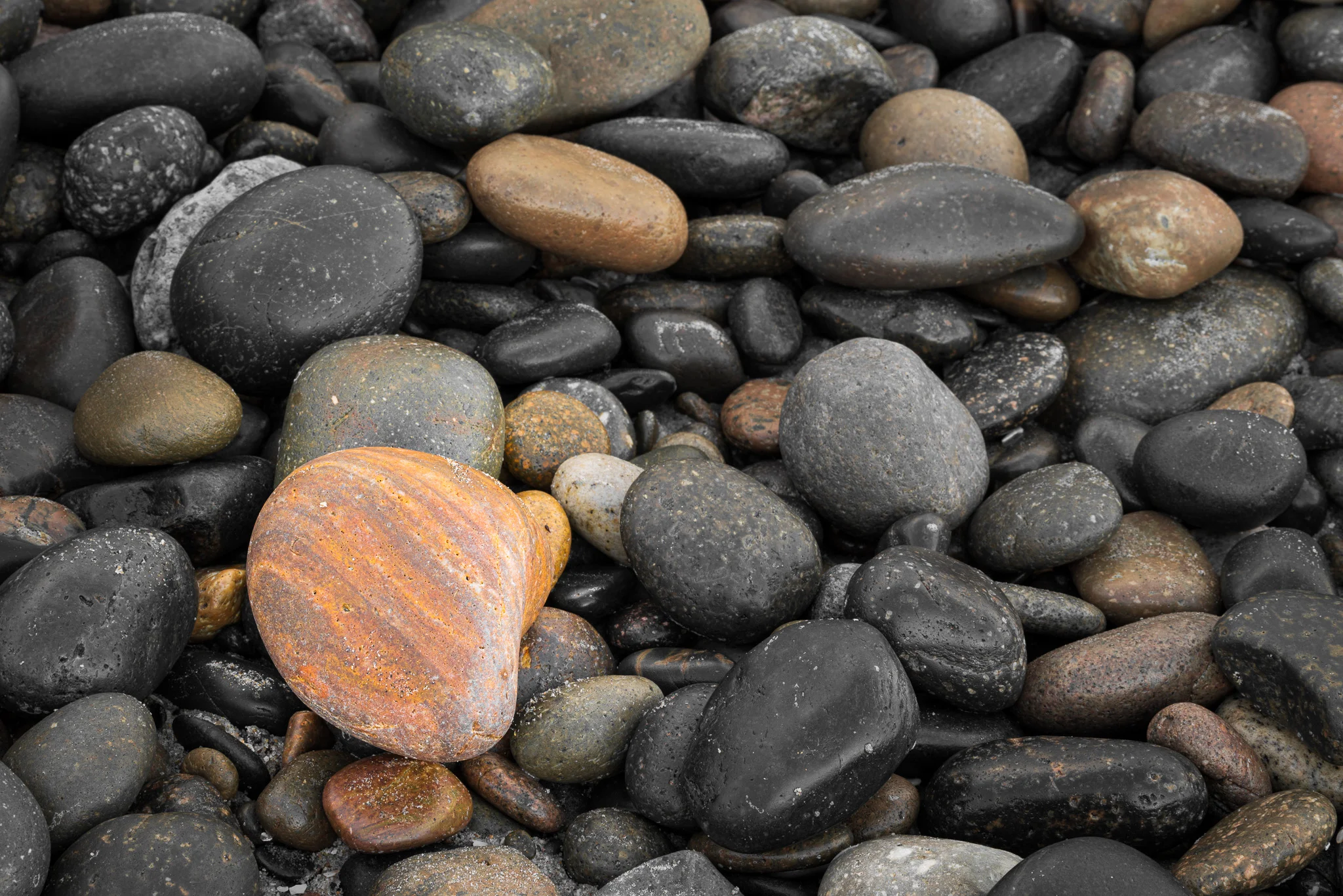
Emphasize Your Subject By Desaturating Color
A technique to emphasize a subject is to have its color stand out from the rest of your scene. Sometimes we saturate our subject, other times we desaturate the rest of the scene.