

Videos And Articles

Is The New Lightroom CC Enhance Details Worth It?
Lightroom CC/Classic 8.2 added an Enhance Details feature to get crisper, finer details out of your RAW files. How does it work? How much better are enhanced photos? Is it worth it? I’ll show you how this new feature works and share when I think it makes sense to try it.

Temperature And Split Tone Adjustments In Lightroom
Use subtle changes in color and temperature to change the mood of your photo.

Precision Contrast With The Lightroom Tone Curve
Reach for the Tone Curve in Lightroom when you want the most control over contrast in your photo. I’ll show you how to identify the tones in your photo and build a curve that gets you the look you want.

How To Change The Mask Overlay Color In Lightroom
When the mask overlay in Lightroom is hard to see, change its color!
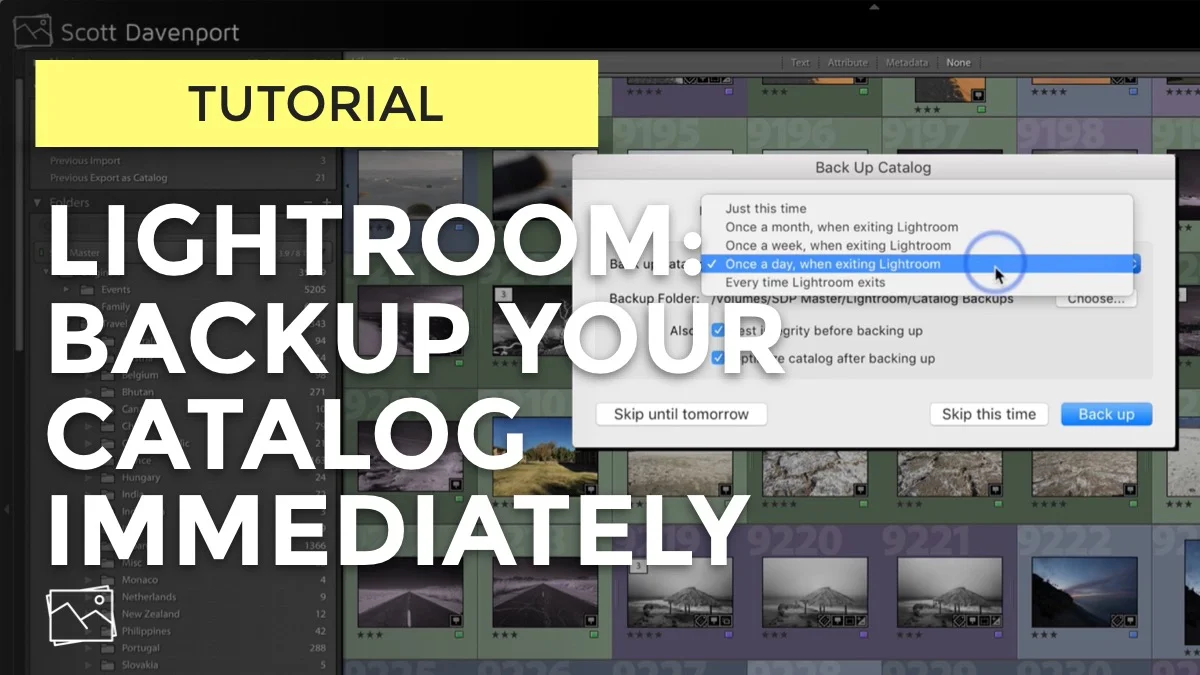
Backup Your Lightroom Catalog Immediately
Backups are important. Use this setting to trigger an on demand backup of your Lightroom catalog.
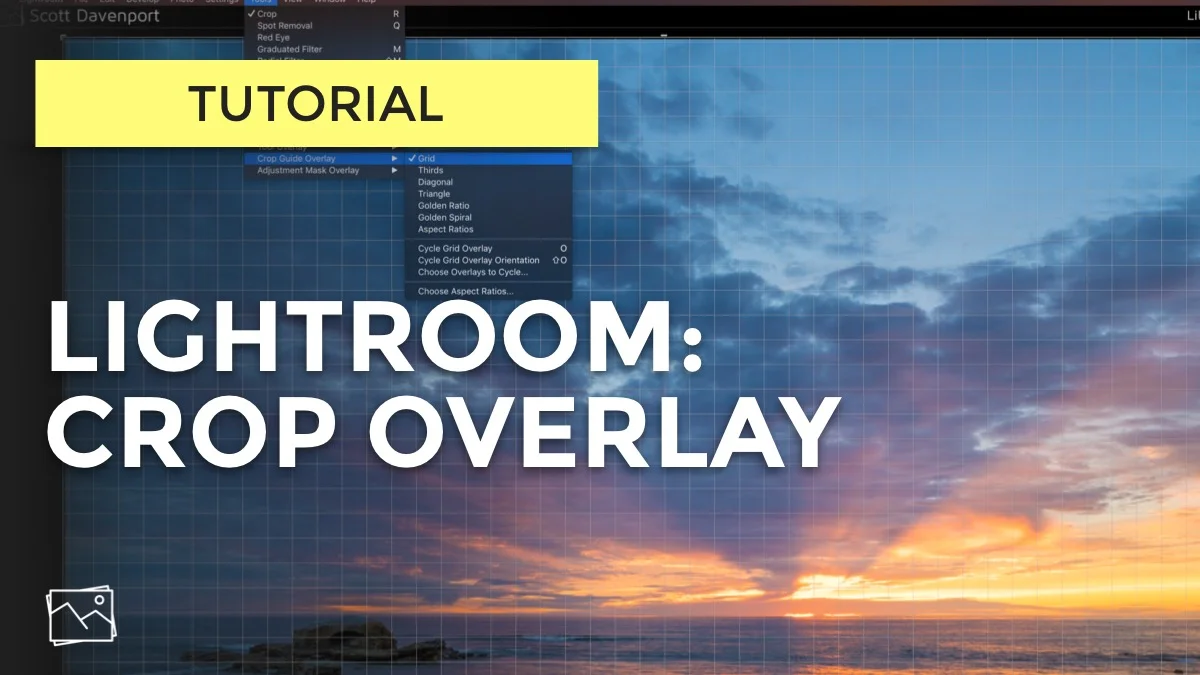
Lightroom Crop Overlays
In a recent In Post video, I used a crop overlay. One of my viewers said, "What's that?!?"
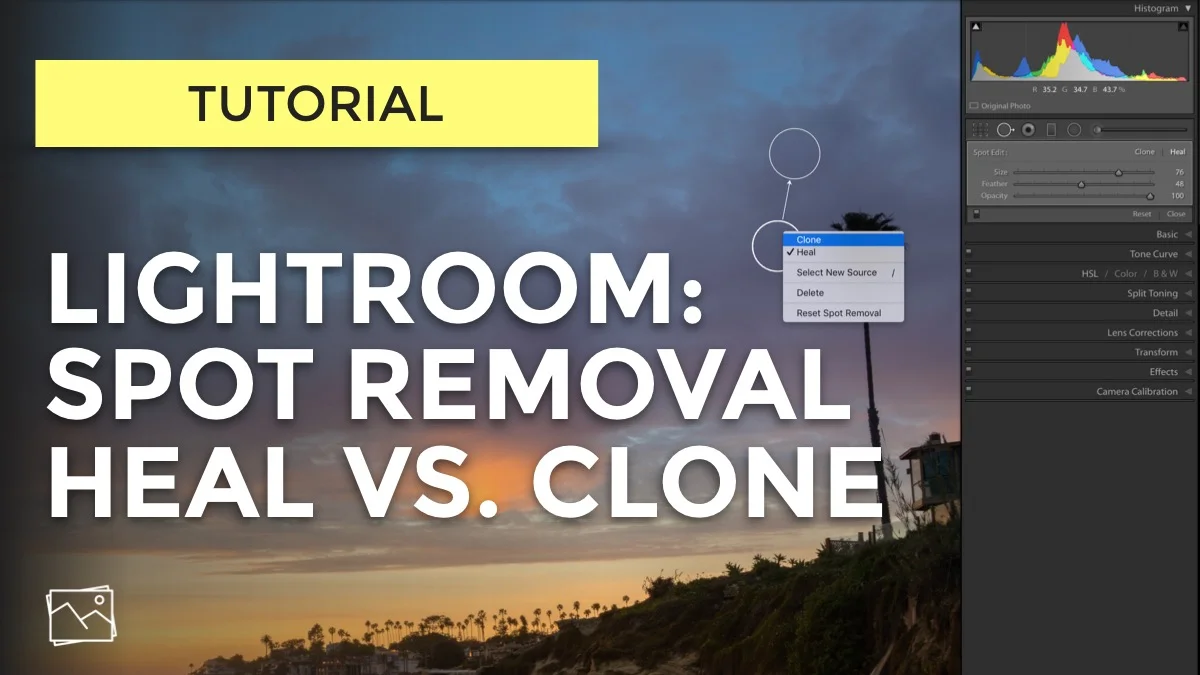
Lightroom Spot Removal - Heal Vs. Clone
Are you confused about when to use Heal or Clone in Lightroom's spot removal tool? Give me 5 minutes and I'll explain it to you.

In Post: Tinting The Shadows Of B&W Photos In Lightroom #315
A finishing step for many of my black and white conversions is adding a tint to the shadows. Watch this video and I’ll show you how easy it is to do.

Rotate Left To Stitch A Bottom To Top Panorama In Lightroom
I'd captured some bottom-to-top frames in the hopes of stitching them as panoramas. It worked, with a little convincing.


5 Reasons I'm Sticking With Lightroom. For Now.
A lot is happening in the RAW editor space. I'm sticking with Lightroom. Here's why.
In Post: You Are Smarter Than The Photo Software #169
The tools we photographers have are phenomenal. Still... there are times when we humans are smarter than the tools.