

Videos And Articles
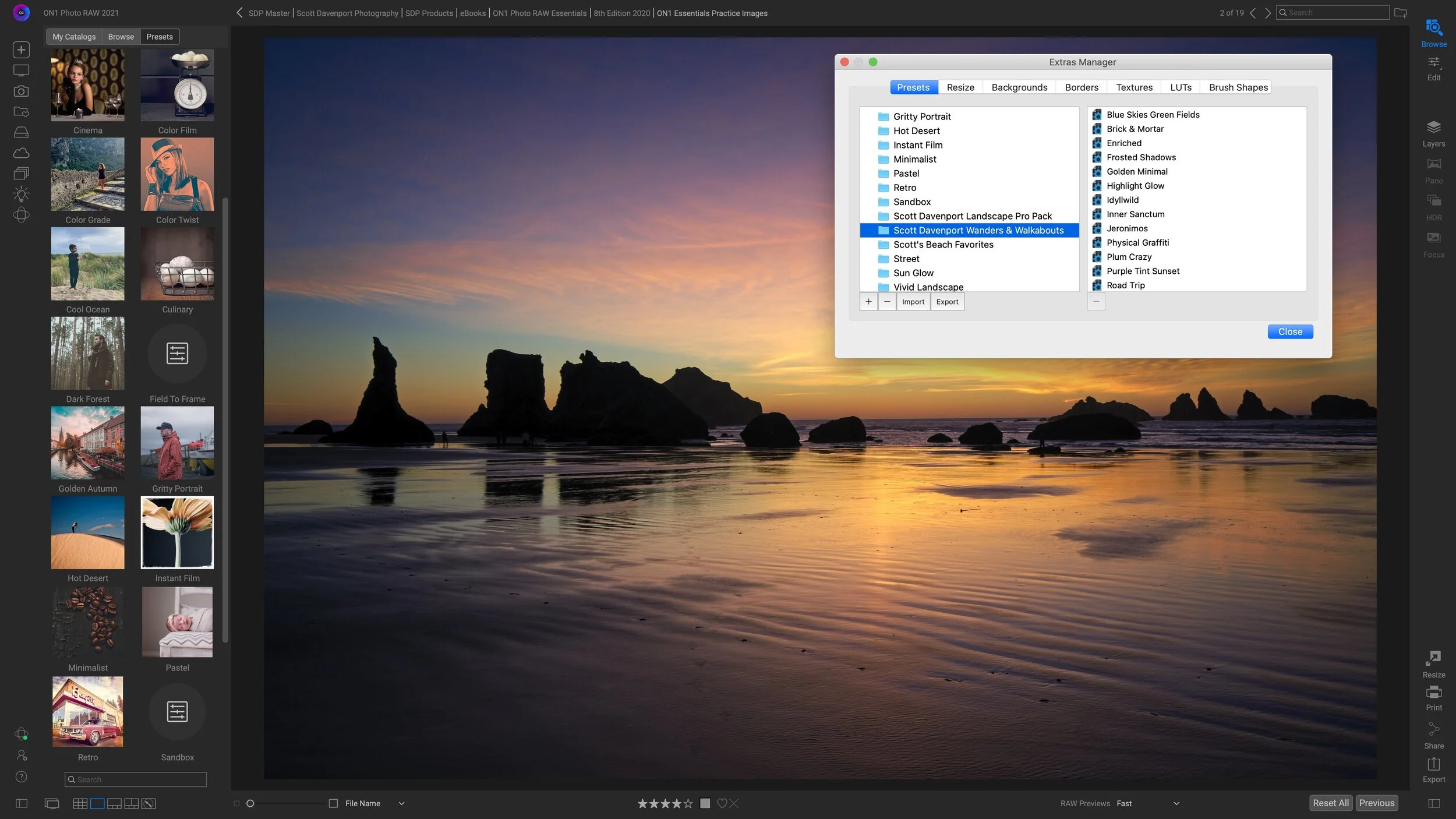
Copying ON1 Presets To Another Computer
Export and import presets with the Extras Manager to copy your ON1 presets to another computer.

A Tour Of The Masking Brush Toolbar - ON1 Photo RAW 2021
ON1 Photo RAW 2021 added a few new options to the masking brush toolbar. Let’s take a tour!

The Power Ballad, The Medley, And Photo Presentation f/44
On the quest to create a single, powerful photo, do we forget that groups of images can stand strong too?

Batch HDR Merge In ON1 Photo RAW 2021
Capture a lot of HDR brackets? Let Photo RAW 2021 automate the merge process for you.

5 Top New Features In ON1 Photo RAW 2021
ON1 Photo RAW 2021 is here! This release is packed with new features.
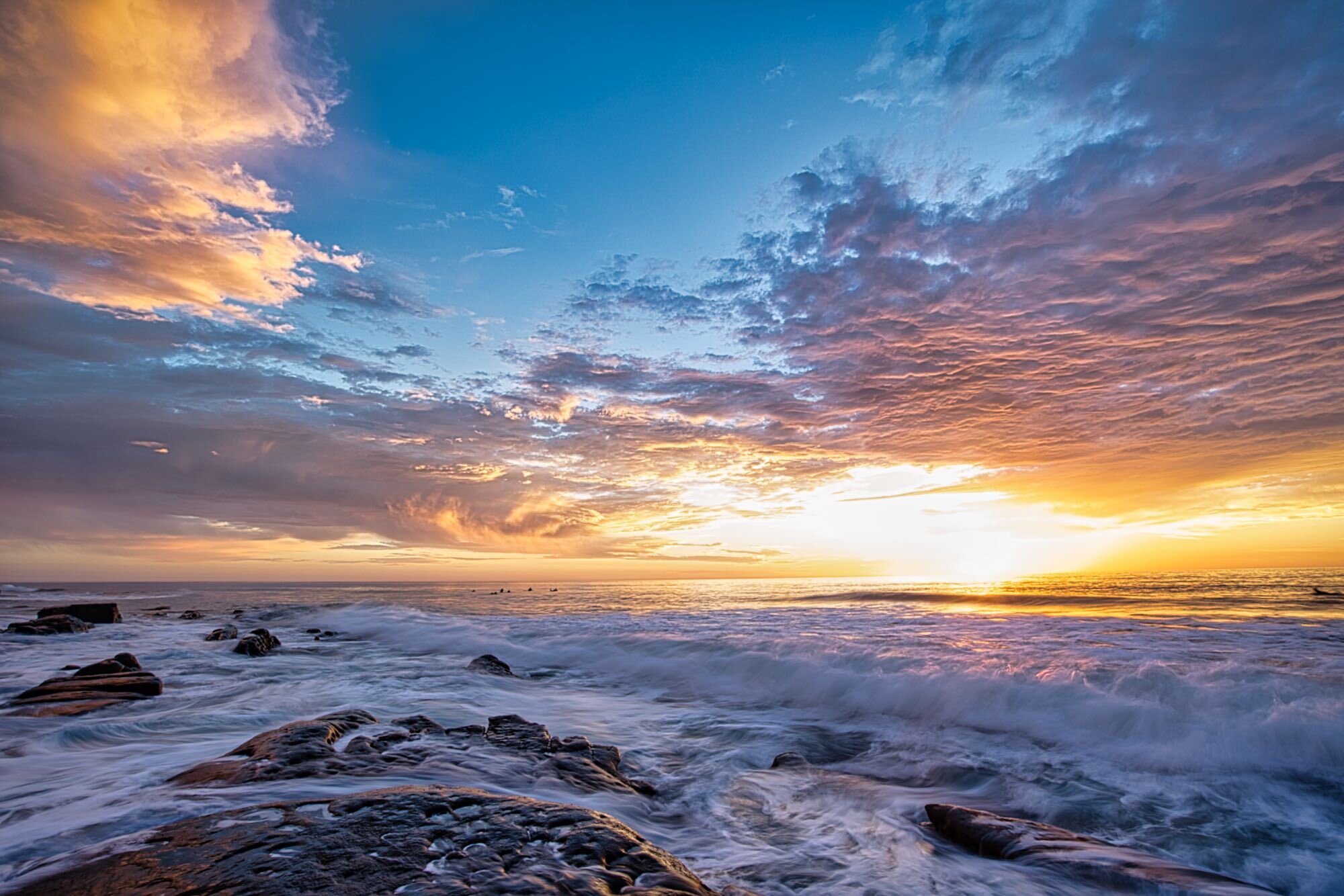
Local Masking In Luminar AI
The Local Masking tools in Luminar AI are for finishing touches to your photos.
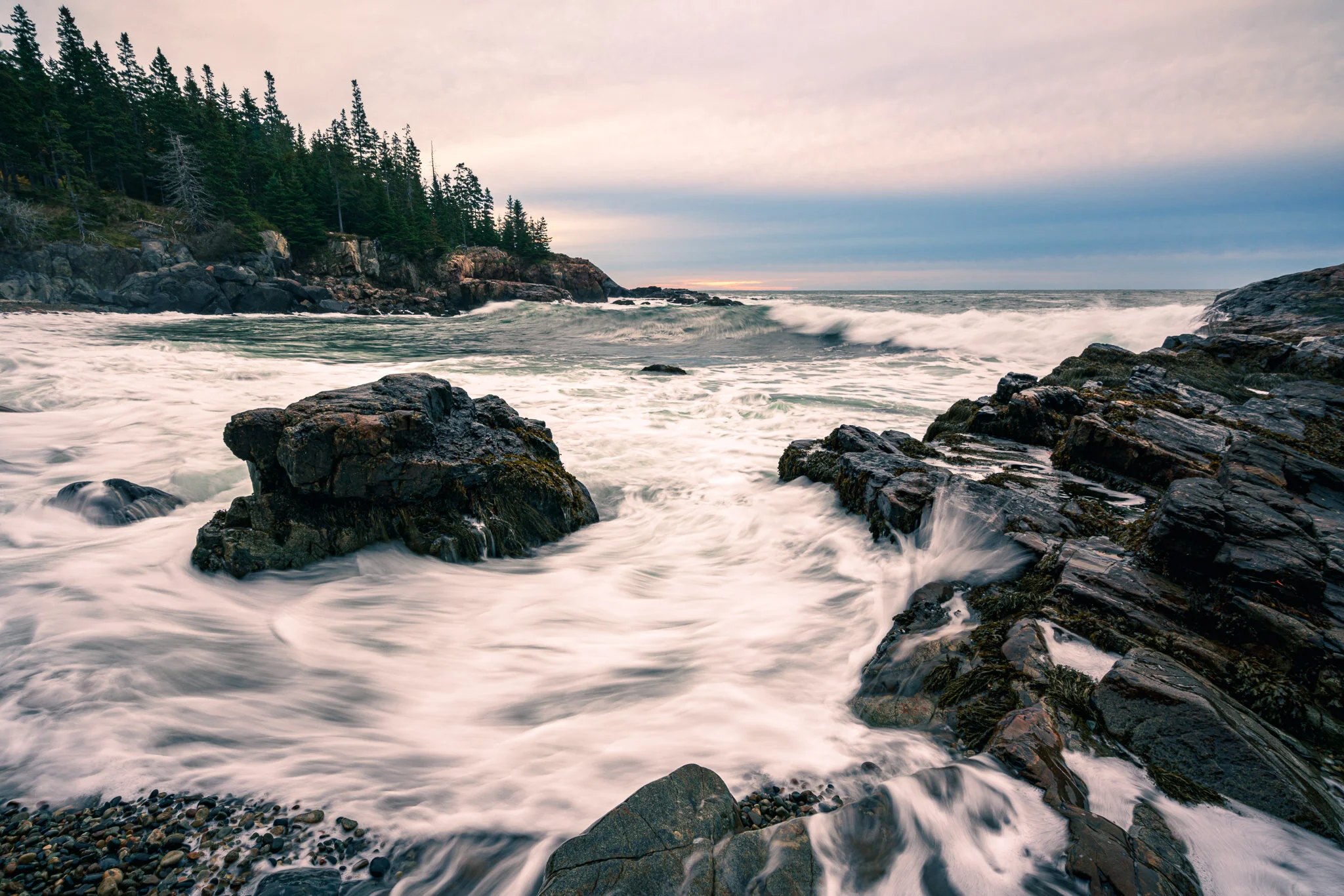
The Color Grading Tool In Lightroom
Lightroom adds a new Color Grading tool, a big update to split toning. I’ll show you how it works.

Does A Photographer Need To Specialize? f/43
Does a photographer need to specialize to improve their craft?
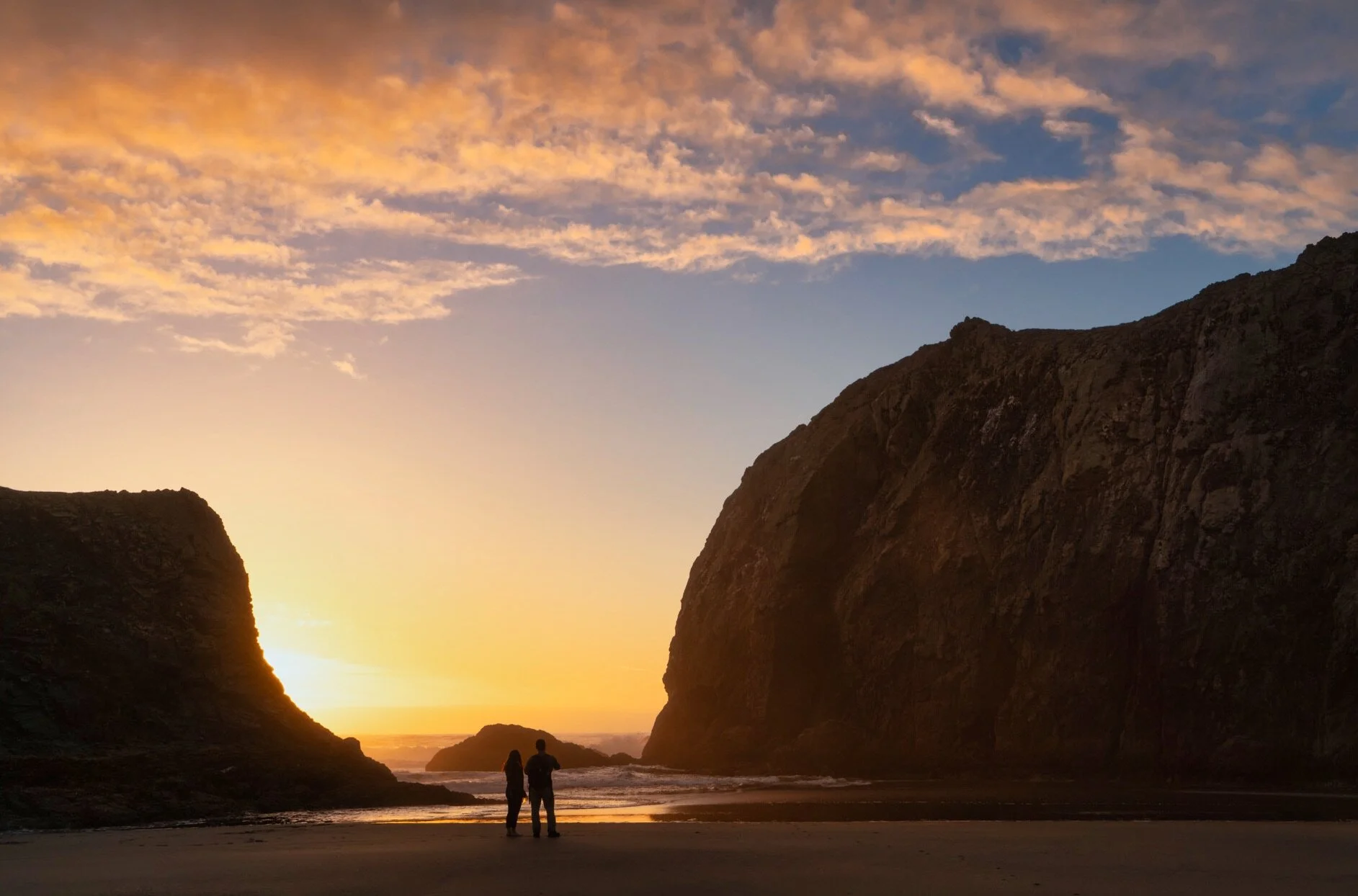
A First Look At Atmosphere AI In Luminar AI
Let’s have a first look at the new Atmosphere AI tool coming in Luminar AI.
Luminar AI - A First Look
Here is a first look at Skylum’s upcoming editing tool Luminar AI.

Adjust Midtone Exposure With The Color Grading Tool In Lightroom
Got 3 minutes? I’ll show you how the new Color Grading tool in Lightroom can help fine tune midtone exposure.

Pop Greens With A Range Mask In ON1 Photo RAW
Target a pop of color using a Color Range mask in ON1.